
 Share
Share
 Print
Print
|
|
|
|
|


CHKPNMOD - Warning when NLA Modify To is not Part of the NHA
Warning when NLA Modify To is not Part of the NHA
Affected Window: w_engineering_component_upload_sel
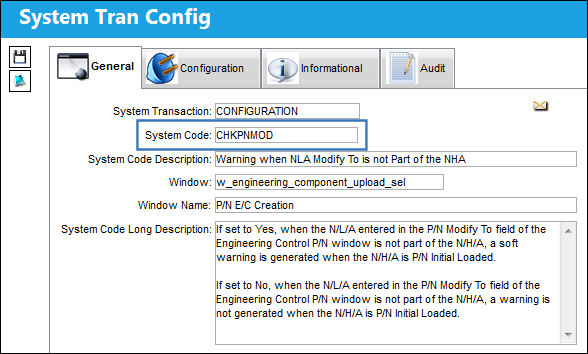
When Set to Yes:
When set to Yes, when the N/L/A entered in the P/N Modify To field of the Engineering Control P/N window is not part of the N/H/A, a soft warning is generated when the N/H/A is P/N Initial Loaded.
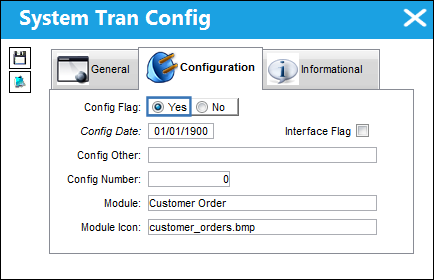
For example, notice the following part exists under an N/H/A.
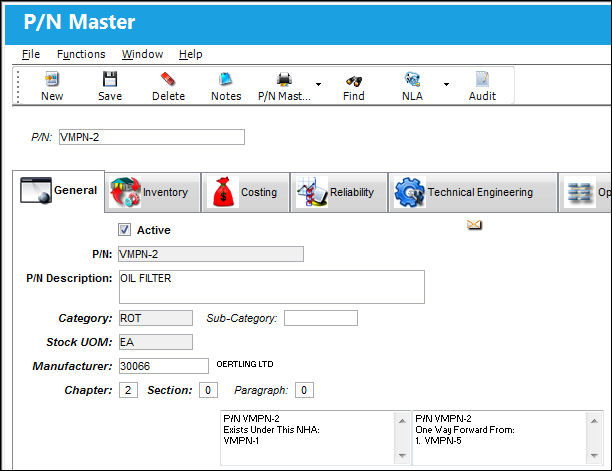
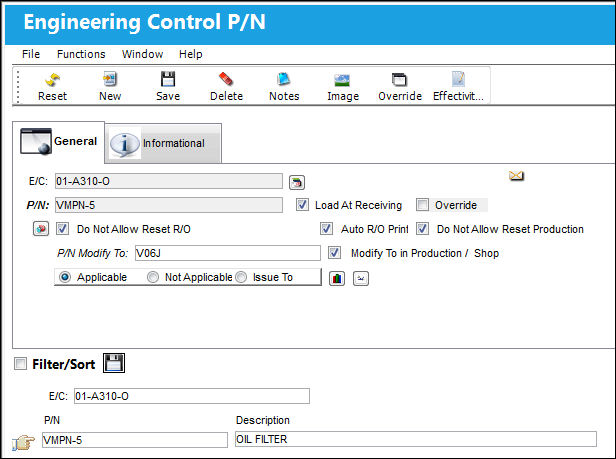
The N/L/A is attached to a P/N E/C and P/N Modify To is added. This P/N is not interchangeable with the above N/L/A.
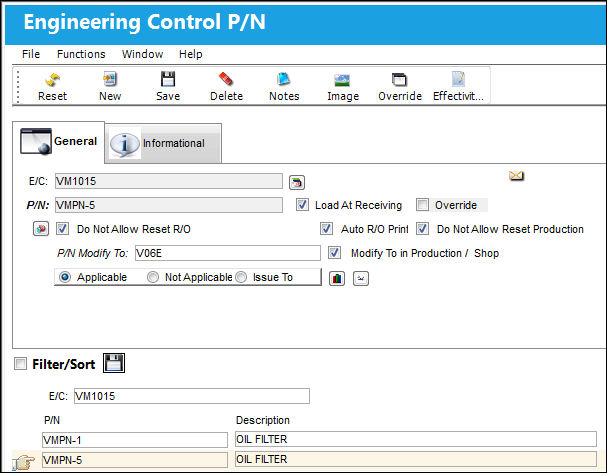
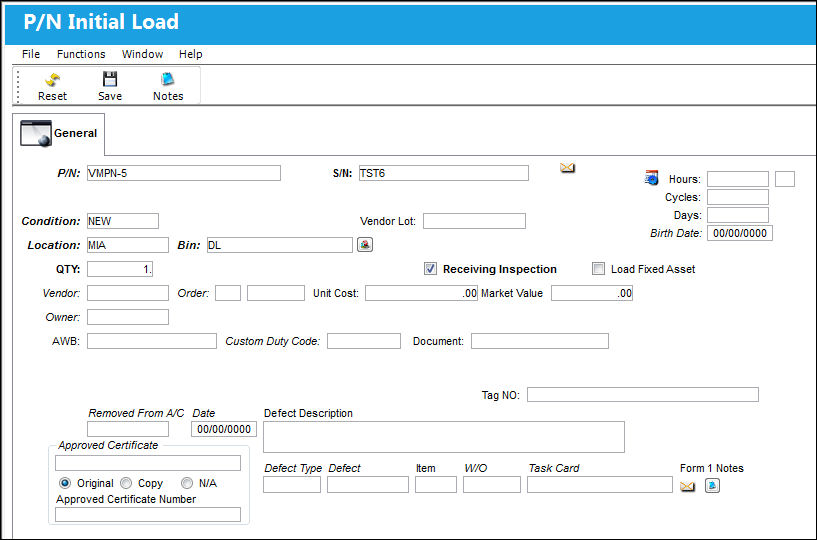
A P/N Initial Load is created for the N/L/A.
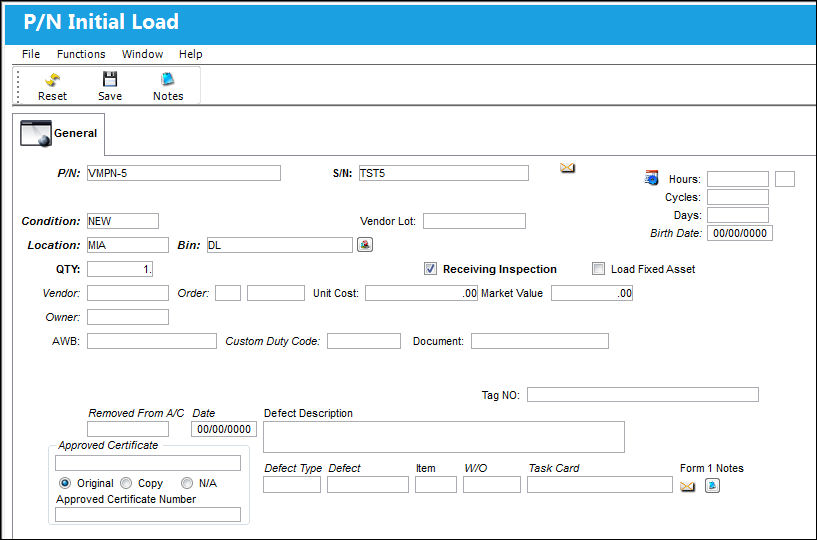
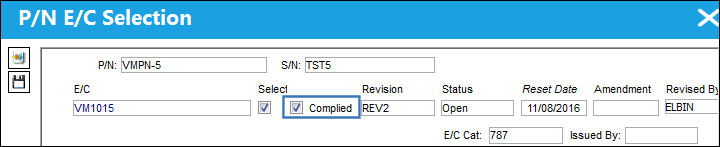
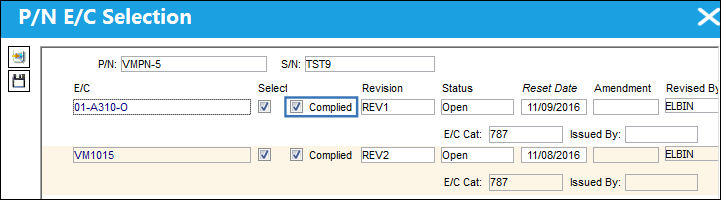
Once the P/N E/C Selection window appears, the E/C is Complied against.
When the Save  button is selected, the following warning appears stating that the P/N Modified To is not part of the assembly.
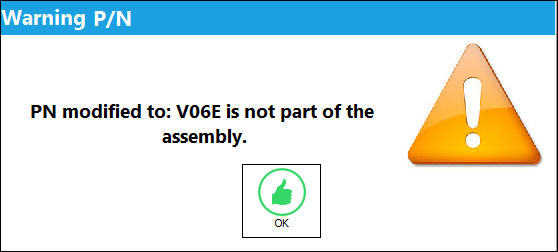
After selecting OK to the warning, users can continue with the P/N Initial Load.
Switch Set to No:
When set to No, when the N/L/A entered in the P/N Modify To field of the Engineering Control P/N window is not part of the N/H/A, a warning is not generated when the N/H/A is P/N Initial Loaded.
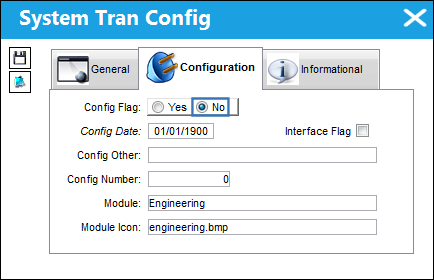
For example, notice the following part exists under an N/H/A.
The N/L/A is attached to a P/N E/C and P/N Modify To is added. This P/N is not interchangeable with the above N/L/A.
A P/N Initial Load is created for the N/L/A.
Once the P/N E/C Selection window appears, the E/C is Complied against.
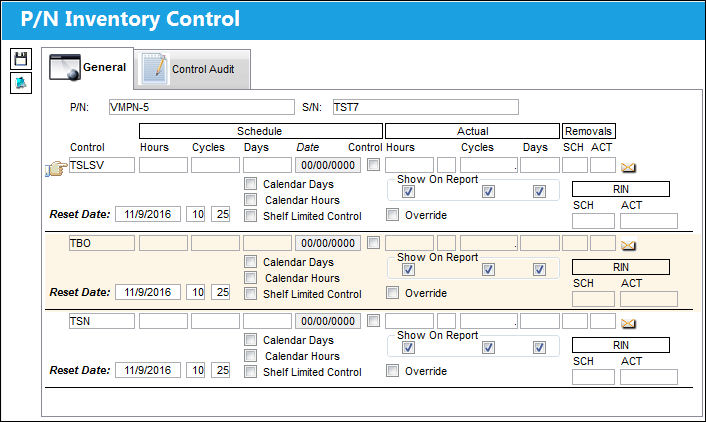
When the E/C is saved, the P/N Inventory Control window appears without the soft warning being generated.
Share
Print
|
©1997-2026 Trax USA Corp. All rights reserved. This manual may not be copied, photocopied, reproduced, translated, or converted to any electronic or machine-readable form, in whole or in part, without prior written approval from Trax USA Corp. |
 |