
 Share
Share
 Print
Print
|
|
|
|
|


RINCONTROL - RIN Control
RIN Control
Affected Window: w_engineering_eu
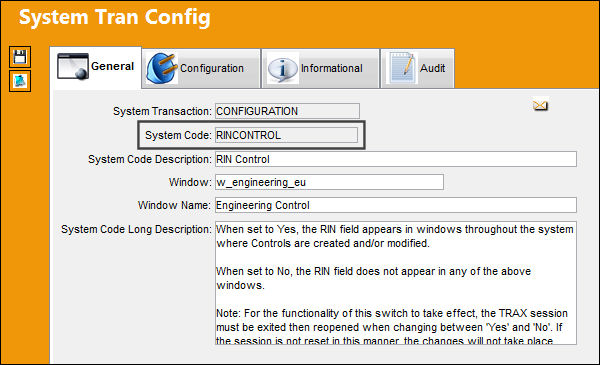
For the functionality of this switch to take effect, the application session must be exited then reopened when changing between 'Yes' and 'No'. If the session is not reset in this manner, the changes will not take place.
Switch Set to Yes:
When set to Yes, the RIN (Retirement Index Number) field appears in windows throughout the system where Controls are created and/or modified.
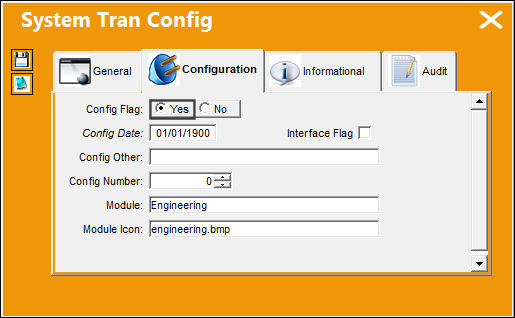
The RIN field is applicable to aircraft, P/N E/Cs, and P/N Controls.
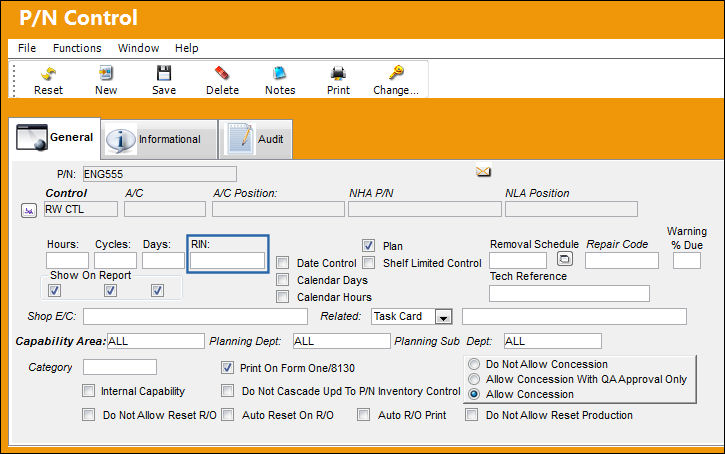
Go to the P/N Control window. The RIN field appears as shown below:
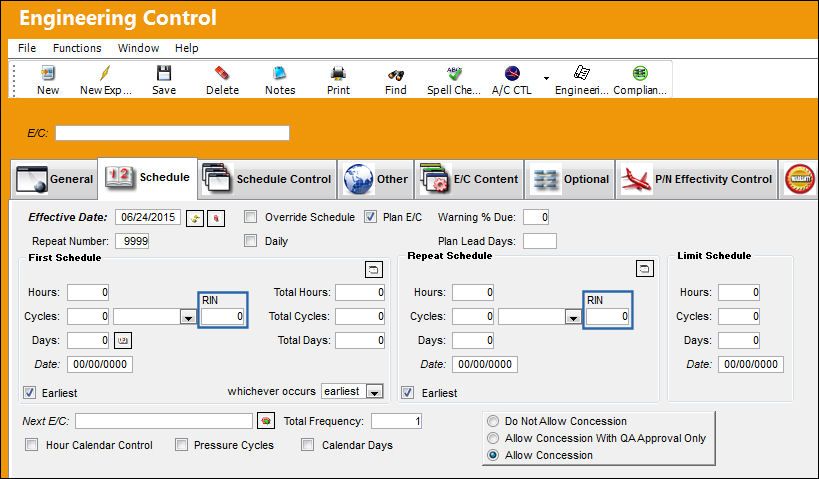
Go to the Engineering Control, Schedule tab.
The RIN field appears as shown below:
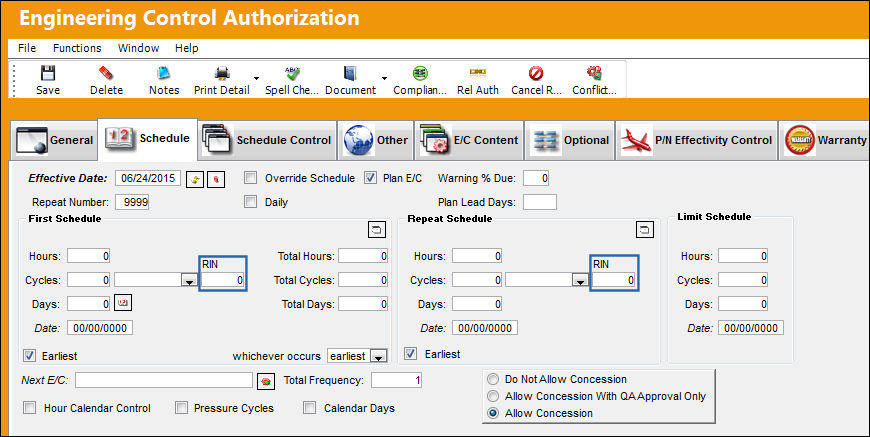
Go to the Engineering Control Authorization, Schedule tab.
The RIN field appears as shown below:
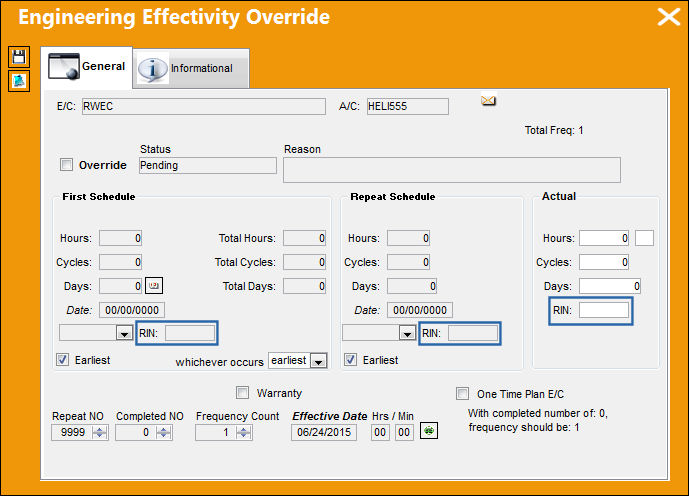
The RIN field appears in the Engineering Effectivity Override, General tab:
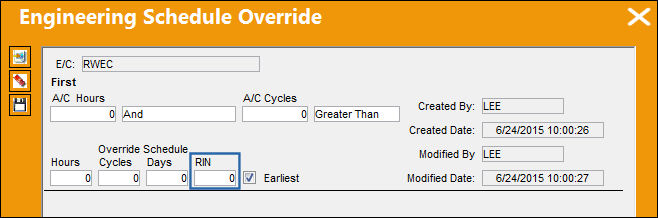
The RIN field appears in the Engineering Schedule Override window:
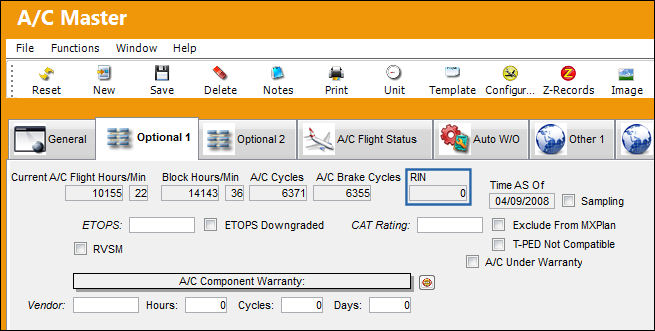
The RIN field appears in the A/C Master, Optional tab:
And the RIN field appears in the A/C Master, Concession tab:
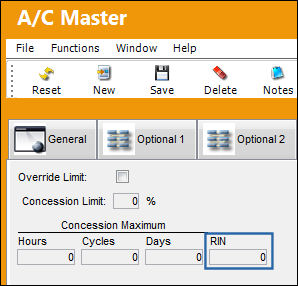
Switch Set to No:
When set to No, the RIN field does not appear in any of the above windows.
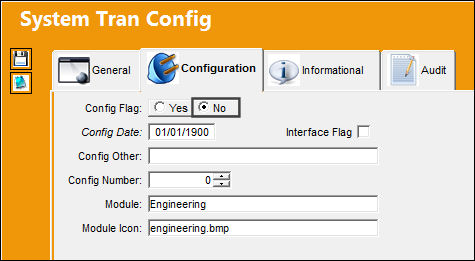
The RIN field is not applicable to aircraft, P/N E/Cs, nor P/N Controls.
Go to the P/N Control window. The RIN field does not appear, as shown below:
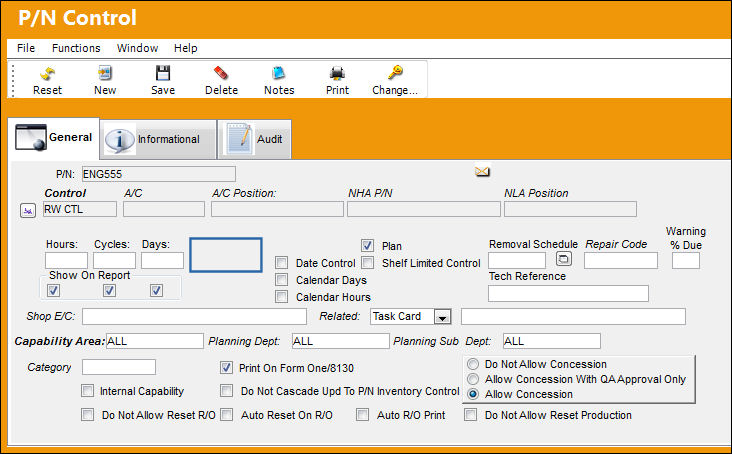
Go to the Engineering Control, Schedule tab.
The RIN field does not appear, as shown below:
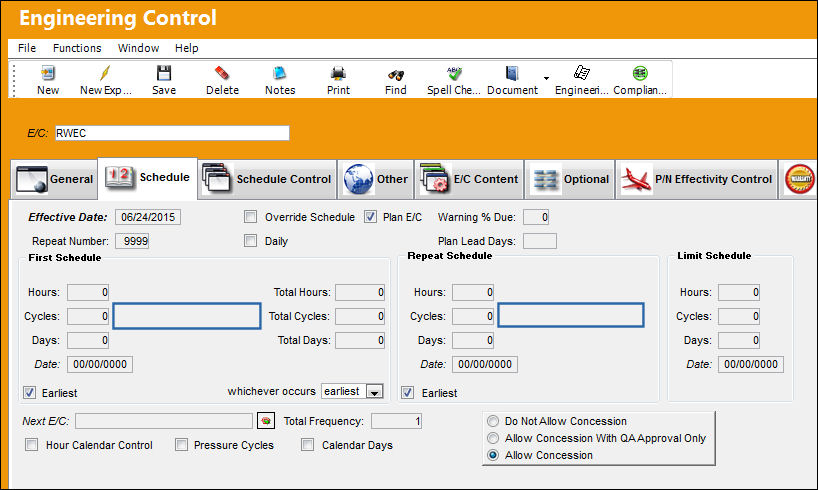
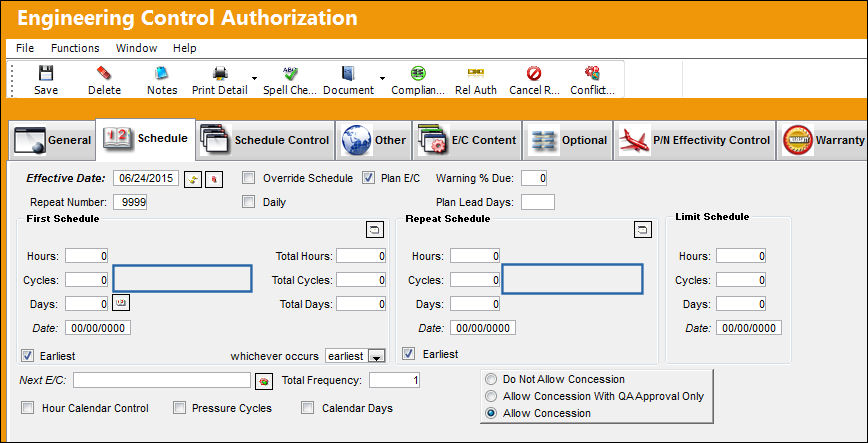
Go to the Engineering Control Authorization, Schedule tab.
The RIN field does not appear, as shown below:
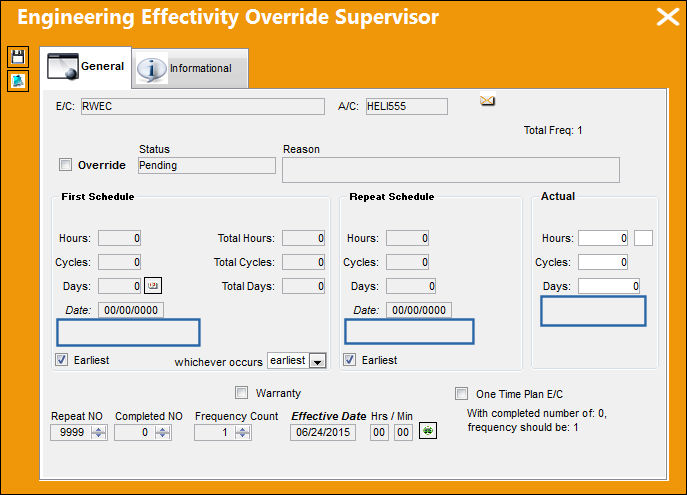
The RIN field does not appear in the Engineering Effectivity Override, General tab:
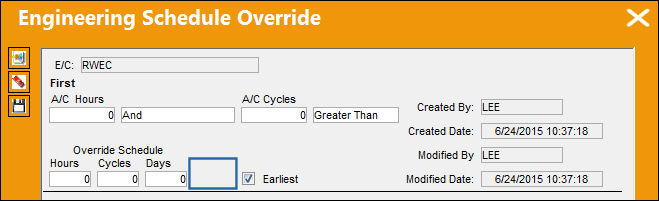
The RIN field does not appear in the Engineering Schedule Override window:
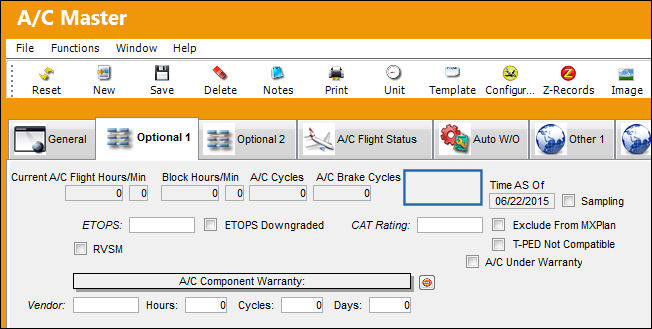
The RIN field does not appear in the A/C Master, Optional tab:
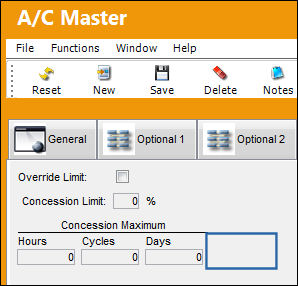
And the RIN field appears in the A/C Master, Concession tab:
Share
Print
|
©1997-2026 Trax USA Corp. All rights reserved. This manual may not be copied, photocopied, reproduced, translated, or converted to any electronic or machine-readable form, in whole or in part, without prior written approval from Trax USA Corp. |
 |