
 Share
Share
 Print
Print
|
|
|
|
|


TCITMEFF - Task Card Item Effectivity
Task Card Item Effectivity
Affected window: w_task_card_item_eu
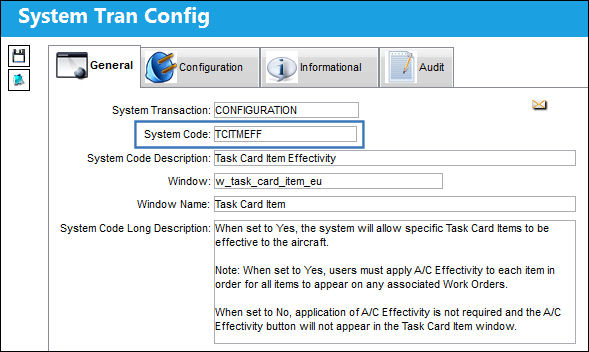
Switch Set to Yes:
When set to Yes, the system will allow specific Task Card Items to be effective to the aircraft.
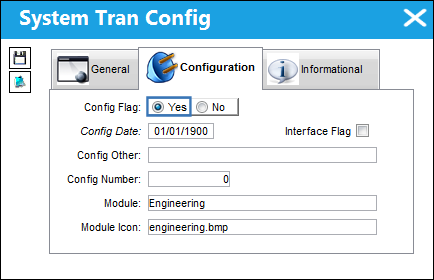
When set to Yes, users must apply A/C Effectivity manually to each Task Card Item for the item to appear on any associated A/C Work Orders. Task Card Item Effectivity does not automatically cascade down from the main Task Card Effectivity. A conversion program would be required to have the Task Card Effectivity cascade down to the Task Card Item Effectivity level.
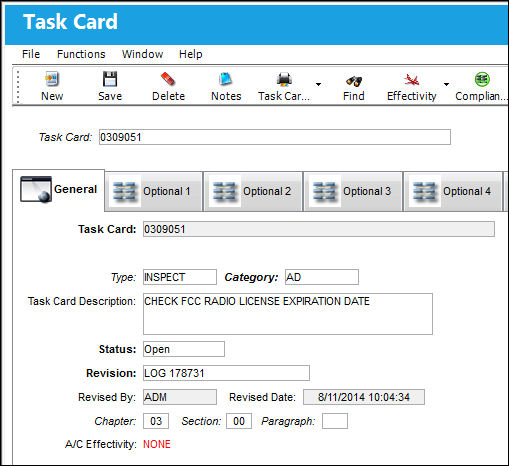
For example, choose a Task Card and select the Item  button.
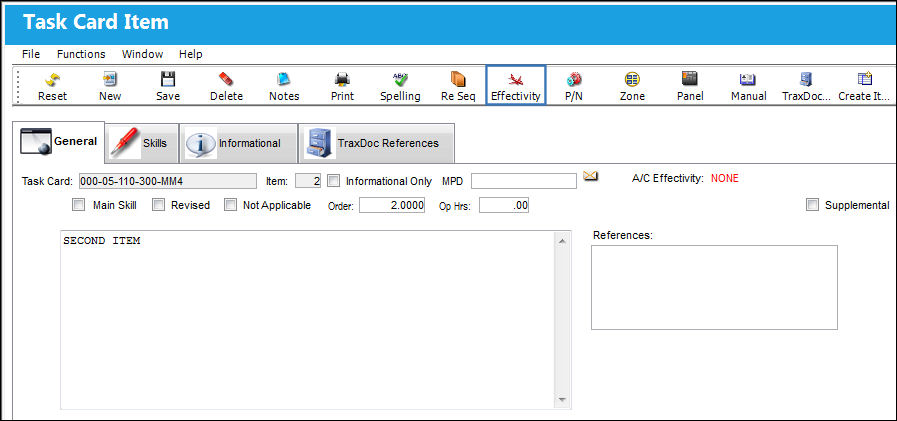
Users can assign effectivity by selecting the A/C Effectivity  button in the Task Card Item window.
From the Task Card Effectivity window, users can select an entire A/C Type/Series, or specific A/C tail numbers, for the Task Card Item to be effective to. Select the Save  button.
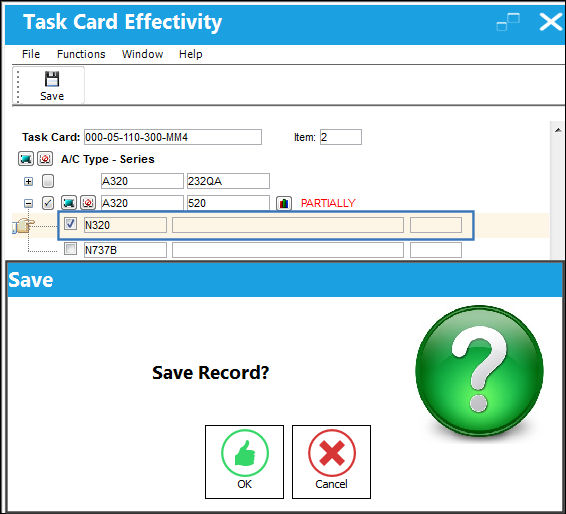
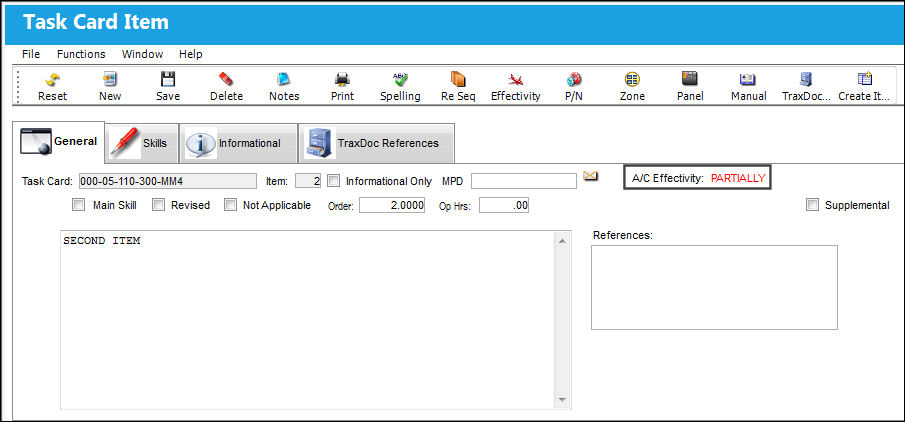
Once the effectivity has been applied and saved, the A/C Effectivity will read: PARTIALLY or ALL (depending on fleet effectivity) in the Task Card Item window, as shown below:
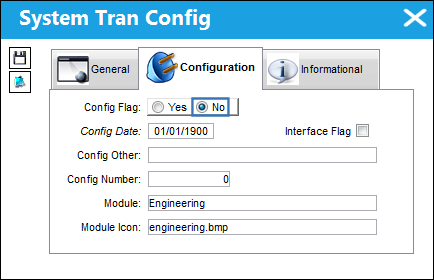
Switch Set to No:
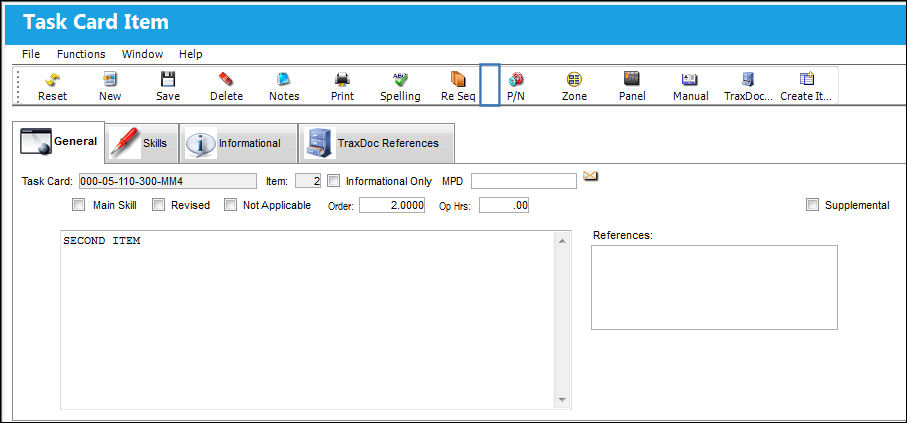
When set to No, the Effectivity button will not appear in the Task Card Item window, and setting up A/C Effectivity for each Task Card Item is not required.
Notice that the A/C Effectivity icon does not appear in the Task Card Item window.
 Default P/Ns for Multiple Task Card Items to Zero for Task Cards Created from AMM
Switch Set to Yes:
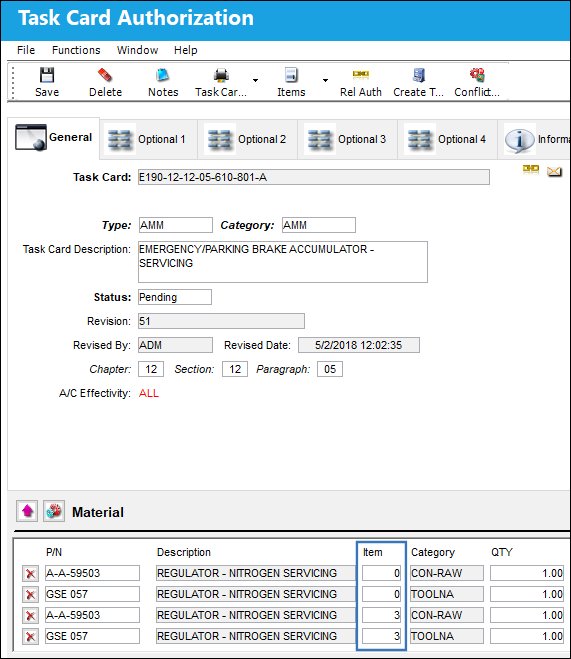
When set to Yes, if a P/N is needed for multiple Task Card Items, the P/N will be displayed multiple times. The system will recognize the part for the first Item, however, every time the P/N is listed thereafter, the Item number will default to 0 'zero'.
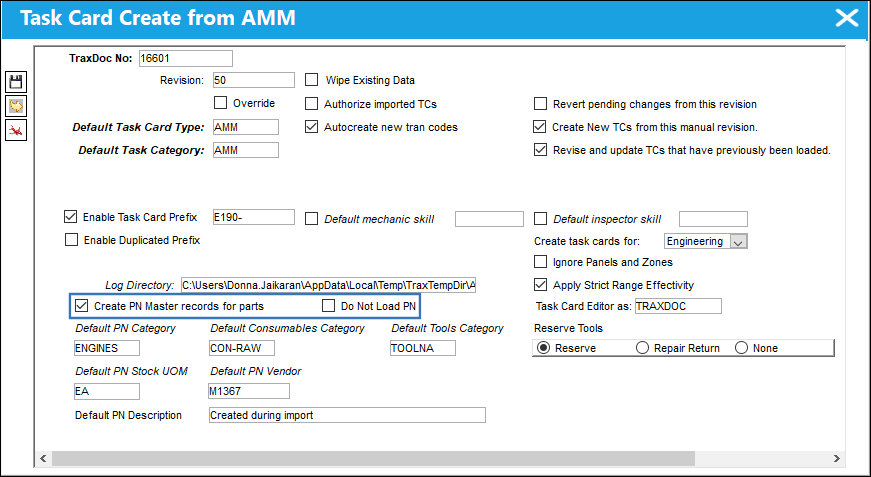
It is important that the 'Create PN Master records for parts' checkbox is selected and the 'Do Not Load PN' checkbox is deselected.
Continue with the import.
Notice that the second time the P/Ns for the respective Task Card Item are listed, the Item reference is defaulted to 0 'zero'.
Switch Set to No:
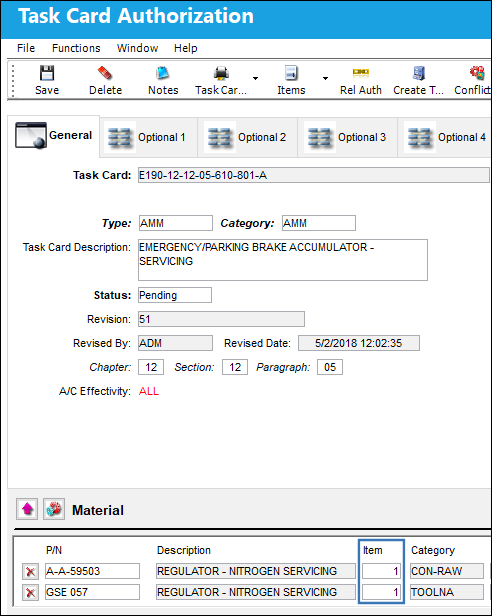
When set to No, if a P/N is needed for multiple Task Card Items, the system will recognize this, but will only list the P/N once for Item 1.
It is important that the 'Create PN Master records for parts' checkbox is selected and the 'Do Not Load PN' checkbox is deselected.
Continue with the import.
To demonstrate this functionality, the same Task Card was imported with the switch set to No.
Even though certain P/Ns are required for multiple Task Card Items, each P/N only appears once and is listed for Item 1.
Share
Print
|
©1997-2026 Trax USA Corp. All rights reserved. This manual may not be copied, photocopied, reproduced, translated, or converted to any electronic or machine-readable form, in whole or in part, without prior written approval from Trax USA Corp. |
 |