
 Share
Share
 Print
Print
|
|
|
|
|


SOINVAUTH - Send Customer Order To Invoice Authorization

Send Customer Order To Invoice Authorization
Affected Window: w_customer_orders_eu
 If customers would like to utilize the functionality in the below switch, they must close all 'Open' invoices for Sales Orders, or contact TRAX for a script to assist in closing all 'Open' invoices.
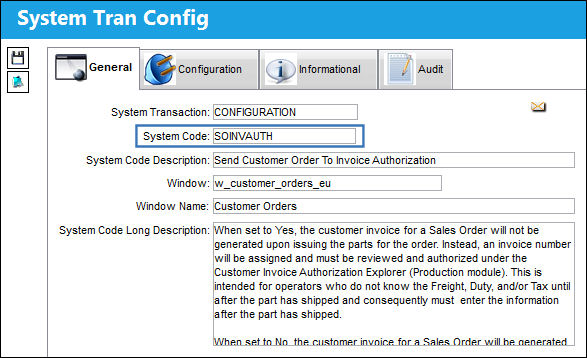
Switch Set to Yes:
When set to Yes, the customer invoice for a Sales Order will not be generated upon issuing the parts for the order. Instead, an invoice number will be assigned and must be reviewed and authorized under the Customer Invoice Authorization Explorer (Production module). This is intended for operators who do not know the Freight, Duty, and/or Tax until after the part has shipped and consequently must enter the information after the part has shipped.
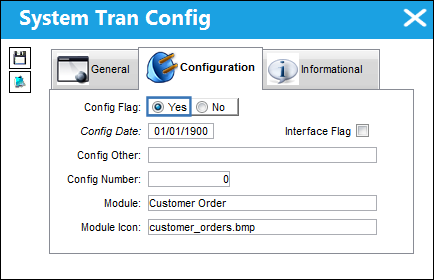
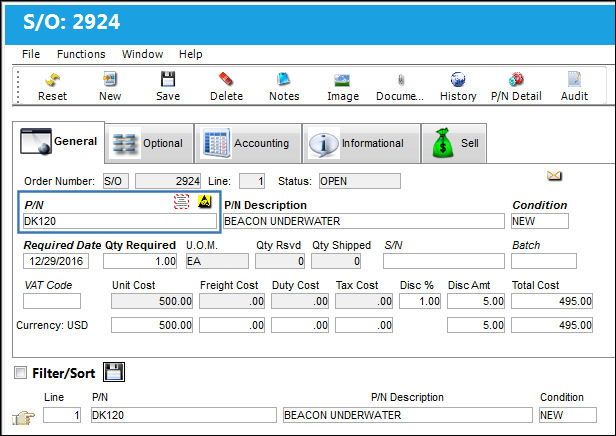
The following Customer Order is created:
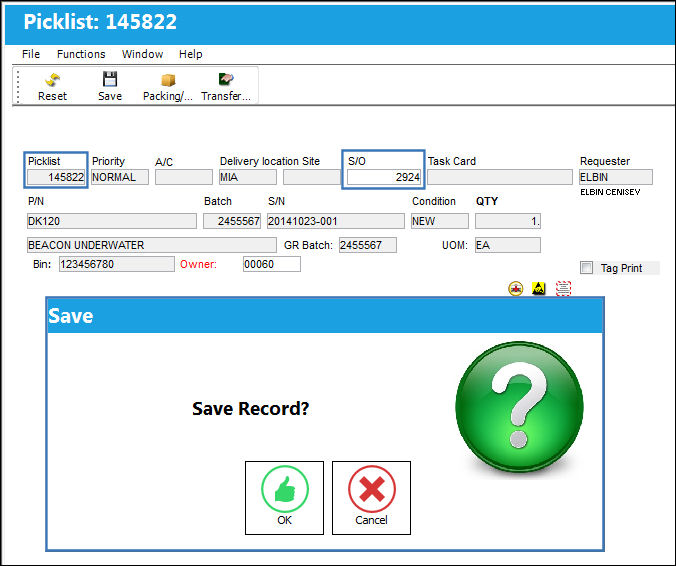
The part is picklisted and issued out to the Customer Order:
At the time of issue, the invoice is not generated.
The Customer Order is now in 'Closed' status:
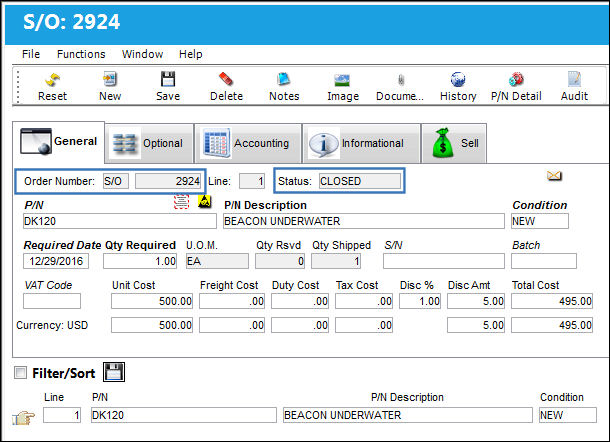
Go to the Customer Invoice Order Authorization window. An entry appears for the item due to the closure of the Customer Order. Select into the Material line (or right click).
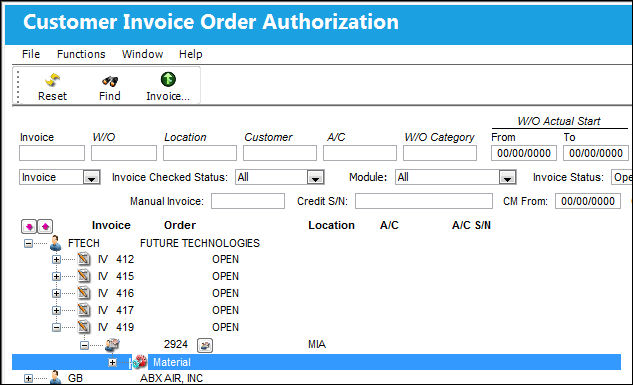
The Customer Invoice Authorization window appears with an option to select the 'Checked' checkbox:
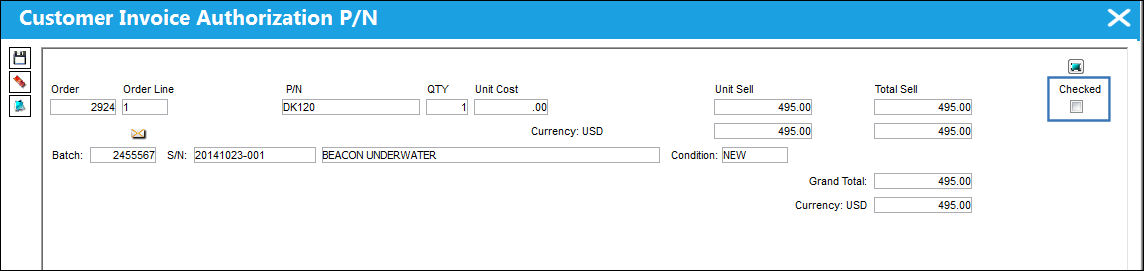
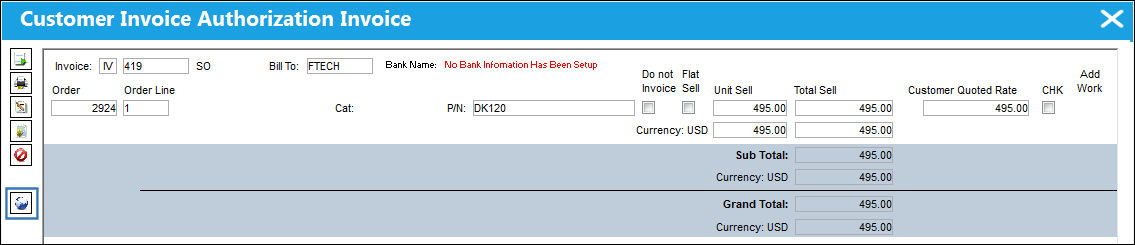
Select into the line containing the Invoice number to open the Customer Invoice Authorization Invoice window:
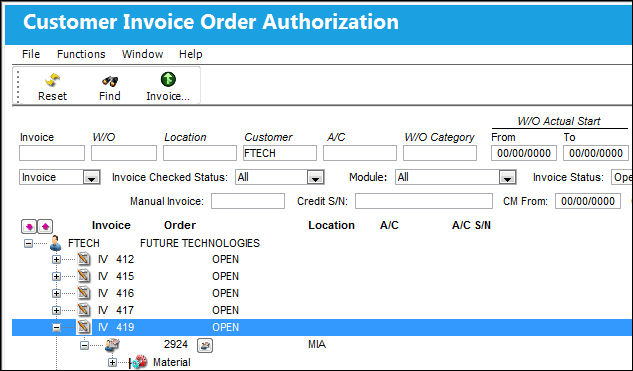
Select the Other  button from the Customer Invoice Authorization Invoice window.
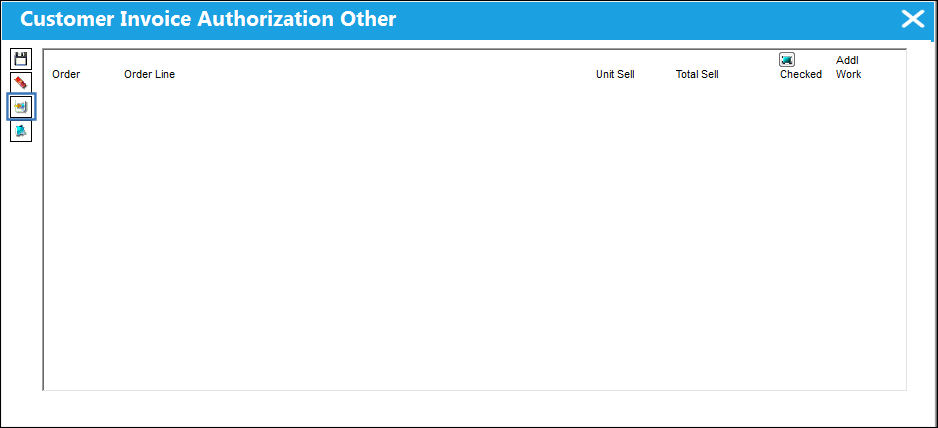
The Customer Invoice Authorization Other window appears. Select the New  button:
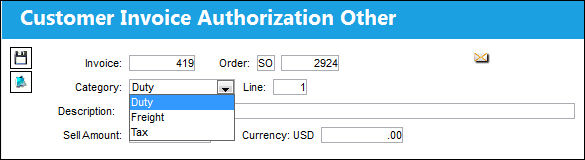
The following window appears, allowing the user to enter Duty, Freight and Tax amounts against the Invoice.
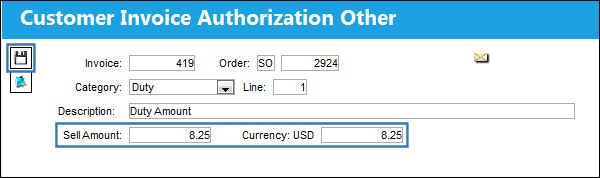
Add a Duty amount and select the Save  button. The Save prompt appears. Select 'OK'. Repeat this process and add a Freight and Tax amount to the Invoice.
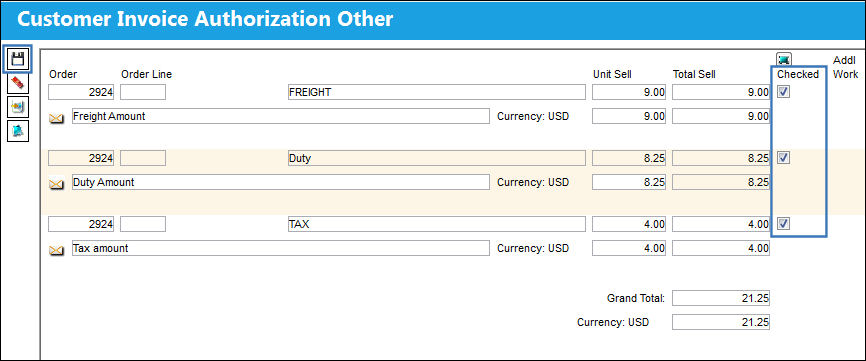
The Duty, Freight and Tax amounts are shown below as well as the Grand Total. Select the Checked checkboxes and select the Save button. The Save prompt appears. Select 'OK.'
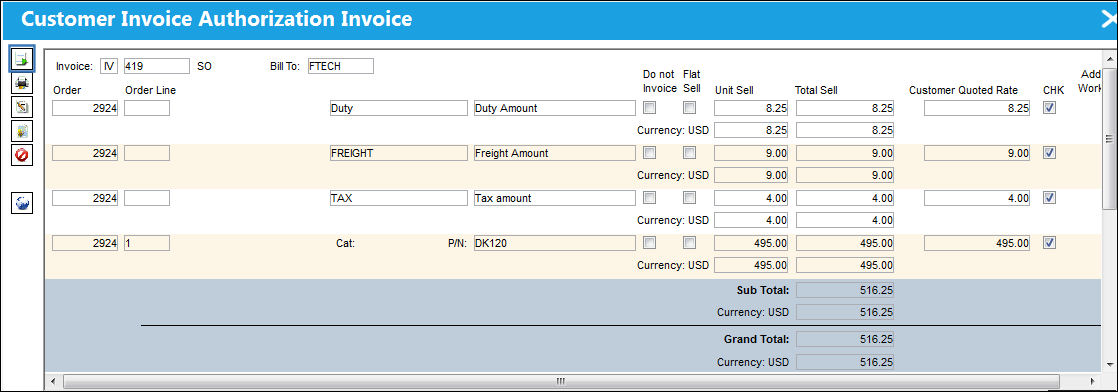
Return to the Customer Invoice Authorization Invoice window. All items are shown in this window. Select the Post and Close Invoice  button.
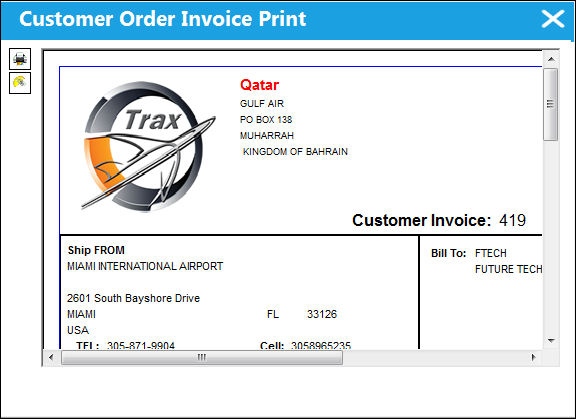
The official Customer Invoice is generated:
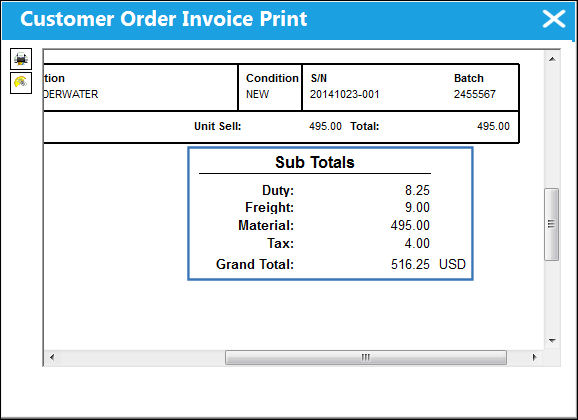
All amounts entered on the Invoice appear on the print:
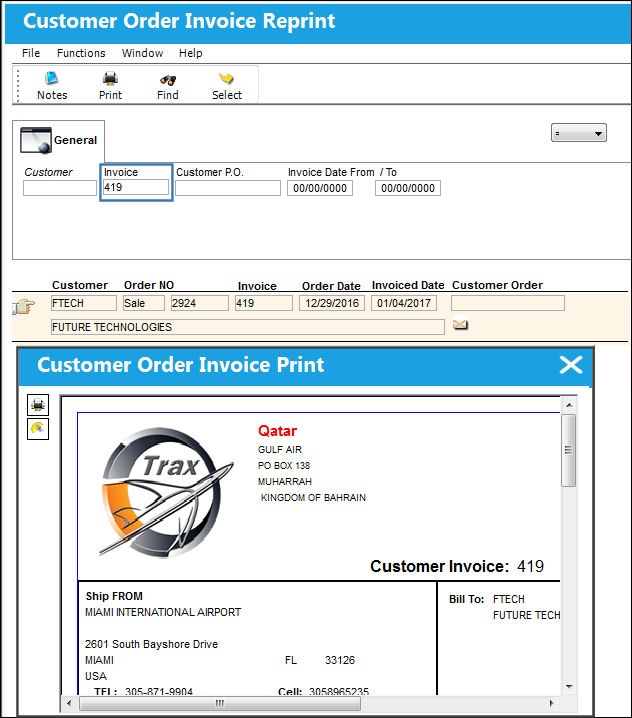
The print can now be reproduced via the Customer Order Invoice Reprint window:
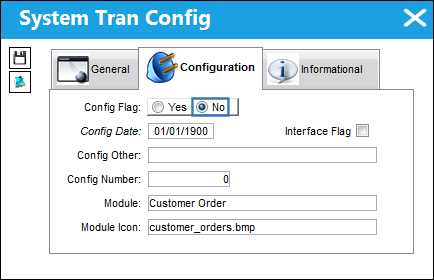
Switch Set to No:
When set to No, the customer invoice for a Sales Order will be generated upon issuing the parts for the order, as per original functionality.
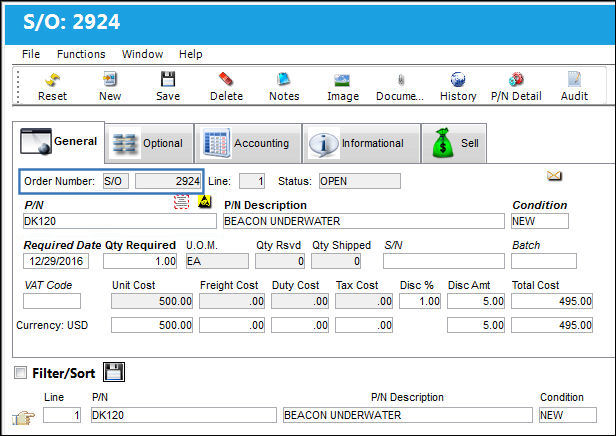
The following Customer Order is created:
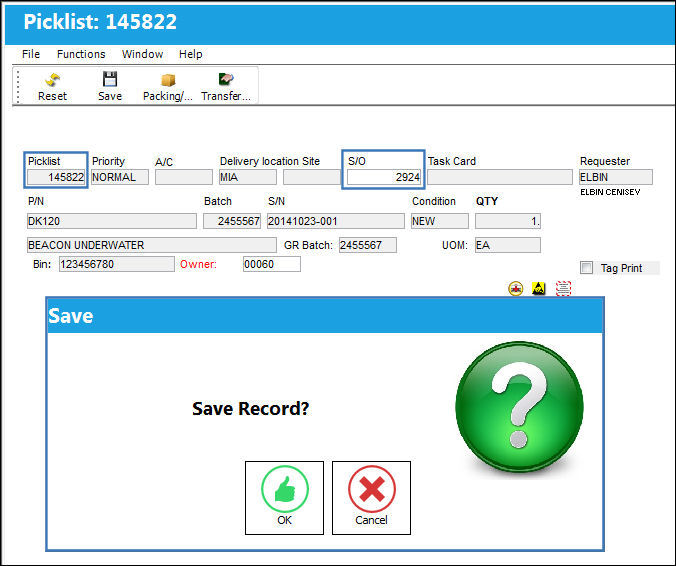
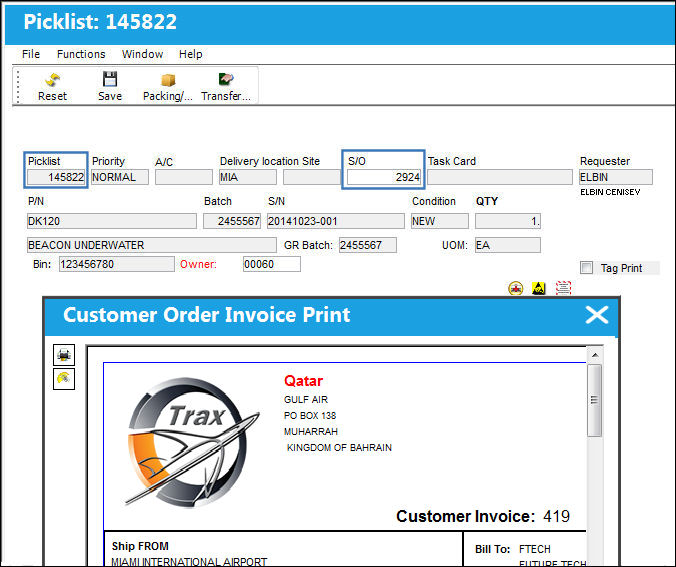
The part is picklisted and issued out to the Customer Order:
The Customer Order Invoice is generated, as per original functionality:
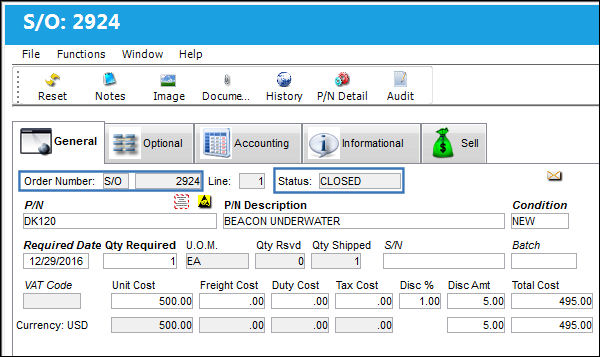
The Order is now closed:
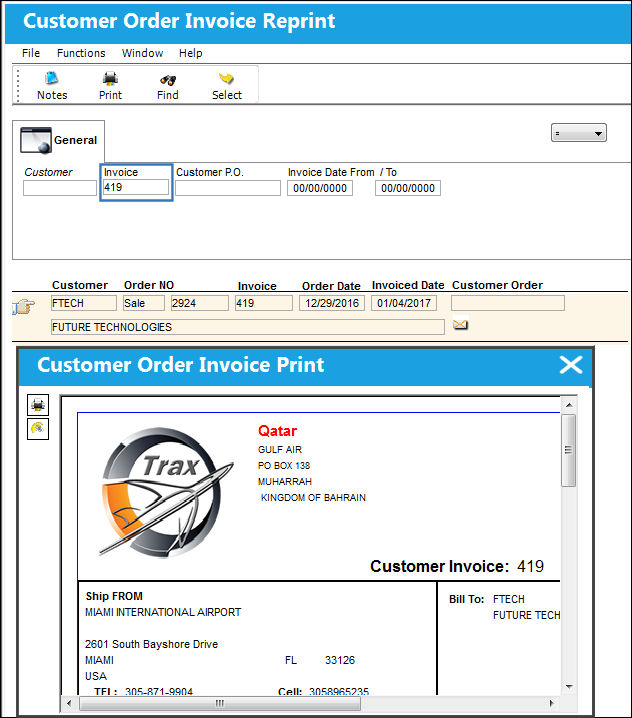
The print can be reproduced via the Customer Order Invoice Reprint window:
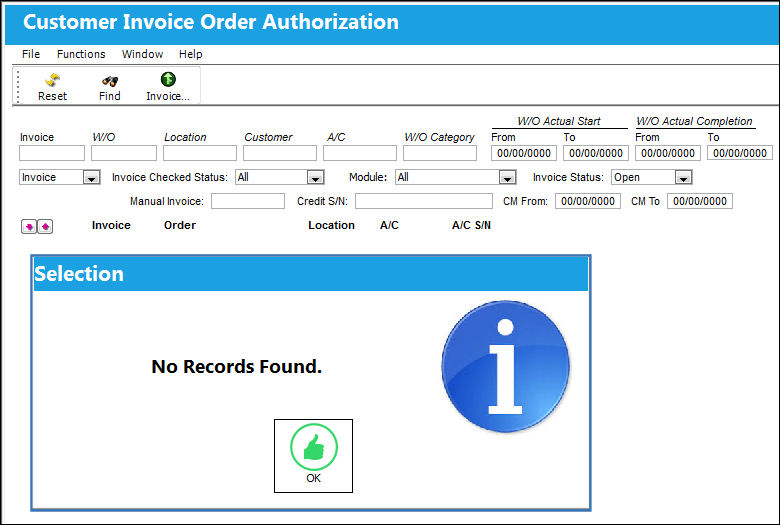
The entry was not sent to the Customer Invoice Order Authorization window:
Share
Print
|
©1997-2026 Trax USA Corp. All rights reserved. This manual may not be copied, photocopied, reproduced, translated, or converted to any electronic or machine-readable form, in whole or in part, without prior written approval from Trax USA Corp. |
 |