
 Share
Share
 Print
Print
|
|
|
|
|


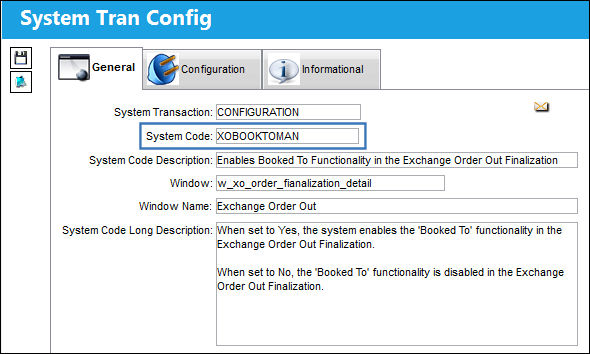
XOBOOKTOMAN - Enables Booked To Functionality in the Exchange Order Out Finalization

Enables Booked To Functionality in the Exchange Order Out Finalization
Affected Window: w_xo_order_finalization_detail
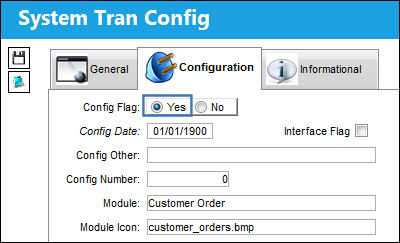
Switch Set to Yes:
When set to Yes, the system enables the 'Booked To' functionality in the Exchange Order Out Finalization.
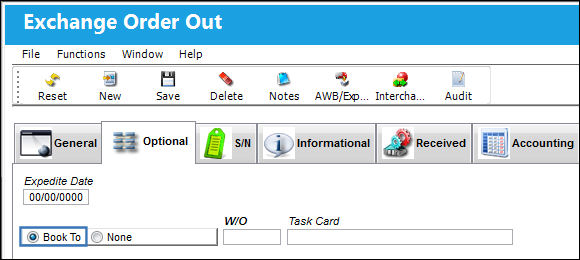
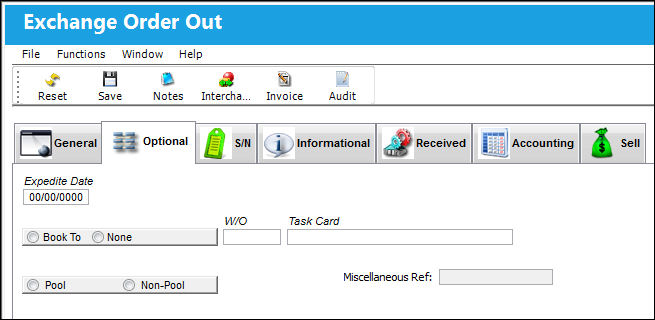
The Book To functionality is enabled in the Exchange Order Out Detail, Optional tab when accessed through the Exchange Order Out Finalization window.
Switch Set to No:
When set to No, the 'Booked To' functionality is disabled in the Exchange Order Out Finalization.
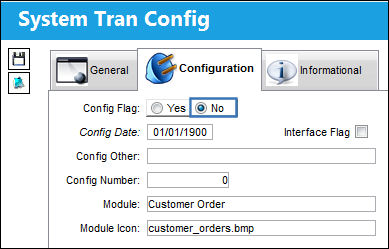
The Book To functionality is visible, however the user cannot select the Book To radio button options via the Exchange Order Out Detail, Optional tab from the Exchange Order Out Finalization window.
Share
Print
|
©1997-2026 Trax USA Corp. All rights reserved. This manual may not be copied, photocopied, reproduced, translated, or converted to any electronic or machine-readable form, in whole or in part, without prior written approval from Trax USA Corp. |
 |