
 Share
Share
 Print
Print
|
|
|
|
|


Image Area, via Dent Mapping

The Image Area displays all of the images that have been uploaded against the form records via the Intelli Form  button. For additional information regarding the creation of form records and uploading images, refer to the Intelli Form Button, via A/C Type/Series of the Settings Training Manual.
The images available in this area of the Dent Mapping window can be filtered by chapter/ section via the Query Area. If no chapter/ section is specified in the query, images for all chapter/ sections for the specified aircraft will appear in the search result.
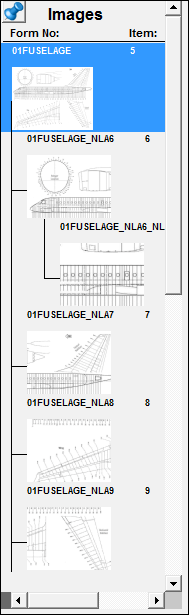
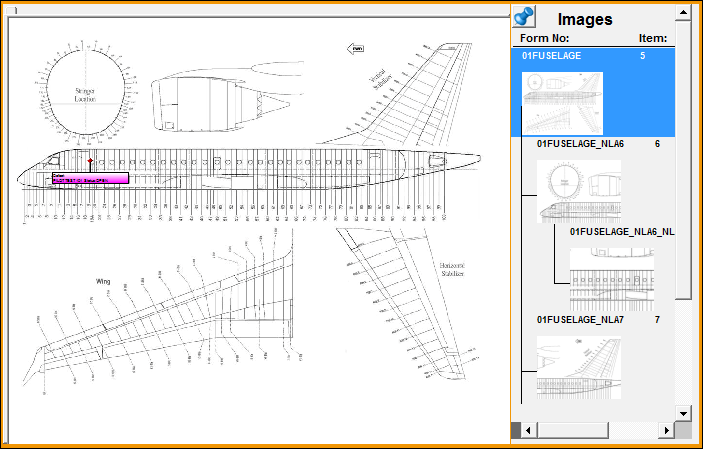
Once the user selects an image in the Image Area it will be highlighted in blue. The highlighted image will appear in the Work Area. The user can now begin to mark dents on the image.
Share
Print
|
©1997-2026 Trax USA Corp. All rights reserved. This manual may not be copied, photocopied, reproduced, translated, or converted to any electronic or machine-readable form, in whole or in part, without prior written approval from Trax USA Corp. |
 |