
 Share
Share
 Print
Print
|
|
|
|
|


Do the W/O Task Cards require parts?
Users can check if a W/O Task Card requires parts by selecting the P/N  button from the W/O Task Card window.
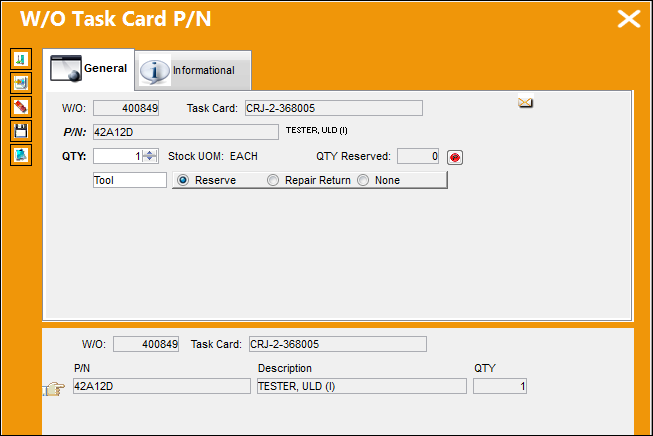
For more information refer to the P/N Button, via the Items Multi Button.
Note: The Materials section in the T/C Quick Reference Section will list all required materials.
Do the W/O Task Cards require parts?
- If Yes, then determine if the parts should be reserved now or at a later time. (Keep in mind that parts can be reserved at different stages throughout this process.)
- If No, then Print the Work Package for Mechanics.
 This decision pertains to the Work Order Process.
Share
Print
|
©1997-2026 Trax USA Corp. All rights reserved. This manual may not be copied, photocopied, reproduced, translated, or converted to any electronic or machine-readable form, in whole or in part, without prior written approval from Trax USA Corp. |
 |