
 Share
Share
 Print
Print
|
|
|
|
|


The A/C Out of Service, Narrative tab allows users to write multiple narrative entries regarding non-technical information that describes the events surrounding the aircraft being placed out of service.

 Note: This tab is security-controlled via Technical Records/ Update/ Defect Report/ Narrative tab. For more information, refer to the Security Explorer via the System Administration Training Manual.
Note: The Delete/New buttons are security-controlled via Technical Records/ Update/ Defect Report/ Narrative tab/ Delete button and via Technical Records/ Update/ Defect Report/ Narrative tab/ New button. For more information, refer to the Security Explorer via the System Administration Training Manual.
 Note: When Narratives have been added or removed a System Notification will be sent as configured. For more information, refer to System Notification via the Settings Module.
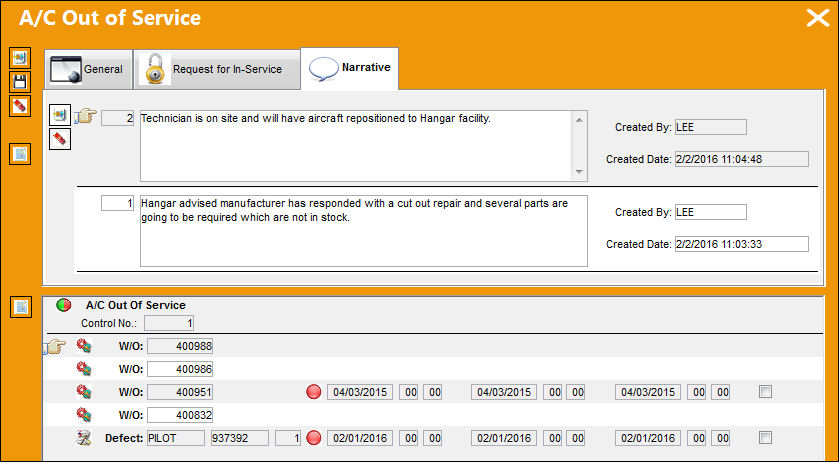
Narratives can be added and removed through the New  button and the Delete
  button.
Share
Print
|
©1997-2026 Trax USA Corp. All rights reserved. This manual may not be copied, photocopied, reproduced, translated, or converted to any electronic or machine-readable form, in whole or in part, without prior written approval from Trax USA Corp. |
 |