
 Share
Share
 Print
Print
|
|
|
|
|


The user can use the Individual Component Selection  button to choose the specific Serial Numbers, from a list of such for the P/N, to be included in the range attached to the E/C.
Notice that no components have yet to be selected to be included in the range attached to the E/C.
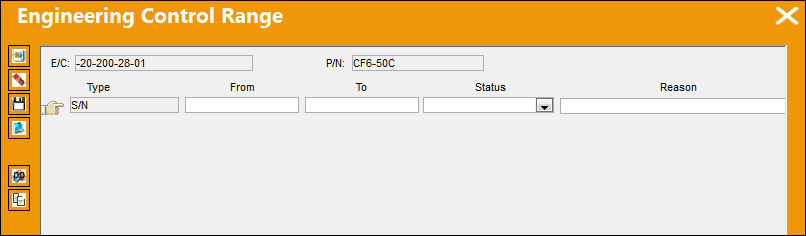
The Individual Component Selection button is utilized to select specific S/N(s) of the P/N.
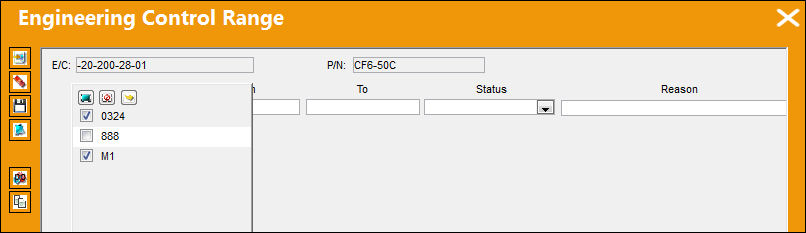
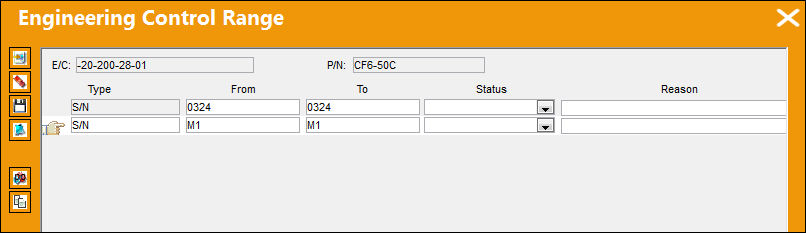
After selecting the Select  button, the selected S/N(s) are included in the E/C Range.
Share
Print
|
©1997-2026 Trax USA Corp. All rights reserved. This manual may not be copied, photocopied, reproduced, translated, or converted to any electronic or machine-readable form, in whole or in part, without prior written approval from Trax USA Corp. |
 |