
 Share
 Print
|
|
|
|
|


Filters, via Planning Control

The Filters drop-down allows users to create custom filter configurations by adding items from the Planning Elements, Planning Actions, From To Selection, and Planning Filters tabs.
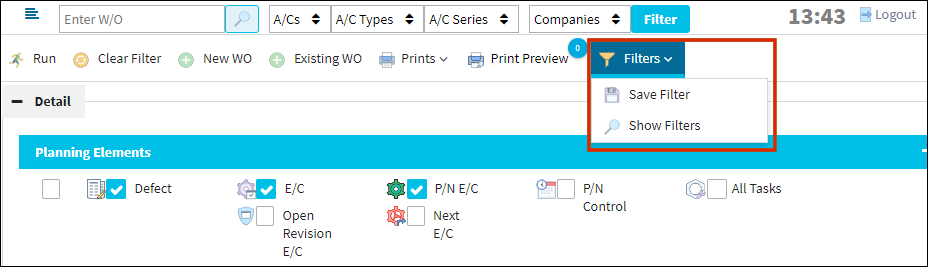
Note: A/C that are selected are part of the filter configuration.
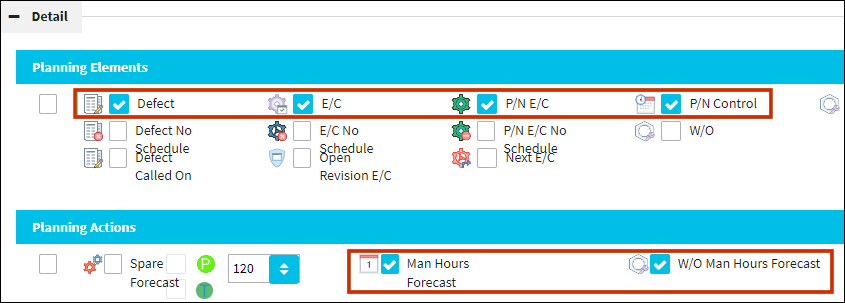
The following filter is created with settings from the Planning Elements and Planning Actions tab:
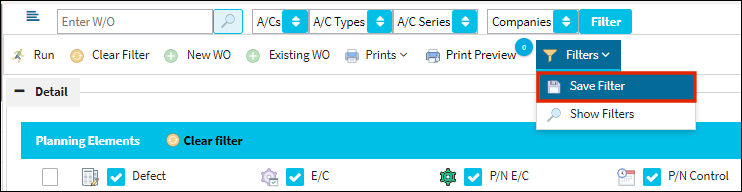
When the desired filter settings have been selected, the user can select the Save Filter  button that appears in the Filters drop-down.
The Save Filter button prompts the Save Filter pop up to appear. The user selects a Filter Name and hits save.
 The user can check or uncheck the Private checkbox to save the filter as private when checked, or public when unchecked.
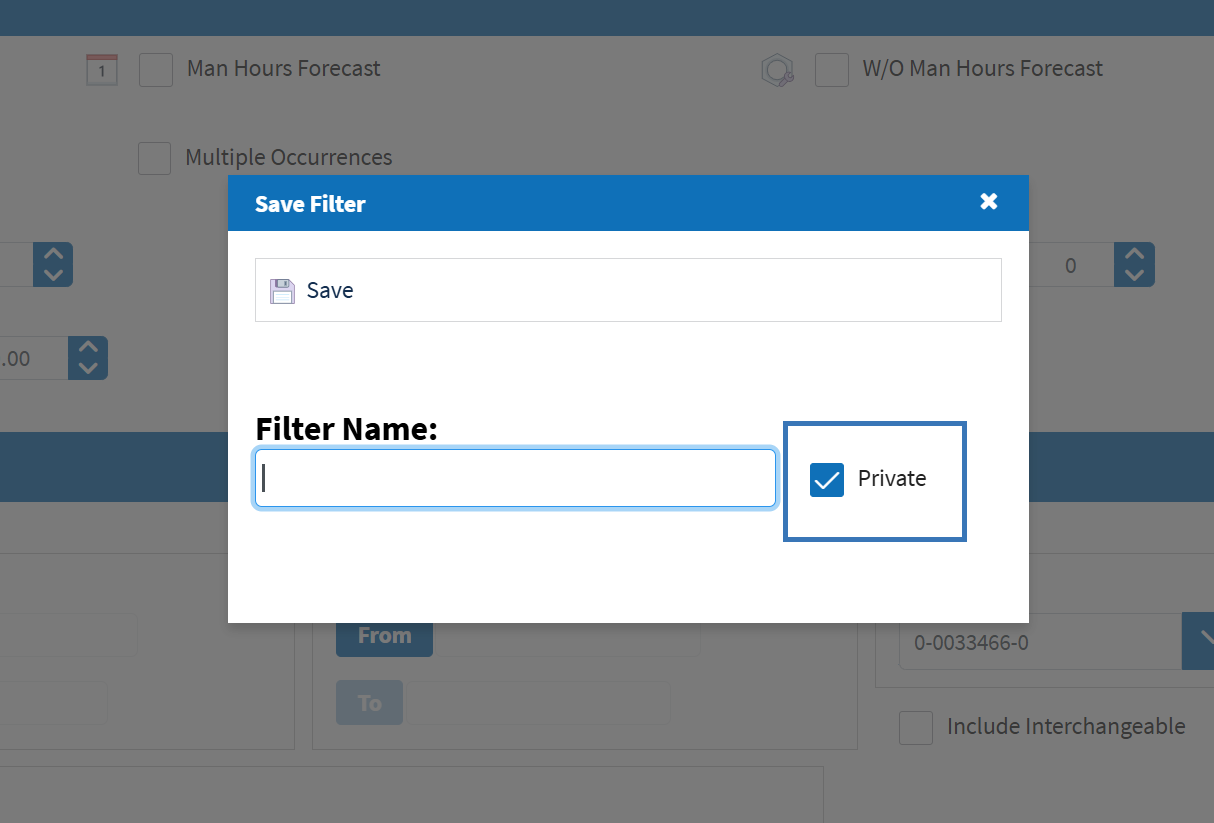
Note: The Filter name can only contain letters, numbers and underscores. An error message will appear upon saving if other character types are entered.
Once the Filter configuration has been saved, the user can click on the "Show Filters" option of the FIlters drop-down menu to view the previously saved filter configurations.
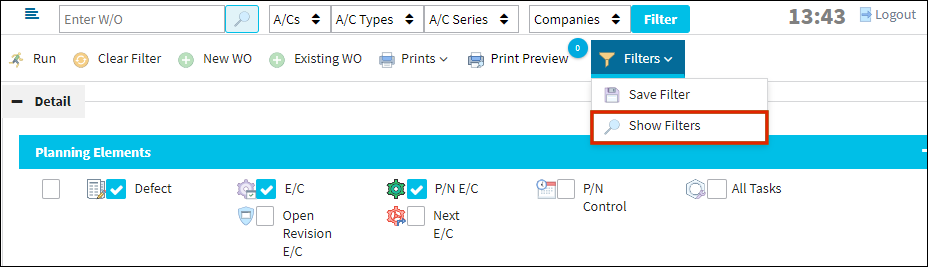
The available filter configurations are shown below:

Note: The user has the option to delete a filter configuration using the Delete  button.
The user can also query the Filter configuration using the Expand  button.

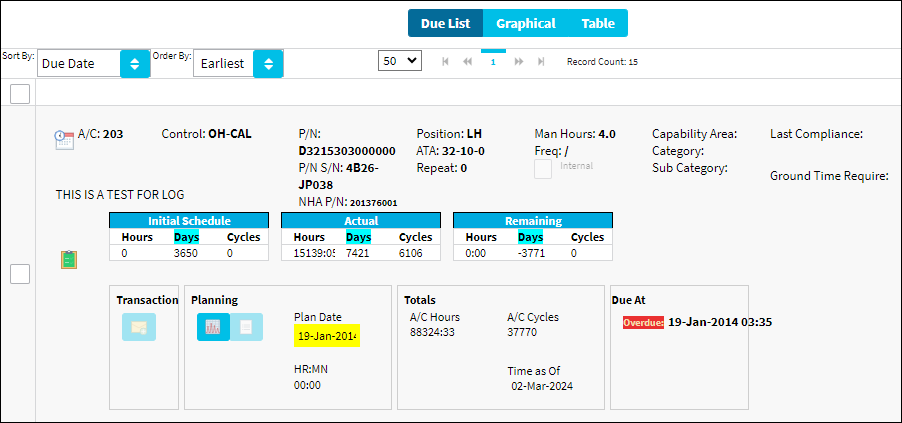
After selecting a filter, the results of the Planning Query in question are displayed below.
Share
Print
|
©1997-2026 Trax USA Corp. All rights reserved. This manual may not be copied, photocopied, reproduced, translated, or converted to any electronic or machine-readable form, in whole or in part, without prior written approval from Trax USA Corp. |
 |