
 Share
 Print
|
|
|
|
|


New Concession Button, via Planning Control

The New Concession  button allows users to create a new Concession for the selected maintenance event.
A Concession is a granted extension that will increase the schedule limitation for the specific item as per Company and Aviation Authority requirements. Concessions can be created for A/C E/C, P/N E/C, P/N Control, and Defect Reports. Where a concession is applied to a repetitive inspection, once the inspection has been carried out, the concession limitation will be removed (subtracted) from the next occurrence of the inspection.
To create a new Concession, select the maintenance event that requires an extension then select the New Concession button.
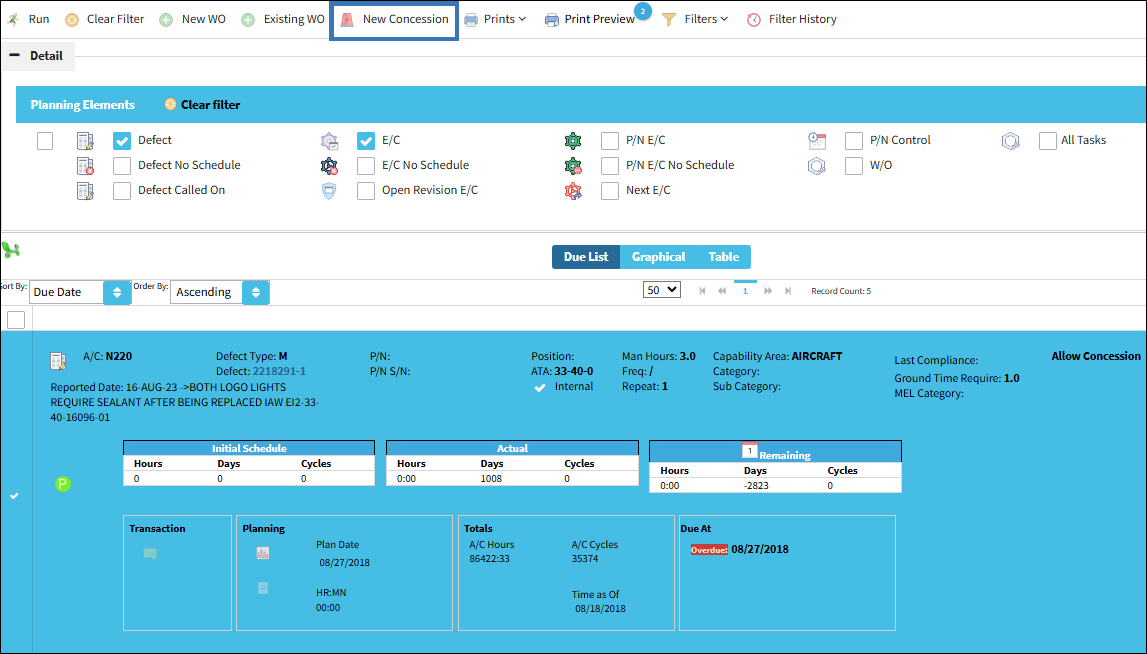
Note: To search for existing Concessions, refer to the Concession Registry window via Planning Control.
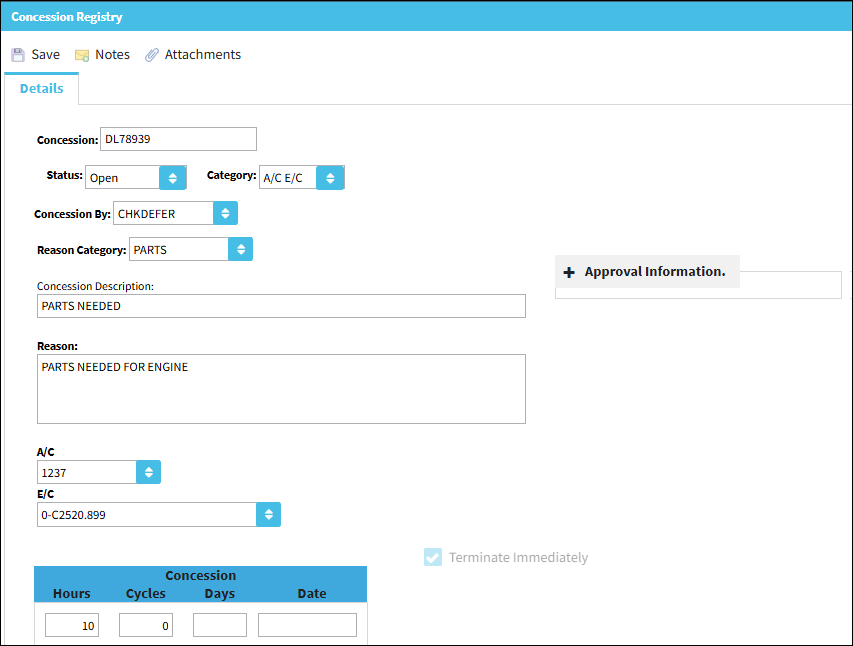
Once selected, the Concession Registry window opens. Users can complete the open fields and add concession hours/cycles/days/date.
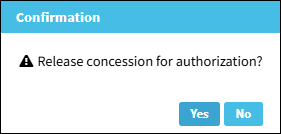
A confirmation pop up window appears for the user to confirm to release the concession for authorization.
Throughout Planning Control, maintenance events that have a Concession will be flagged by the Concession icon.
Share
Print
|
©1997-2026 Trax USA Corp. All rights reserved. This manual may not be copied, photocopied, reproduced, translated, or converted to any electronic or machine-readable form, in whole or in part, without prior written approval from Trax USA Corp. |
 |