
 Share
 Print
|
|
|
|
|


Existing W/O Button, via Planning Control
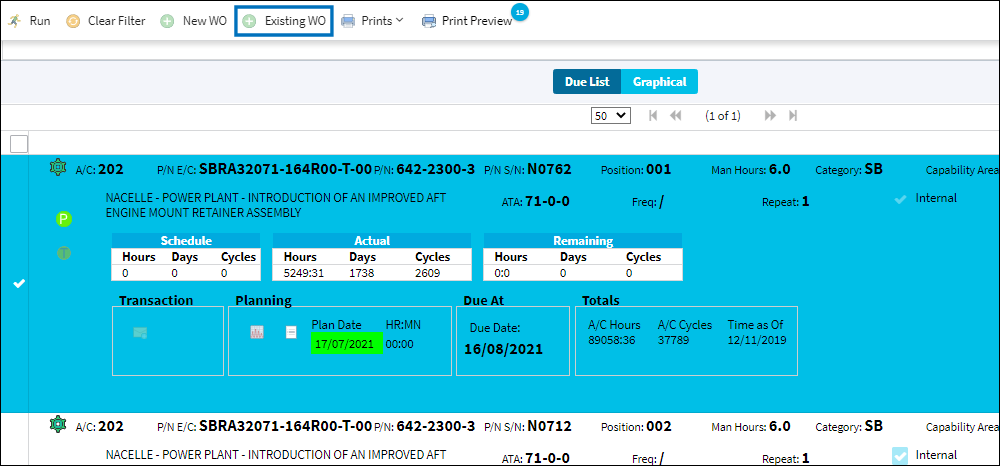
Users can add the selected tasks in the Due List window to an existing W/O by selecting the Existing W/O  button.
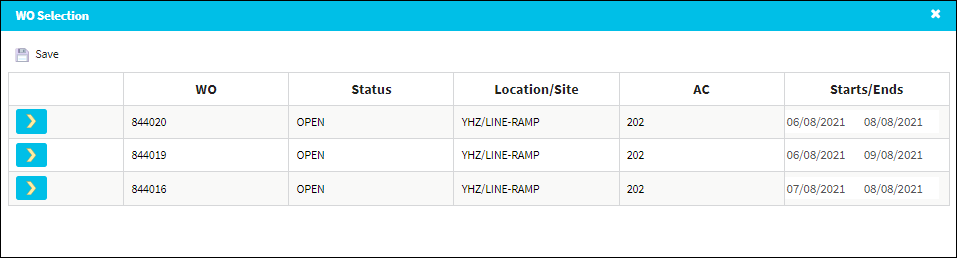
The WO Selection window pops up. Work Orders for the same Aircraft that are Open and scheduled for the current date will be available for selection. Click the Select  button to link the task to the W/O.
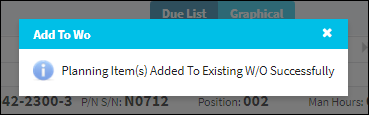
A message appears confirming the items was linked to the selected W/O.
When item is queried again, this time with the Planned W/O checkbox selected, notice that the linked W/O is listed.
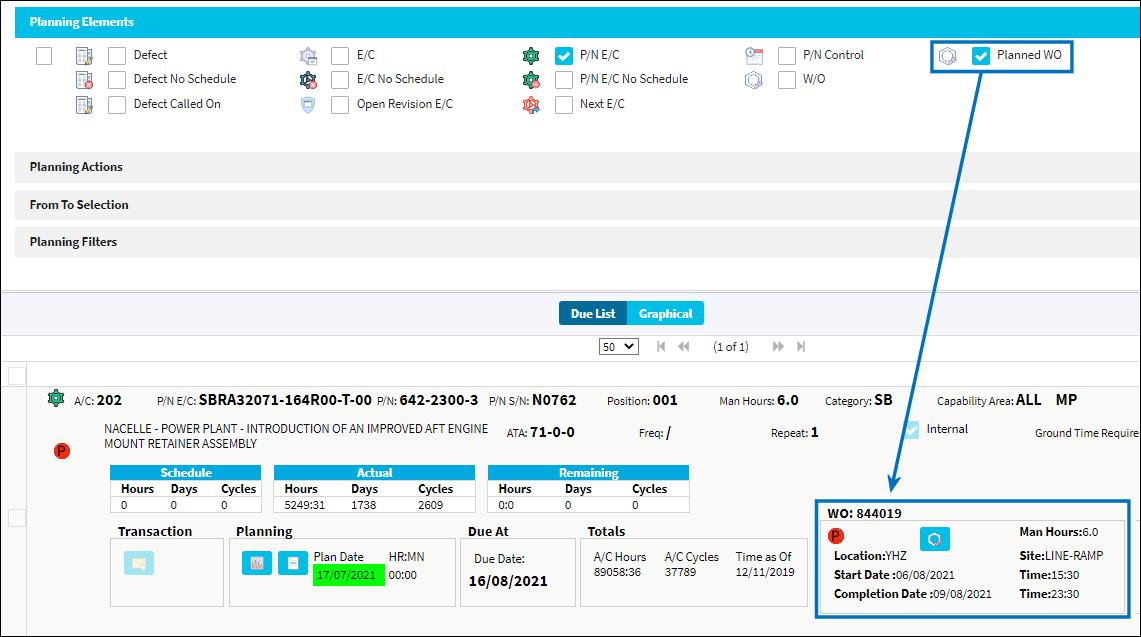
To review the W/O, or to unlink the item from the W/O (through the W/O's Workscope tab), select the W/O  button.
Share
Print
|
©1997-2026 Trax USA Corp. All rights reserved. This manual may not be copied, photocopied, reproduced, translated, or converted to any electronic or machine-readable form, in whole or in part, without prior written approval from Trax USA Corp. |
 |