
 Share
 Print
|
|
|
|
|



Select the Audit  button to view the Task Card history and a list of all changes made against the Shop Task Card. The tree-like view allows the user to expand and collapse each record per transaction. This window allows the user to print and email the results of the audit.
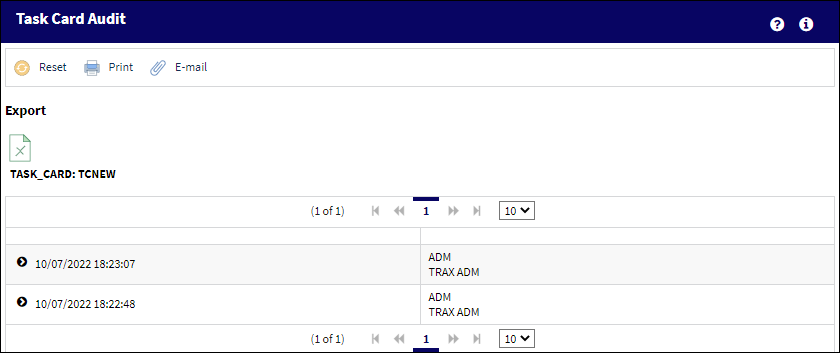
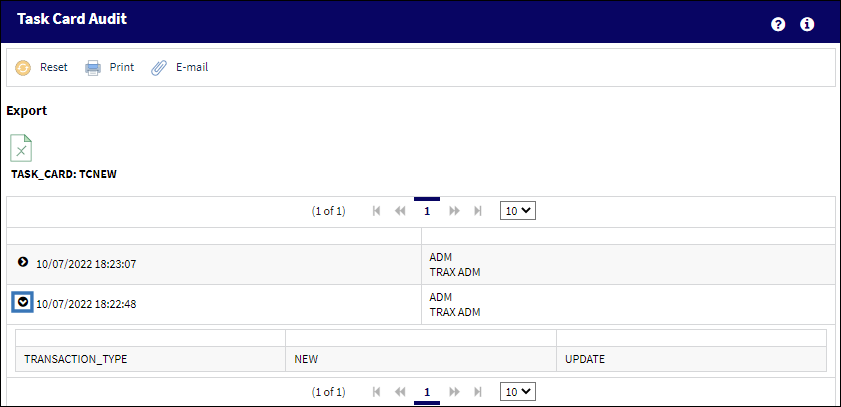
Select the Expand  button to view the detailed changes made to the Shop Task Card.
Share
Print
|
©1997-2026 Trax USA Corp. All rights reserved. This manual may not be copied, photocopied, reproduced, translated, or converted to any electronic or machine-readable form, in whole or in part, without prior written approval from Trax USA Corp. |
 |