
 Share
Share
 Print
Print
|
|
|
|
|


Terms and Conditions
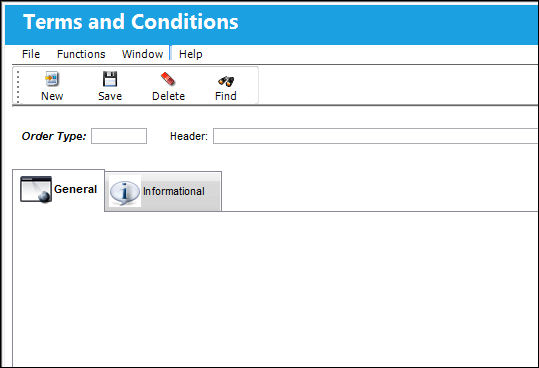
The Terms and Conditions window allows users to modify the back portion of all order types found in TRAX. The Security Explorer enabled window is accessed via Settings/Update/Terms and Conditions. When selected, the following is displayed:
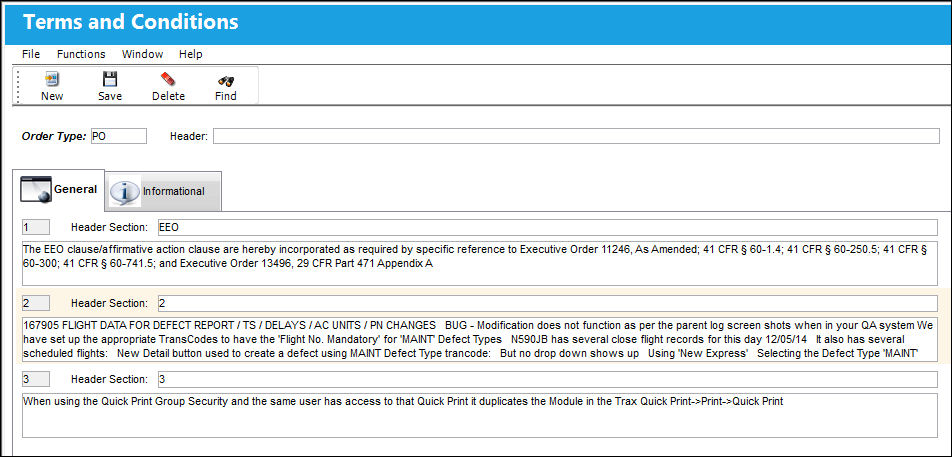
Use the Order Type field to search for specific entries. For example, enter an Order Type in the top left field then select the Find  button. Notice the 2 entries are listed in numerical order with a Header Section and a text body for Purchase Orders. The Header field displays the formal title for the Order Type's Terms and Conditions.
To enter another entry select the New  button.
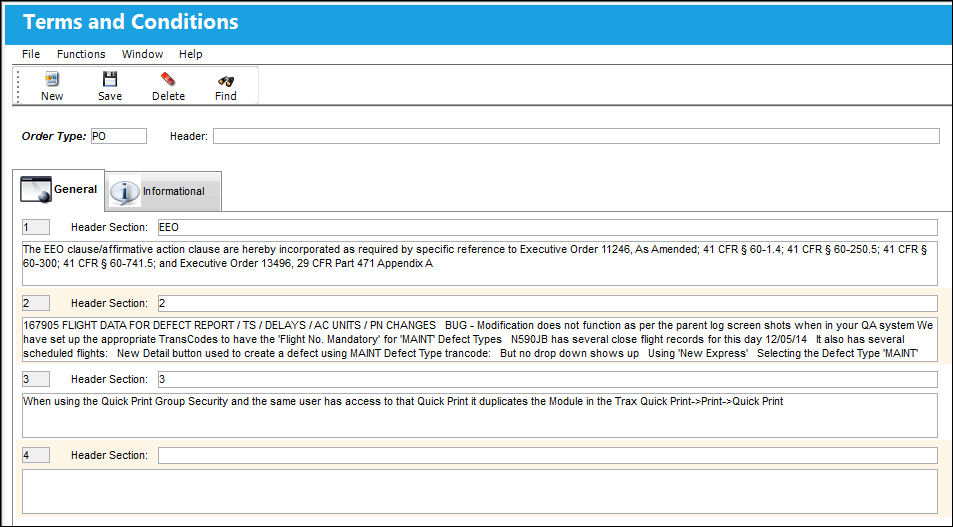
Enter the Header Section title and the text body. Select the Save  button to add the entry to the Order.
These Terms and Conditions will be printed along with the Order Types they are associated to. For example, when a new Purchase Order is created, these entries can be found and updated via the Terms and Conditions tab of the order header window. This tab is also security enabled.
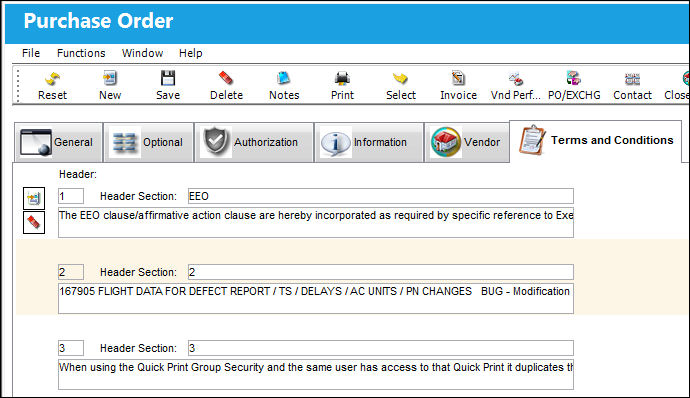
Notice the New and Delete  buttons are included to manually add or remove entries. Users are also allowed to edit the text in the Header Section and the text body. All changes can be saved via the Save button.
When the Order is printed, the Terms and Conditions will be included.
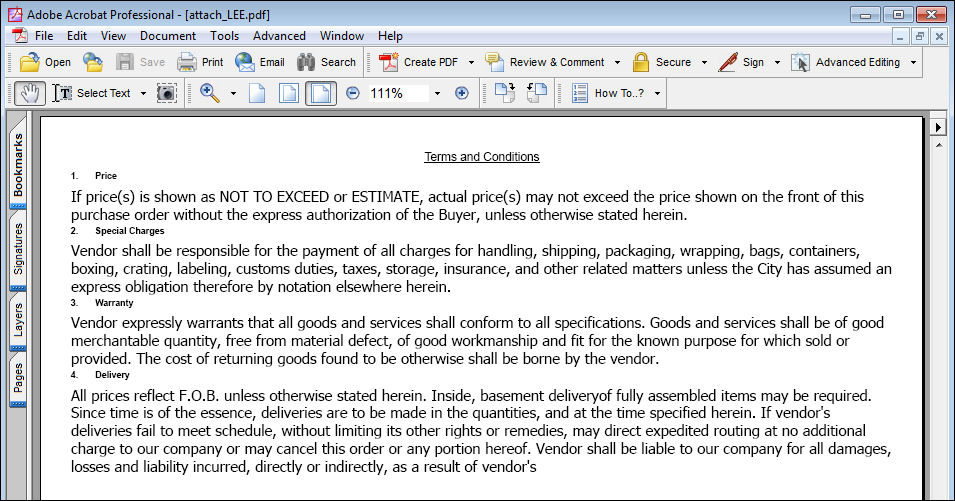
The Terms and Conditions window affects all Order Types found in TRAX. For more information refer to the individual Orders via the Orders Training Manual.
This update window is also available in query mode where users can view the records provided in this window but cannot create new records or edit existing data. Refer to this module's Query menu.
Share
Print
|
©1997-2026 Trax USA Corp. All rights reserved. This manual may not be copied, photocopied, reproduced, translated, or converted to any electronic or machine-readable form, in whole or in part, without prior written approval from Trax USA Corp. |
 |