
 Share
Share
 Print
Print
|
|
|
|
|


The PN Control Notification setting allows the user to set-up a notification for an employee via an internal TRAX message, an SMS text, or email regarding P/N Control changes to a P/N.
At the System Notification screen, select P/N Control Notification option.
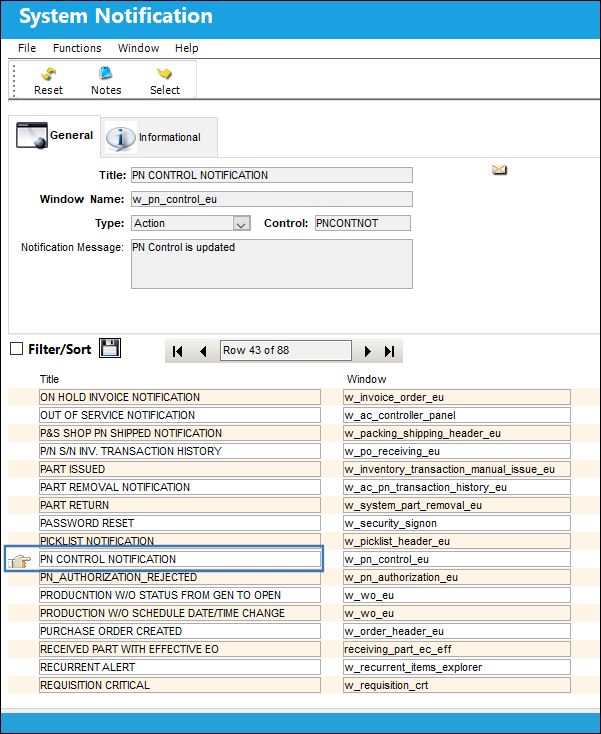
From the System Notification window, the user can enter the contact information of the employee who should be notified.
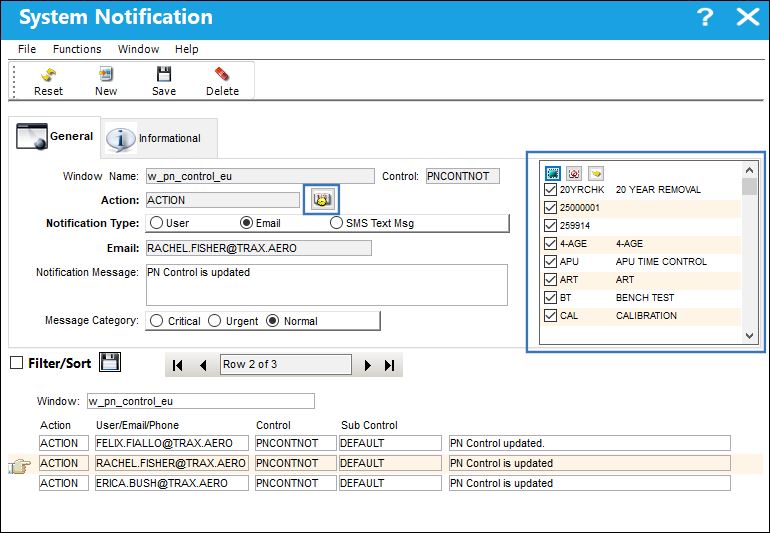
To set-up the system notification, select the notification type and enter the contact information of the intended recipient.
 Note: When the P/N Control
  button is selected, a series of checkboxes appear. These boxes allow the user to generate specific notifications that should be received at the P/N Master Level. For example, selecting the Calibration checkbox will notify the user when the calibration task has been performed for a P/N.
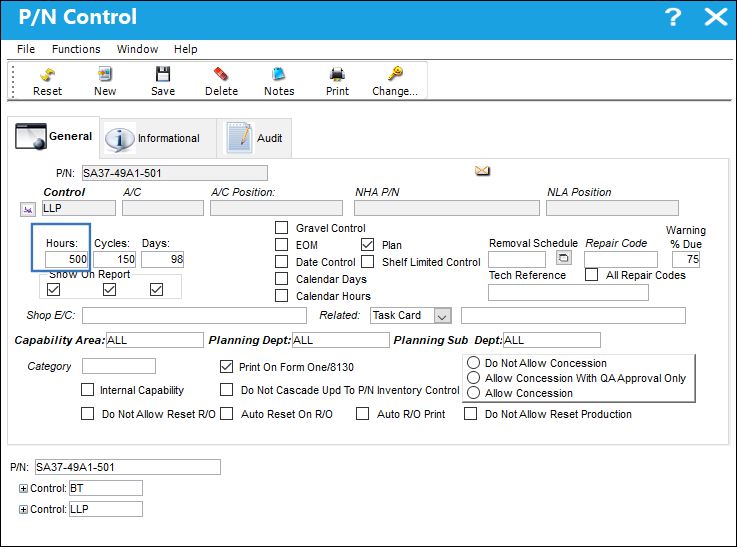
For example, a large change in accrued hours will result in an email notification.
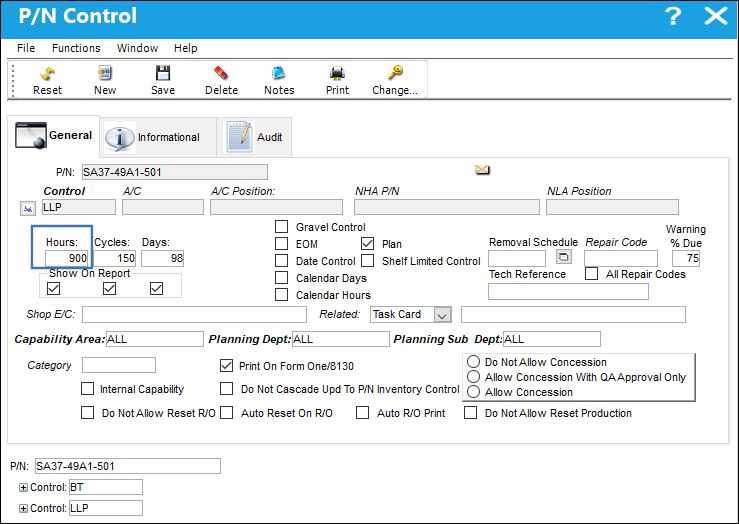
Altering the hours of this P/N Control and select the Save  button. This will trigger the notification.
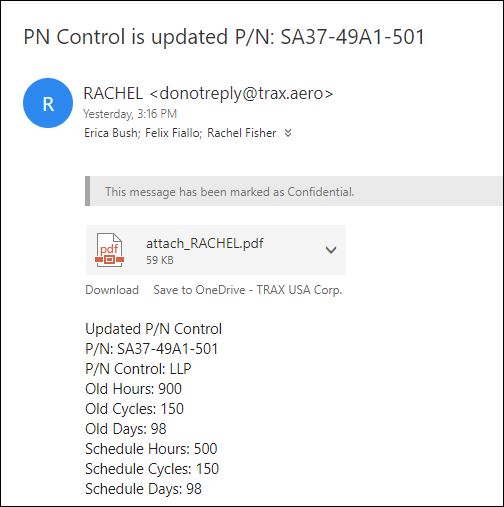
The contents of the report will appear in the body of the email of the person of your choosing.
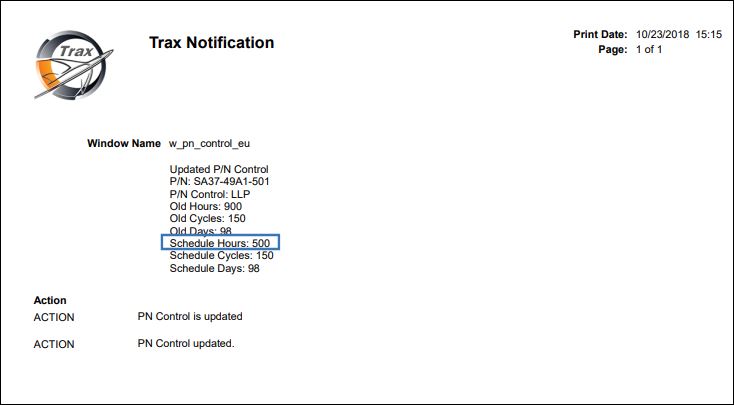
A PDF of the resulting change will also be attached to the notification email.
Share
Print
|
©1997-2026 Trax USA Corp. All rights reserved. This manual may not be copied, photocopied, reproduced, translated, or converted to any electronic or machine-readable form, in whole or in part, without prior written approval from Trax USA Corp. |
 |