
 Share
Share
 Print
Print
|
|
|
|
|


The Order Mask  button allows users to send an Order Mask message which contains a list of tasks that must be complied with. This list is pulled from the Repair Order, Control Tab and includes the entire assembly (higher and lower).
From the ROS Message List window, select the Order Mask button.
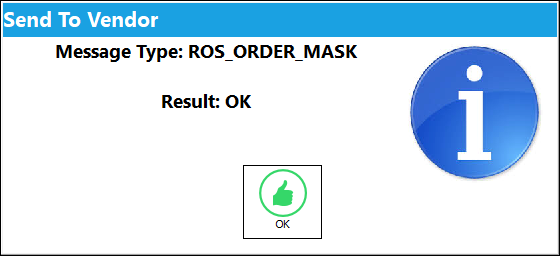
The following pop-up appears. Select. 'OK'.
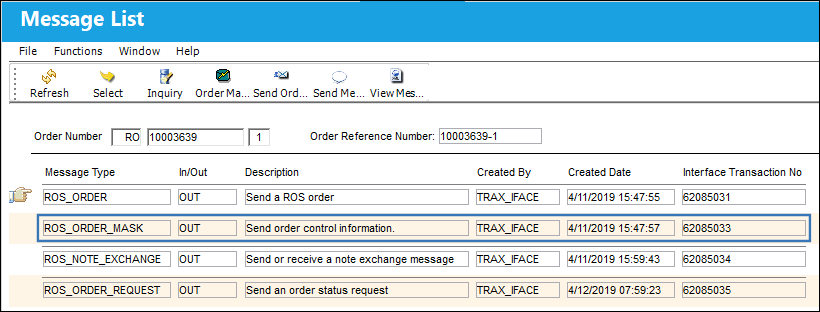
The ROS_ORDER_MASK message is sent out as shown below:
Share
Print
|
©1997-2026 Trax USA Corp. All rights reserved. This manual may not be copied, photocopied, reproduced, translated, or converted to any electronic or machine-readable form, in whole or in part, without prior written approval from Trax USA Corp. |
 |