
 Share
Share
 Print
Print
|
|
|
|
|


The Send Order  button simply allows the user to resend an order from the queue. This allows the user to send individual messages.
Messages before the Send Order  button is selected:
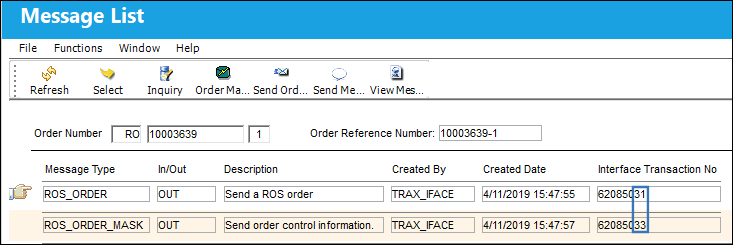
Select the Send Order  button.
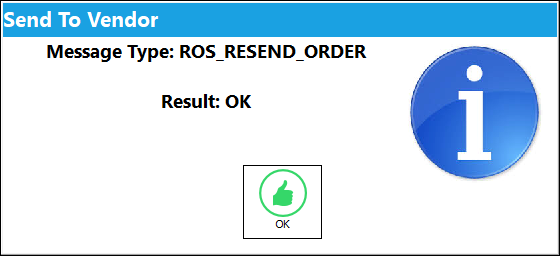
The following pop-up appears. Select. 'OK.'
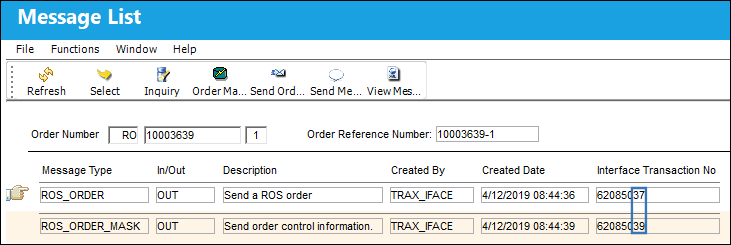
Here are the messages after the Send Order  button is selected. Note the Interface Transaction Numbers have been incremented from the previous messages:
Share
Print
|
©1997-2026 Trax USA Corp. All rights reserved. This manual may not be copied, photocopied, reproduced, translated, or converted to any electronic or machine-readable form, in whole or in part, without prior written approval from Trax USA Corp. |
 |