
 Share
Share
 Print
Print
|
|
|
|
|


User Password Settings

Navigation Panel/ User Settings/ Password Settings
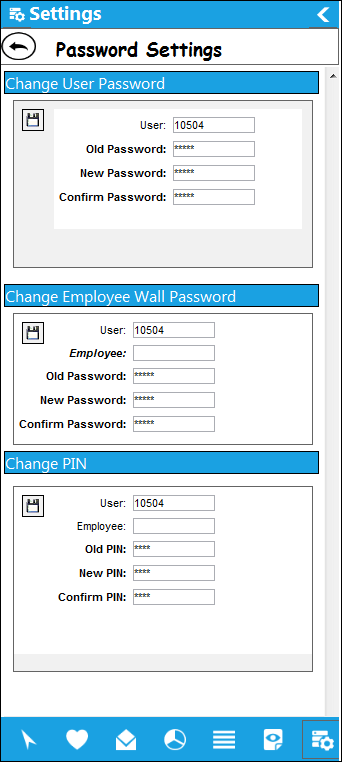
In Password Settings, the user is able to change their user, wall password, and their employee PIN all in one convenient window.
Each option has a Save  button which requires the user to select in order for that specific option to take effect in the application.
 This is security controlled via Security Explorer/ System Administration/ Explorer/ System Transaction Configuration/ User Settings Menu - Password Settings. For additional information, refer to the Security Explorer via the System Administration Training Manual.
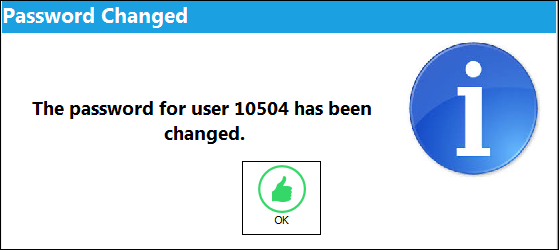
After the new password has been entered and the user attempts to save the change, the following save prompt is displayed.
Share
Print
|
©1997-2026 Trax USA Corp. All rights reserved. This manual may not be copied, photocopied, reproduced, translated, or converted to any electronic or machine-readable form, in whole or in part, without prior written approval from Trax USA Corp. |
 |