
 Share
Share
 Print
Print
|
|
|
|
|


Navigation Panel

The Version 11 Navigation Panel is the primary window that opens up upon logging into TRAX. It is located on the left hand side of the application's framework. This panel remains open throughout the use of the application and stands as a reference point when opening different windows in the system. The Navigation Panel is retractable and may be minimized by selecting Minimize the Navigation Panel  button located on the upper right hand side of the panel.
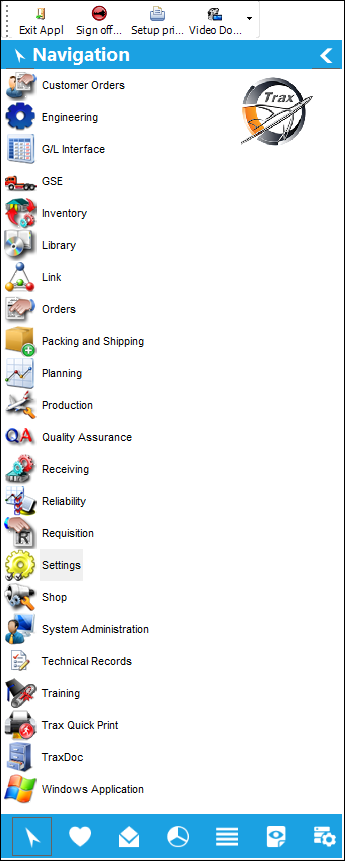
Minimizing and Expanding the Navigation Panel:
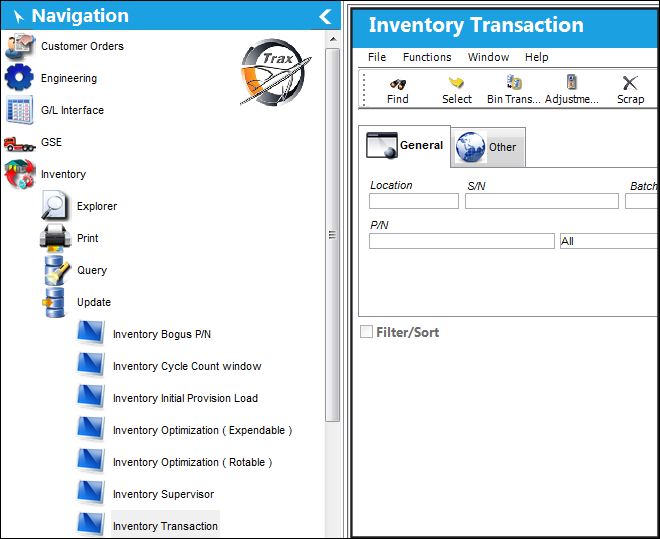
When selecting into a window in TRAX, the Navigation Panel remains open unless minimized:
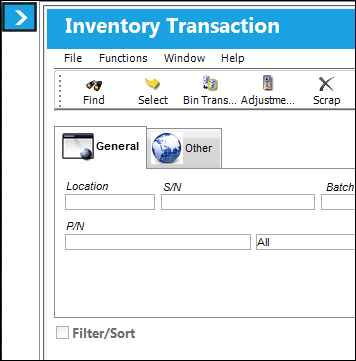
The user is able to minimize the Navigation Panel by selecting the Expand the Navigation Panel  button highlighted on the left hand side in blue:
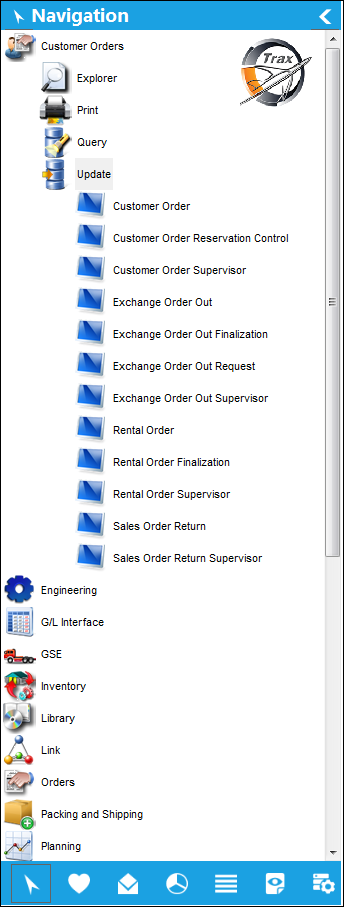
Tree View:
Tree view is the application's default navigation layout. This layout displays the modules in alphabetical order and the user simply double-clicks or clicks (depending on your settings) on the desired module to view the subsequent module options.
List View:
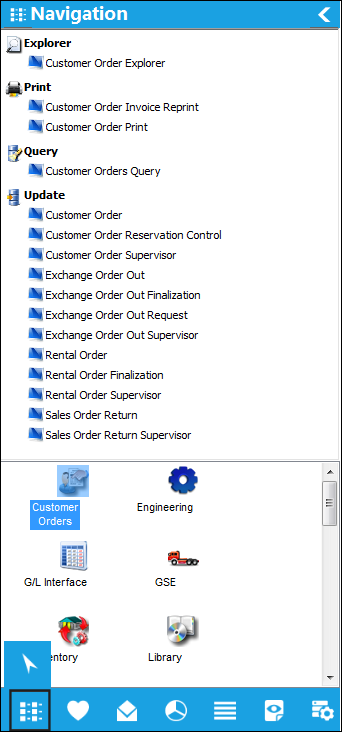
The List View option is found by selecting the Tree View Navigation  button on the bottom menu of the Navigation Panel. Select the List View Navigation
  button to view the modules in a list order. The modules will display on the bottom half of the panel and once a module is selected, the module options will populate on the top half of the Navigation Panel.
Share
Print
|
©1997-2026 Trax USA Corp. All rights reserved. This manual may not be copied, photocopied, reproduced, translated, or converted to any electronic or machine-readable form, in whole or in part, without prior written approval from Trax USA Corp. |
 |