
 Share
Share
 Print
Print
|
|
|
|
|


Add to Favorite Button

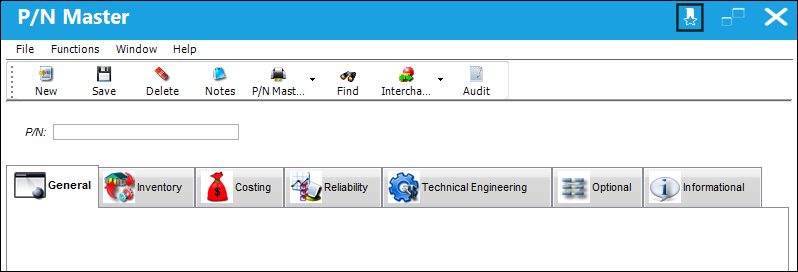
The Add to Favorite button located on the top right hand side of the window tool bar, is designed to add any window in the application to the Favorites panel.
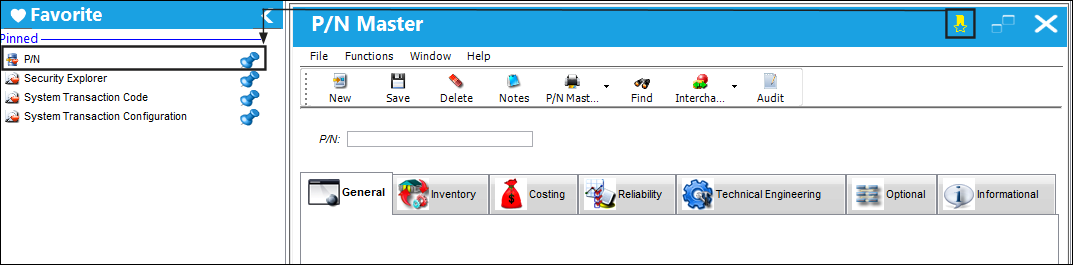
Select the Add to Favorite button. Once selected the button will highlight its selection and automatically show in the Favorites panel.
The button is displayed highlighted, verifying that the window is a favorite. The P/N Master window is successfully displayed on the Favorites panel.
For more information on the Favorites panel, refer to Navigation Panel, Favorite via the System Standards Manual.
Share
Print
|
©1997-2026 Trax USA Corp. All rights reserved. This manual may not be copied, photocopied, reproduced, translated, or converted to any electronic or machine-readable form, in whole or in part, without prior written approval from Trax USA Corp. |
 |