
 Share
Share
 Print
Print
|
|
|
|
|



The Task Card Exchange  button allows the planner to update the latest revision of multiple Task Cards linked to the Work Order. For example Work Orders that are planner (for example) three months ahead, when a maintenance event is coming due, prior to printing, the planner must be sure that the Task Cards are on the latest revision. The Task Card Exchange button allows the planner to update the latest revision of the Task Cards linked to the Work Order.
 This button is security controlled via Planning/ Query/ Interactive Planner/ Task Card Exchange button. For additional information, refer to the Security Explorer of the System Administration Training Manual.
From the Work Order, select the Task Card Exchange button. The user will be taken to the W/O Task Card window where all of the Task Cards against the Work Order are listed. Select the Task Cards that you would like to exchange for new revisions and select the Exchange  button.
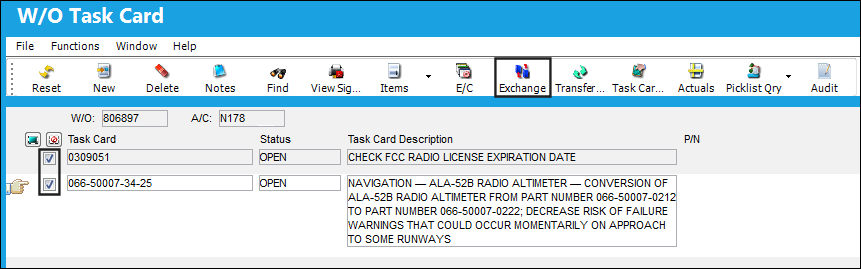
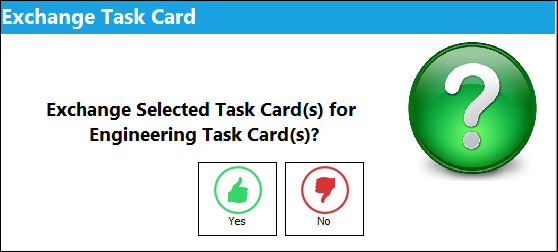
The following pop up window appears. Select 'Yes' to refresh the fields on the Work Order Task Card to match the information that appears in the original/updated (Engineering) Task Card.
Share
Print
|
©1997-2026 Trax USA Corp. All rights reserved. This manual may not be copied, photocopied, reproduced, translated, or converted to any electronic or machine-readable form, in whole or in part, without prior written approval from Trax USA Corp. |
 |