
 Share
Share
 Print
Print
|
|
|
|
|


TRAX displays the following pop-up window upon receiving the part and clicking on the Save  button:
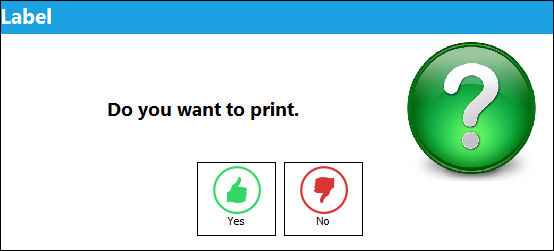
Select YES and a part number identification tag will appear to finalize the receiving inspection transaction.
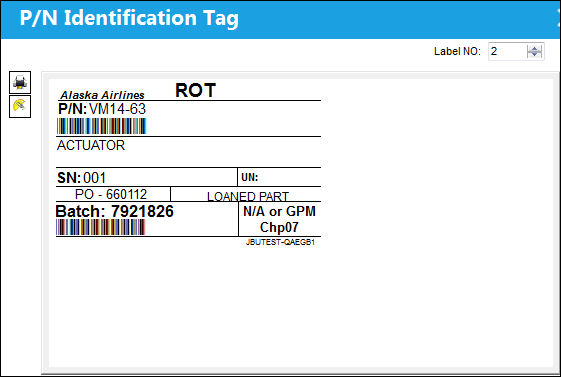
The user has the option of printing (Print button) or e-mailing (E-mail  button) this document.
Additional Functionality:
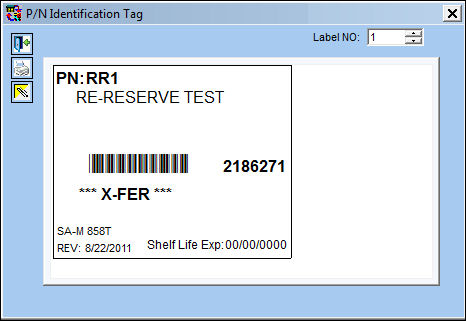
The DCA number has been removed from the P/N Identification Tag.
This is a customized request and the new tag format may not be available for your company. For additional information, please contact your TRAX Administrator.
Share
Print
|
©1997-2026 Trax USA Corp. All rights reserved. This manual may not be copied, photocopied, reproduced, translated, or converted to any electronic or machine-readable form, in whole or in part, without prior written approval from Trax USA Corp. |
 |