
 Share
Share
 Print
Print
|
|
|
|
|


The Additional Work Required tab is available via the Receiving/Update/Receiving Inspection. This tab is used to enter any additional work that must be performed when accepting a Receiving Inspection.
This tab along with all of the buttons are security enabled. The TRAX administrator can select which user has access to each option.
To create an entry, select the New  button. Enter the additional work then select the Save
  button.
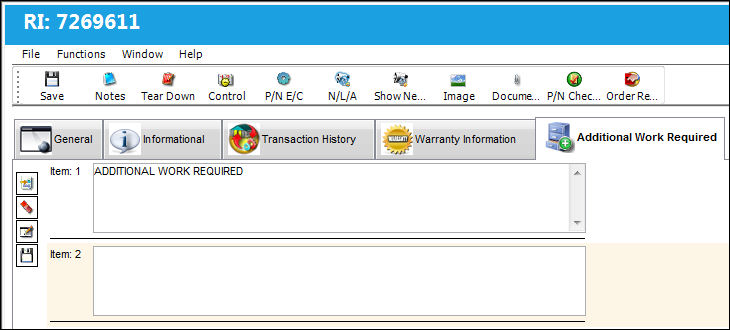
Multiple entries can be created by selecting the New button.
When a different user views the same Additional Work Required, the entry is blocked. The user can only edit the entry by selecting the Edit Additional Work Required  button.
Once the Edit Additional Work Required button is selected, the user can edit the entry.
Share
Print
|
©1997-2026 Trax USA Corp. All rights reserved. This manual may not be copied, photocopied, reproduced, translated, or converted to any electronic or machine-readable form, in whole or in part, without prior written approval from Trax USA Corp. |
 |