
 Share
Share
 Print
Print
|
|
|
|
|


Preview Options
From the Update menu, the Preview option is available.

Open a report and select the As Needed radio button in the Preview Options field. The Print Display is generated showing that Page 1 of 2 is available for viewing.
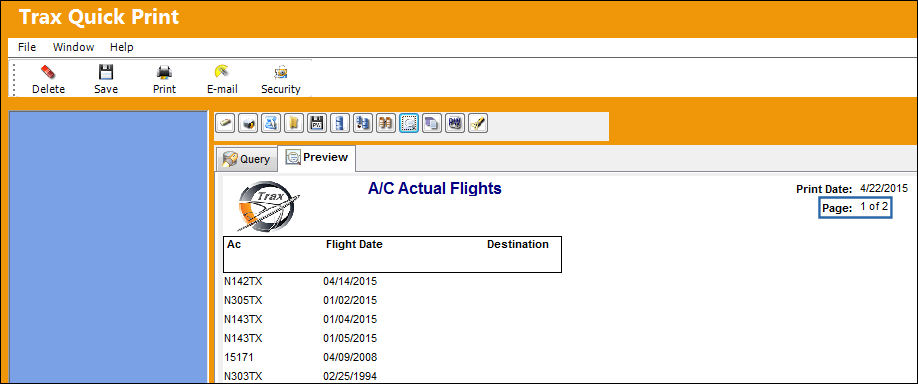
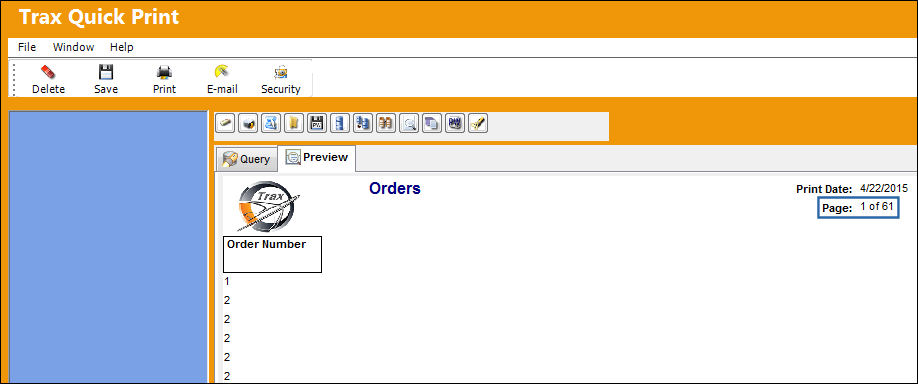
From the Query Mode, click on the Full radio button in the Preview Options field. The Print Display takes much longer to load and the Print Display is generated showing that Page 1 of 18362 is available for viewing. With the Full radio button checked, although the Print Display takes longer to load, the information is available all at once.
Share
Print
|
©1997-2026 Trax USA Corp. All rights reserved. This manual may not be copied, photocopied, reproduced, translated, or converted to any electronic or machine-readable form, in whole or in part, without prior written approval from Trax USA Corp. |
 |