
 Share
Share
 Print
Print
|
|
|
|
|


Updating Changes
Open a table and select the table, columns, title and additional options. Select the Preview  button to create a preview of the print.
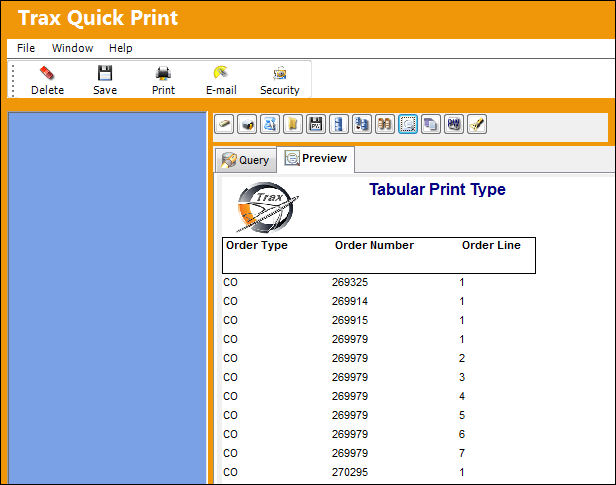
Return to query mode and click on the query button to return to query mode. Make the necessary changes (i.e. change title, print orientation, etc . . .) and click on the Preview button.
Selecting this  button simply takes the user back and forth from the query mode to the preview mode. The user must select the Preview button to update the information.
Share
Print
|
©1997-2026 Trax USA Corp. All rights reserved. This manual may not be copied, photocopied, reproduced, translated, or converted to any electronic or machine-readable form, in whole or in part, without prior written approval from Trax USA Corp. |
 |