
 Share
Share
 Print
Print
|
|
|
|
|


Sort/Filter Quick Print Data
Sort/filter functions are available for the Quick Print Creation and the Quick Print options. These functions allow permanent sorting and filtering for prints that are created and saved.
From the quick print display window, right-click on the mouse to bring up the following screen:
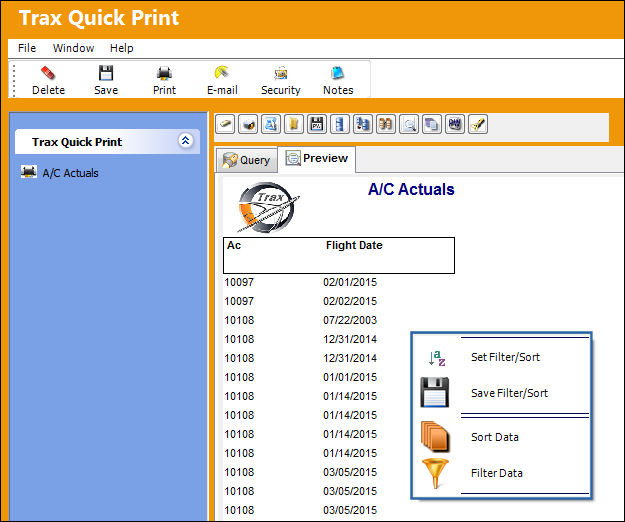
Select the option required. Depending on the selection, the following screens will appear.
See Sort Data and Filter Data for more information.
Share
Print
|
©1997-2026 Trax USA Corp. All rights reserved. This manual may not be copied, photocopied, reproduced, translated, or converted to any electronic or machine-readable form, in whole or in part, without prior written approval from Trax USA Corp. |
 |