
 Share
Share
 Print
Print
|
|
|
|
|


Saving and Deleting the Quick Print
The Save option allows the user to Save a query.
Select desired fields, print type, title and click on the Preview  button. The four icons appear on the left of the screen. Select the Save
  button.
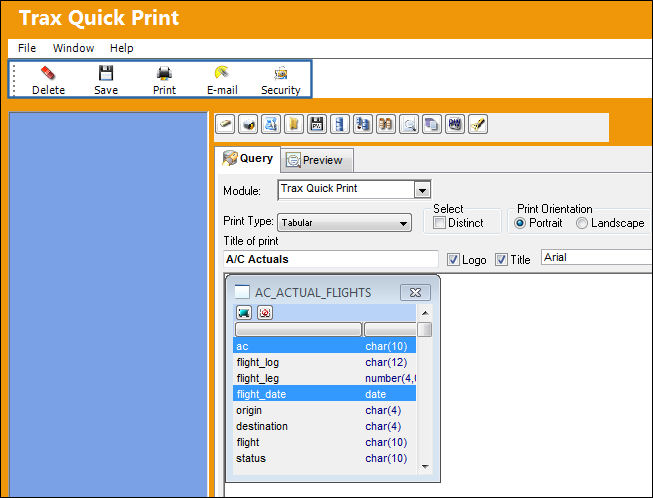
The following pop up window will appear.
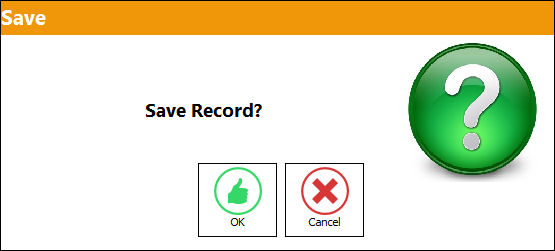
Select OK. The print is now visible in the report list window, and will also be able to be printed from the print option in the quick print menu.
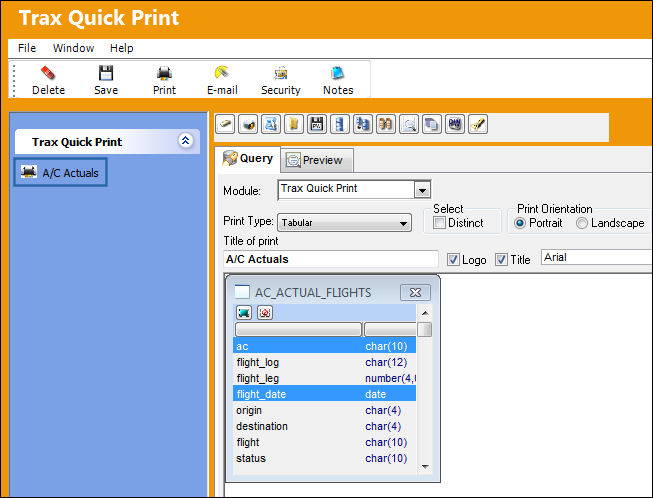
To delete a print double-click on the name of the print from the list of prints. Select the Delete  button.
Users can also print or e-mail the created report by using the Print  or E-mail
  buttons.
Share
Print
|
©1997-2026 Trax USA Corp. All rights reserved. This manual may not be copied, photocopied, reproduced, translated, or converted to any electronic or machine-readable form, in whole or in part, without prior written approval from Trax USA Corp. |
 |