
 Share
Share
 Print
Print
|
|
|
|
|


This option is used to change the Defect number while retaining all the previously entered, important information related to the Defect.
Select the Change Key  button to change the Defect Type and Defect and/or the item number in the Defect Report. Right click in the New Defect Type field.
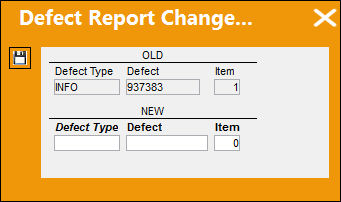
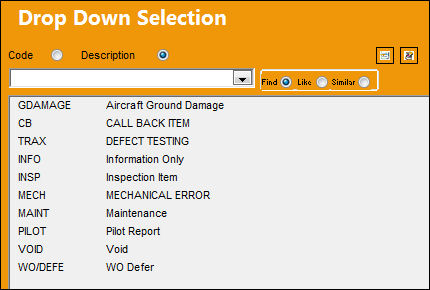
TRAX displays the drop down selection window. Select a new Defect Type by double clicking on one of the options.
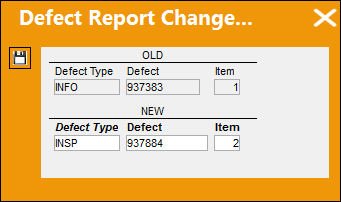
Once the new Defect Type information is modified, select the Save  button. The new Defect Type will be saved to the Defect Report.
Share
Print
|
©1997-2026 Trax USA Corp. All rights reserved. This manual may not be copied, photocopied, reproduced, translated, or converted to any electronic or machine-readable form, in whole or in part, without prior written approval from Trax USA Corp. |
 |