
 Share
Share
 Print
Print
|
|
|
|
|


Hold Button, via A/C P/N Transaction
Select the Hold  button to place the A/C P/N Transaction on Hold status. Once the A/C P/N Transaction is placed on Hold, it may be released from Hold via Technical Records/ Update/ A/C P/N Transaction Audit. Simply select into the record, then click on the Save
  button.
Select the Hold button. Users will be asked to place the record on Hold. TRAX displays the following dialog box:
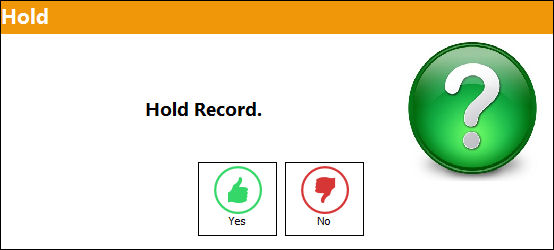
For more information refer to the A/C P/N Transaction Audit via the Technical Records Training Manual.
The Removal Installation Audit checkbox via the P/N Master can be used to track the component through the system and automatically place it on hold when an A/C P/N Transaction is performed.
Only serialized parts can be placed on Hold status.
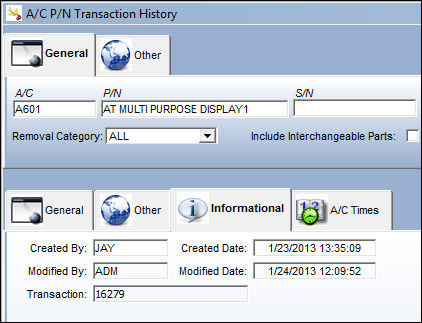
 Update Modified By:
When a user begins a transaction (Created By) and places that transaction on 'hold', the user who competes the transaction (Modified By) will now be reflected in the Modified By field in the A/C P/N Transaction History Query.
Share
Print
|
©1997-2026 Trax USA Corp. All rights reserved. This manual may not be copied, photocopied, reproduced, translated, or converted to any electronic or machine-readable form, in whole or in part, without prior written approval from Trax USA Corp. |
 |