
 Share
Share
 Print
Print
|
|
|
|
|


The MELCU manual allows airlines to create their own MEL following manufacturer specifications. The manufacturer for this manual is customer specific for operators.
The MELCU doctype functions the same way as the MEL doctype, however the MELCU has been created to allow third parties to create and load MEL records into a database via TraxDoc.
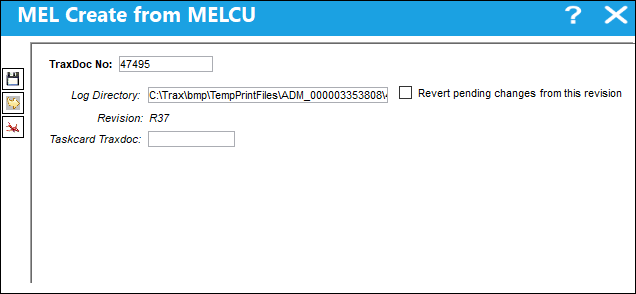
For additional information, refer to the MEL Create from MEL, via the TraxDoc Master Buttons of the TraxDoc Training Manual.
 Note: When Switch
  MELCU_2 is set to Yes, additional data from the MELCU XML is processed and will be imported into the MEL Authorization Management window. This switch was created for a specific customer based on their unique MELCU XML import requirements. It is recommended for all other customers to leave switch MELCU_2 set to No.
 Note: The Dispatch Concurrence value associated with MELs imported via this process will automatically import into the system. The Dispatch Concurrence checkbox in the MEL Revision window will be selected if the Dispatch_Concurrence value equals "true" in the imported XML file. The Dispatch Concurrence checkbox will be deselected if the Dispatch_Concurrence value equals "false" in the imported XML file.
Effectivity can also be reviewed through the View MELCU Effectivity  button.
Share
Print
|
©1997-2026 Trax USA Corp. All rights reserved. This manual may not be copied, photocopied, reproduced, translated, or converted to any electronic or machine-readable form, in whole or in part, without prior written approval from Trax USA Corp. |
 |