
 Share
Share
 Print
Print
|
|
|
|
|


DELETEPRINTS - Specify Number of Days to Delete Emailed, Printed or Retrieved W/Os That Have Been Printed

Specify Number of Days to Delete Emailed, Printed or Retrieved W/Os That Have Been Printed
Affected Windows: w_main_explorer
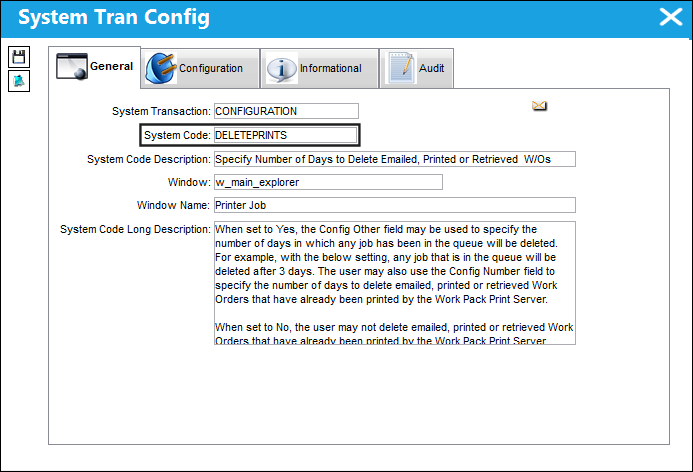
Switch Set to Yes:
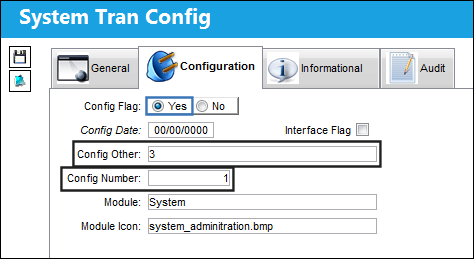
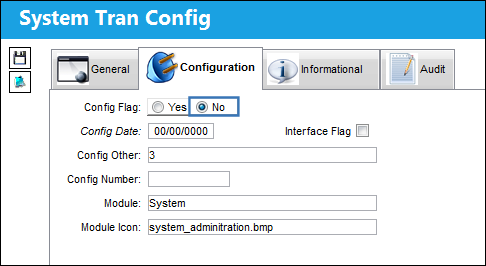
When set to Yes, the Config Other field may be used to specify the number of days in which any job has been in the queue will be deleted. For example, with the below setting, any job that is in the queue will be deleted after 3 days. The user may also use the Config Number field to specify the number of days to delete emailed, printed or retrieved Work Orders that have already been printed by the Work Pack Print Server.
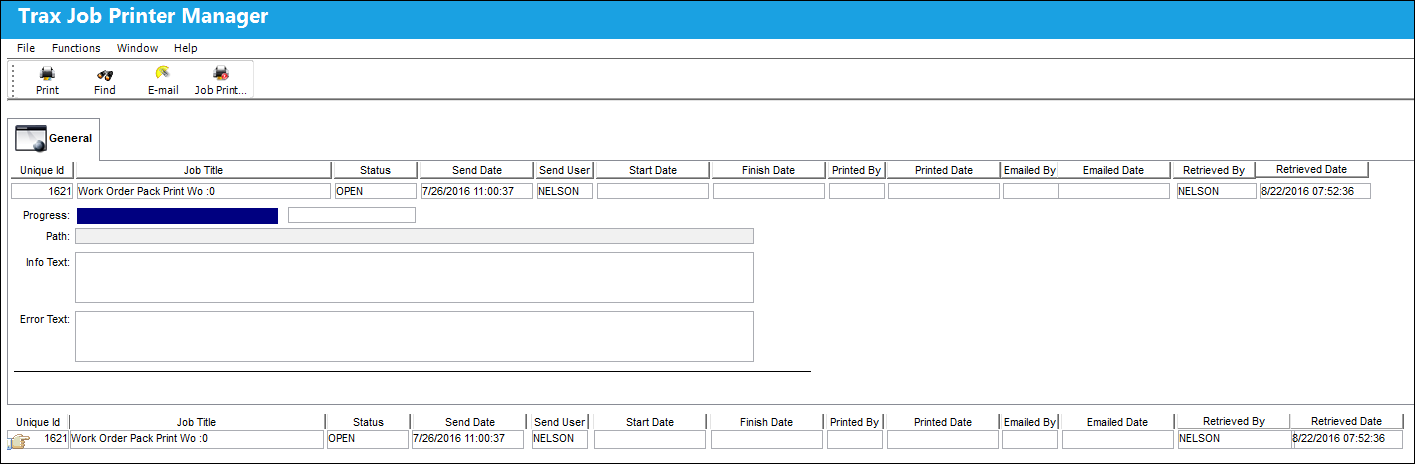
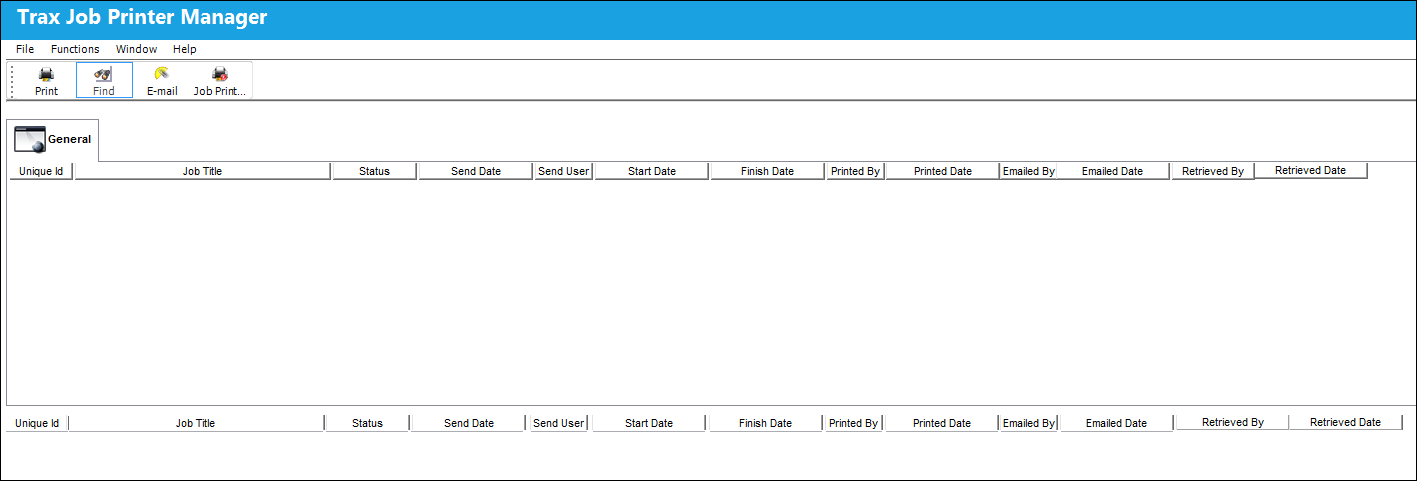
Note the following Work Order that was printed via the Work Pack Print Server.
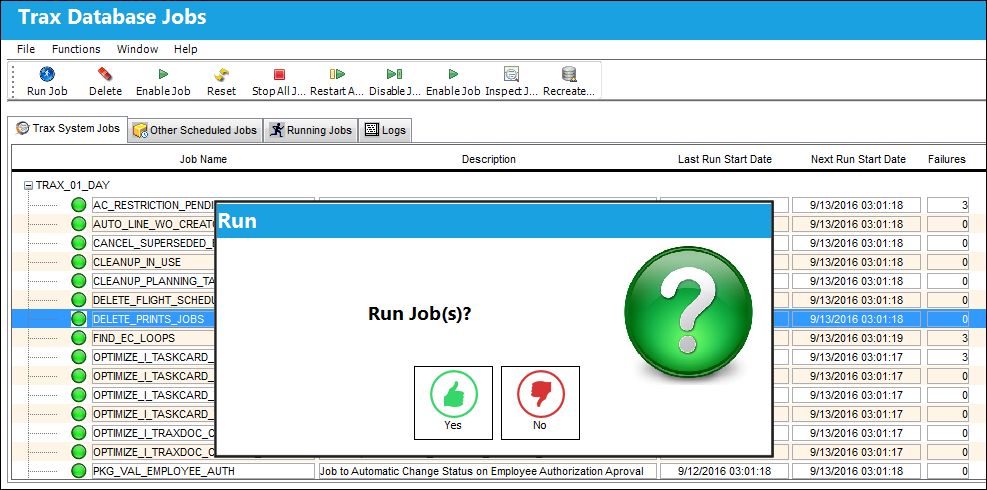
Run the following 'DELETE_PRINT_JOBS'.
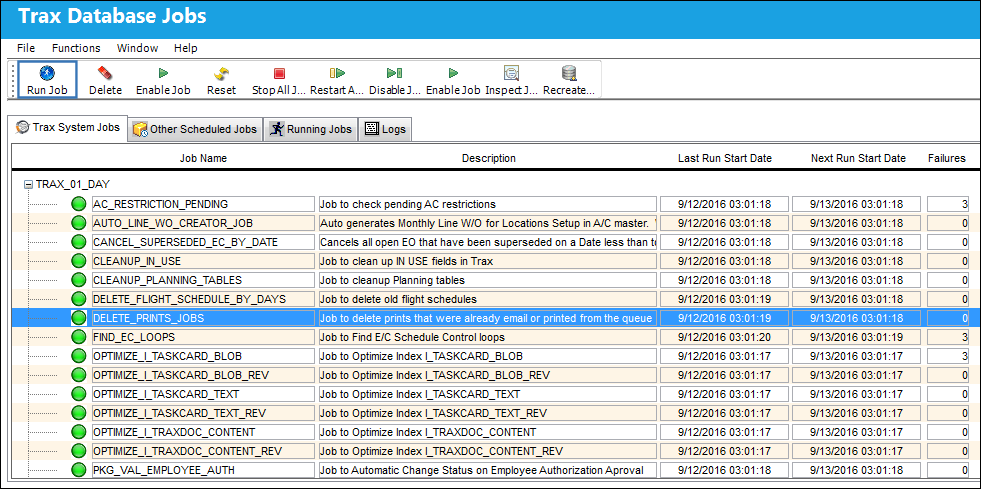
The Run Job(s) pop up appears. Select 'Yes'.
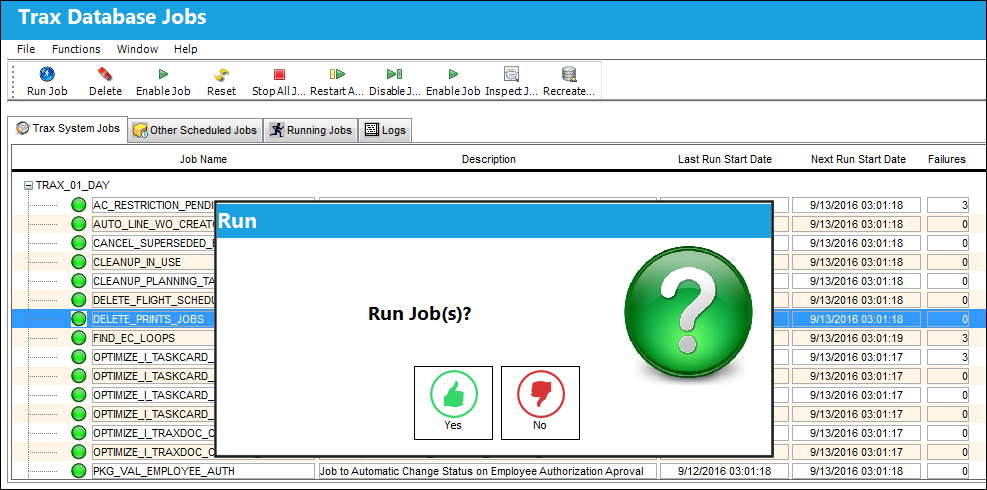
The Work Orders printed via the Work Pack Print server have been deleted.
Switch Set to No:
When set to No, the user may not delete emailed, printed or retrieved Work Orders that have already been printed by the Work Pack Print Server.
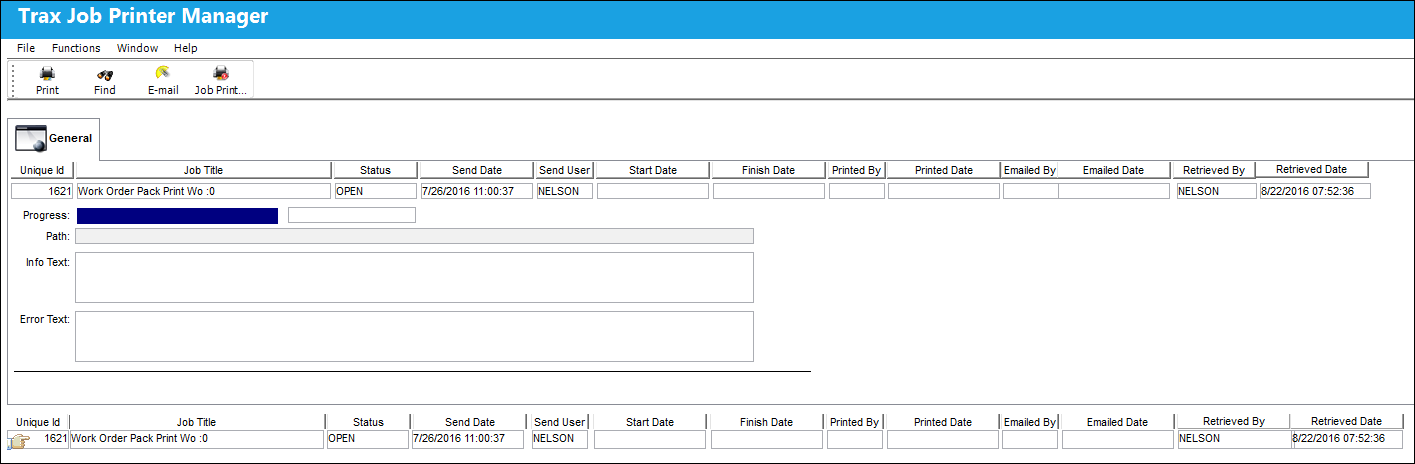
Note the following Work Order that was printed via the Work Pack Print Server.
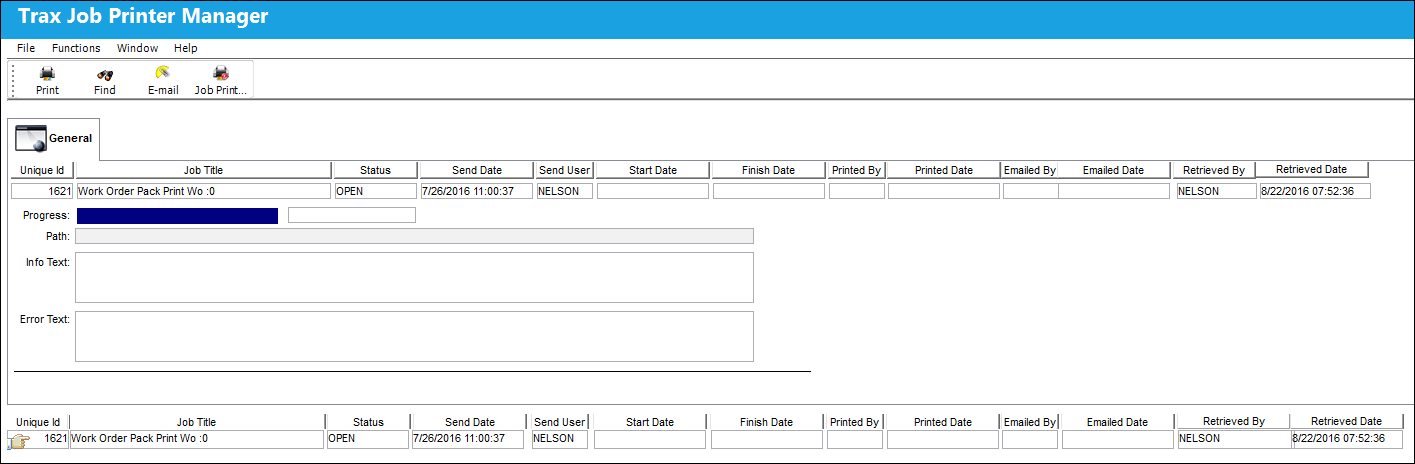
Run the following 'DELETE_PRINT_JOBS'. The Run Job(s) pop up appears. Select 'Yes'.
The Work Orders printed via the Work Pack Print server have not been deleted.
Share
Print
|
©1997-2026 Trax USA Corp. All rights reserved. This manual may not be copied, photocopied, reproduced, translated, or converted to any electronic or machine-readable form, in whole or in part, without prior written approval from Trax USA Corp. |
 |