
 Share
Share
 Print
Print
|
|
|
|
|


IMGNODEL - Delete Prompt Does Not Appear for Pasted Images in Image Control
Delete Prompt Does Not Appear for Pasted Images in Image Control
Affected Window: w_blob_control_eu
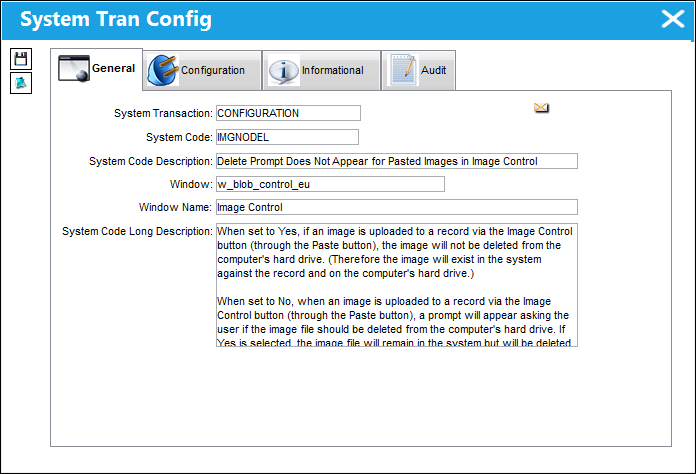
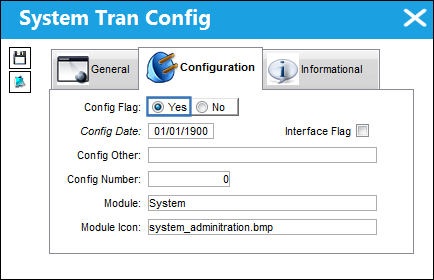
Switch Set to Yes:
When set to Yes, if an image is uploaded to a record via the Image Control button (through the Paste button), the image will not be deleted from the computer's hard drive. (Therefore the image will exist in the system against the record and on the computer's hard drive.)
For example, the Image Control  button was selected then the Paste
  button.
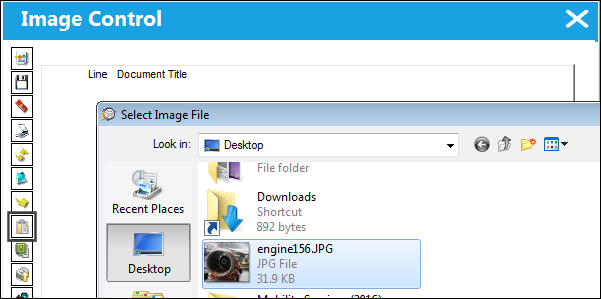
An image file (.jpg) is then selected.
The image file is then uploaded.
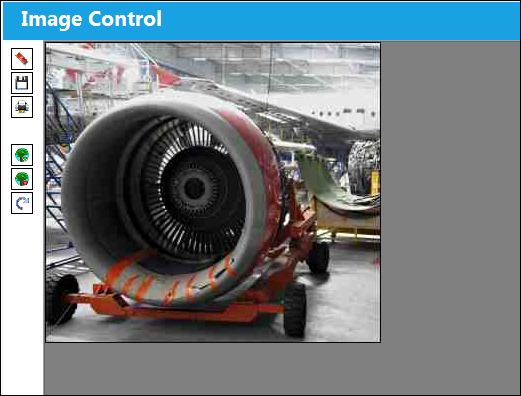
When exiting the window, the user can save the record, but they are not prompted to delete the image file from its original location on the computer.
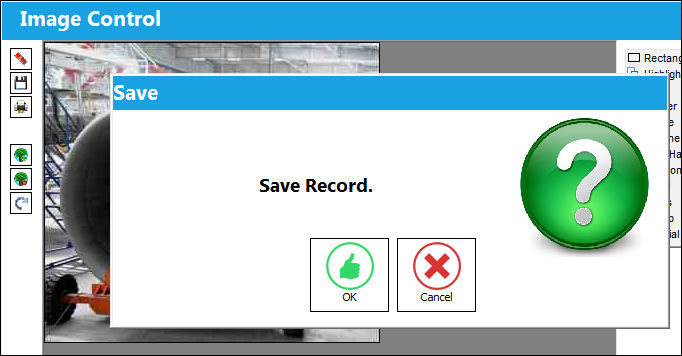
Switch Set to No:
When set to No, when an image is uploaded to a record via the Image Control button (through the Paste button), a prompt will appear asking the user if the image file should be deleted from the computer's hard drive. If Yes is selected, the image file will remain in the system but will be deleted from the computer; if No is selected, the image will remain in the system and in the original location where it was uploaded from.
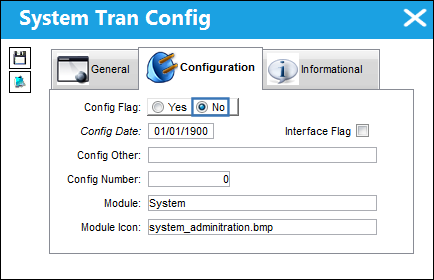
For example, the Image Control button was selected then the Paste button.
An image file (.jpg) is then selected.
The image file is then uploaded.
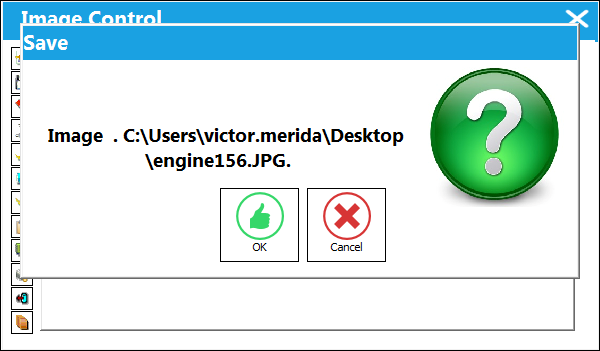
Once the Image Control window is exited, the following prompt appears. The user must select either Yes to delete the image from the computer (while keeping it in the system against the record), or No to keep the image in the original location on the computer (as well as in the system against the record).
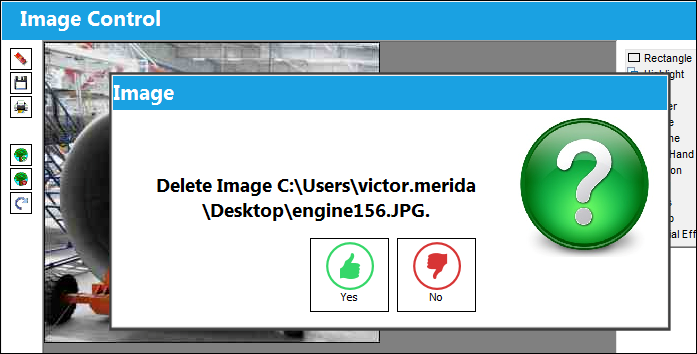
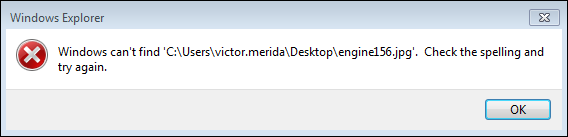
Notice that is Yes is selected, the image can no longer be found in the computer.
Share
Print
|
©1997-2026 Trax USA Corp. All rights reserved. This manual may not be copied, photocopied, reproduced, translated, or converted to any electronic or machine-readable form, in whole or in part, without prior written approval from Trax USA Corp. |
 |