
 Share
Share
 Print
Print
|
|
|
|
|


UPGRADEVER - Automatic TRAX Upgrade Prompt
Automatic TRAX Upgrade Prompt
Affected Window: w_security_signon
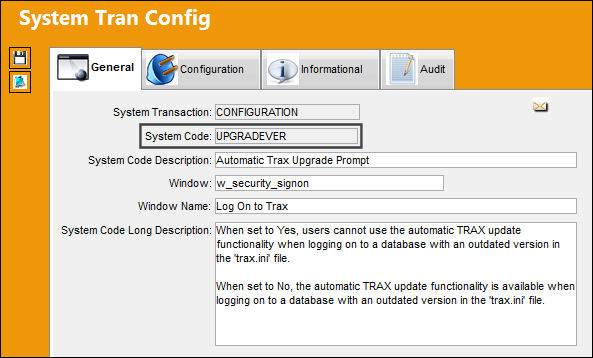
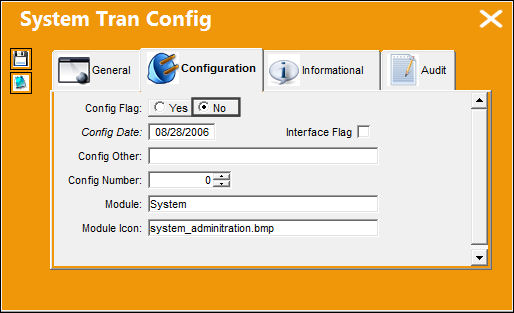
Switch Set to Yes:
When set to Yes, users cannot use the automatic TRAX update functionality when logging on to a database with an outdated version in the 'trax.ini' file.
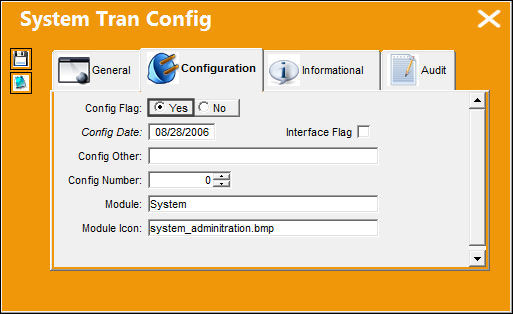
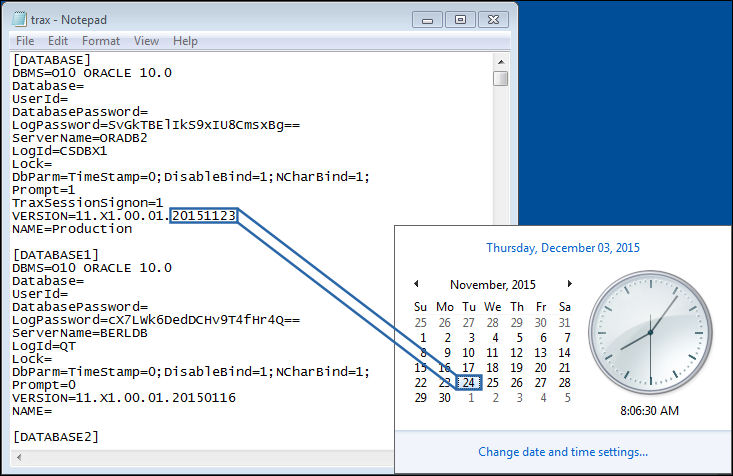
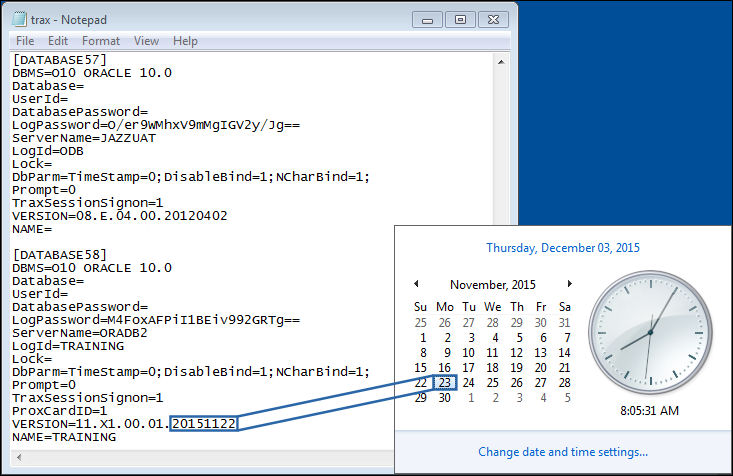
Notice that the 'trax.ini' version date for the database is set to a previous date instead of the current date.
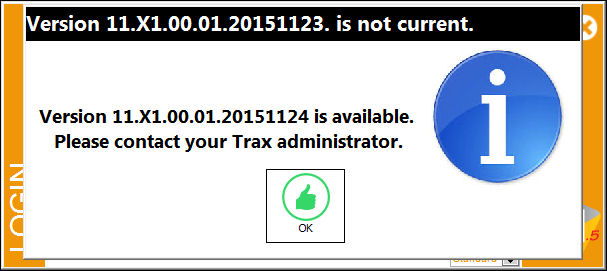
When a user tries logging on to the database, the following prompt appears stating the version information, but the automatic TRAX update functionality is not available. Users are advised to contact a TRAX administrator.
Switch Set to No:
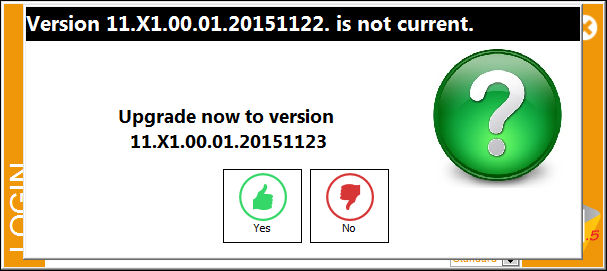
When set to No, the automatic TRAX update functionality is available when logging on to a database with an outdated version in the 'trax.ini' file.
Notice that the 'trax.ini' version date for the database is set to a previous date instead of the current date.
When a user tries logging on to the database, the following prompt appears stating the version information with the option to update the version automatically. Select Yes to update or No to exit the Log On window.
Share
Print
|
©1997-2026 Trax USA Corp. All rights reserved. This manual may not be copied, photocopied, reproduced, translated, or converted to any electronic or machine-readable form, in whole or in part, without prior written approval from Trax USA Corp. |
 |