
 Share
Share
 Print
Print
|
|
|
|
|


This function creates a web link to a web site.
The user’s computer must have an internet connection. The web site may require the user to enter a user name and password to access the web site.
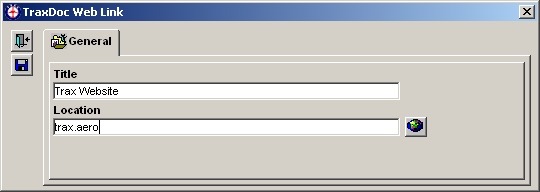
The following information/options are available in this window:
_____________________________________________________________________________________
Title
Enter a title to identify the web link.
Location
Enter the URL of the web link.
_____________________________________________________________________________________
Click the Location  button to test the link.
The default web browser will open and go to the web link.
Share
Print
|
©1997-2026 Trax USA Corp. All rights reserved. This manual may not be copied, photocopied, reproduced, translated, or converted to any electronic or machine-readable form, in whole or in part, without prior written approval from Trax USA Corp. |
 |