
 Share
Share
 Print
Print
|
|
|
|
|


REORLOC - Re-Order Level, Order Computation Omit Location
Re-Order Level, Order Computation Omit Location
Affected Window: gf_inventory_level_check
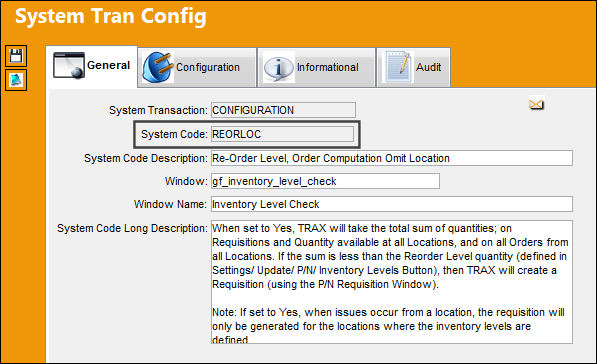
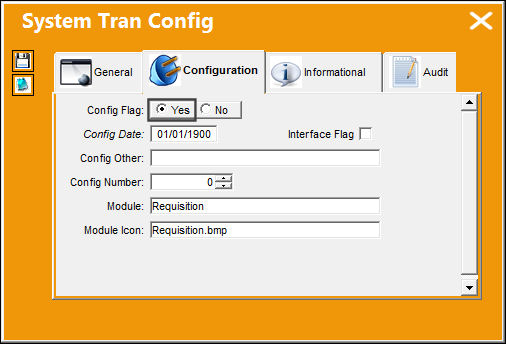
Switch Set to Yes:
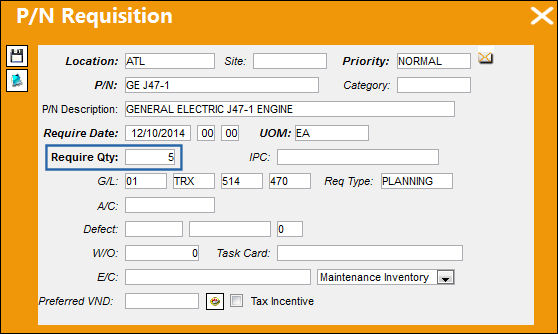
When set to Yes, TRAX will take the total sum of quantities; on Requisitions and Quantity available at all Locations, and on all Orders from all Locations. If the sum is less than the Reorder Level quantity (defined in Settings/ Update/ P/N/ Inventory Levels Button), then TRAX will create a Requisition (using the P/N Requisition Window).
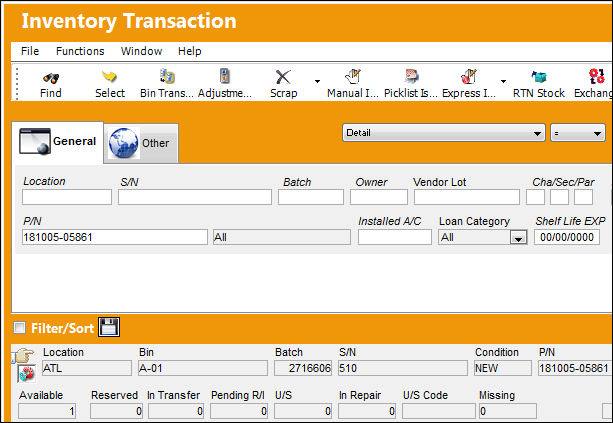
In the Inventory Transaction window, P/N '181005-05861' has 1 part available at the 'ATL' location.
P/N Inventory levels are set up for location 'MIA.'
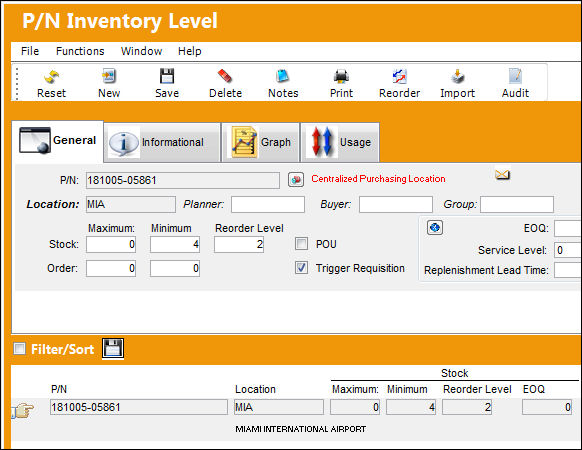
The system generates a requisition for this part for the location designated 'MIA' since only 1 part is available at a different location 'ATL.'
The system will take into account the sum of all quantities which includes; order types from all locations, Requisitions and quantities from all locations.
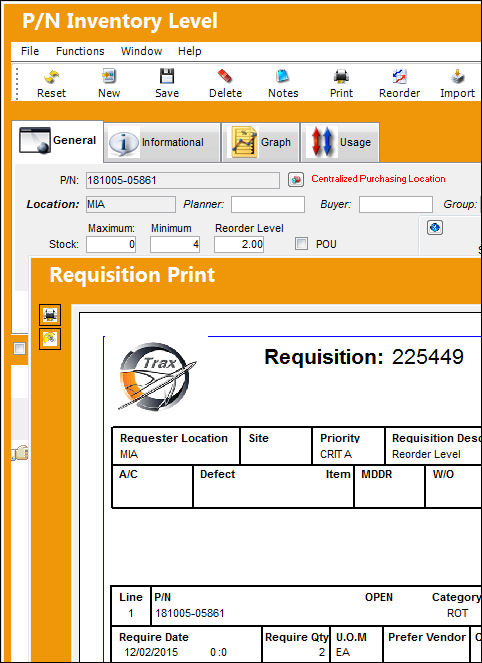
If set to Yes, when issues occur from a location, the requisition will only be generated for the locations where the inventory levels are defined.
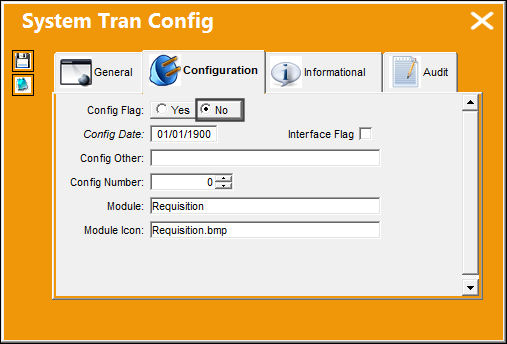
Switch Set to No:
When set to No, TRAX will calculate the total sum per specific Location. If the sum is less than the Reorder Level for a specific Location, TRAX will create a Requisition for that specific location.
If Switch  REORLOPO is set to Yes when this switch is set to No, only Purchase Orders (instead of all Order types) for each specific location will be considered.
In the Inventory Transaction window, 2 parts are available at location 'ATL' and location 'MIA' for a total quantity of 4 in inventory.
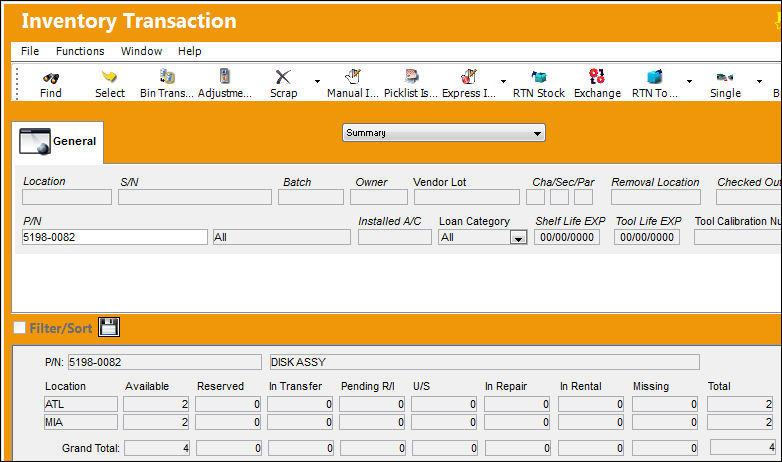
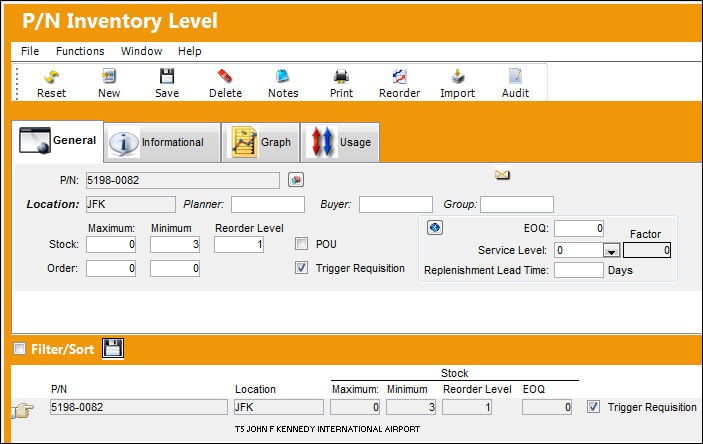
After entering all inventory re-order level information for part number '5198-0082', the system generates a requisition for this part for the location designated 'JFK' since this location has no parts available.
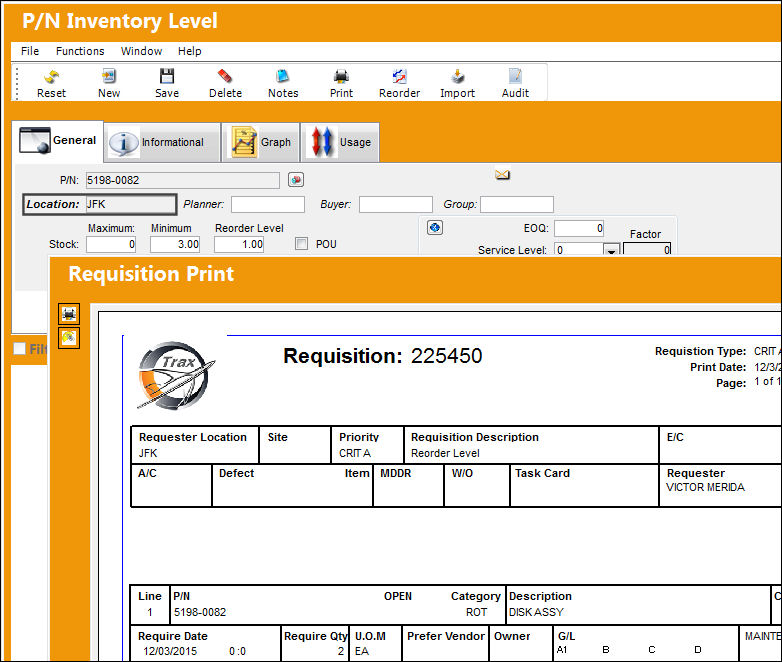
P/N Inventory levels are set up for location 'JFK.'
Share
Print
|
©1997-2026 Trax USA Corp. All rights reserved. This manual may not be copied, photocopied, reproduced, translated, or converted to any electronic or machine-readable form, in whole or in part, without prior written approval from Trax USA Corp. |
 |