
 Share
Share
 Print
Print
|
|
|
|
|


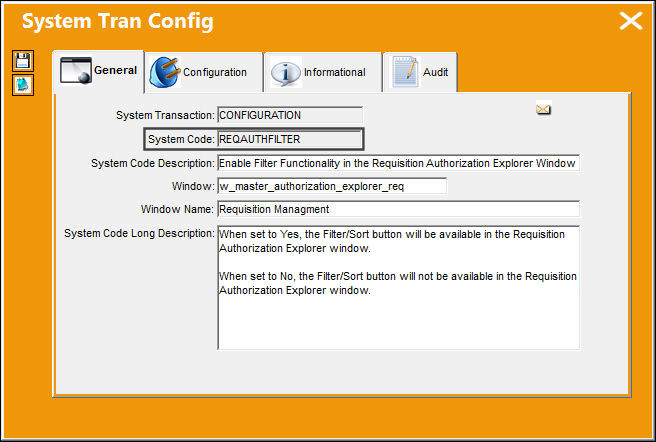
REQAUTHFILTER - Enable Filter Functionality in the Requisition Authorization Explorer Window

Enable Filter Functionality in the Requisition Authorization Explorer Window
Affected window: w_master_authorization_explorer_req
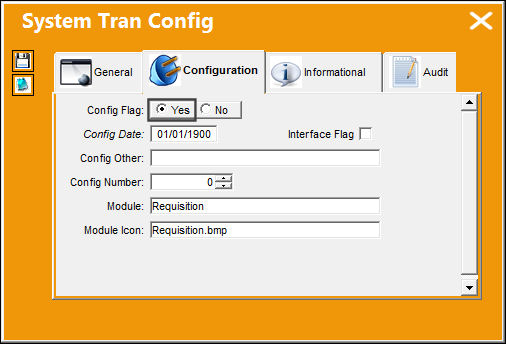
Switch Set to Yes:
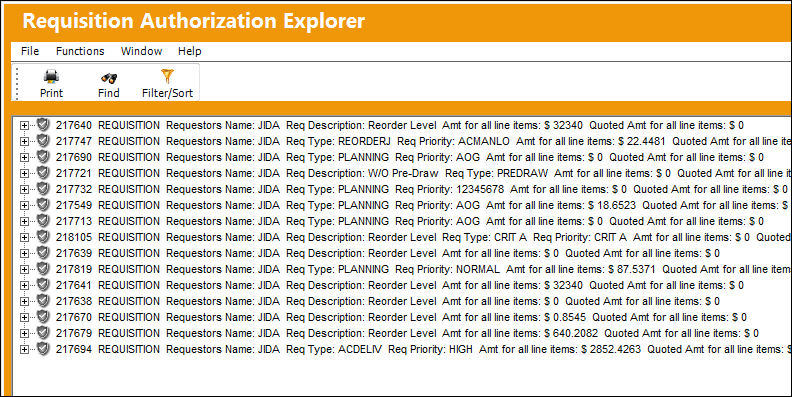
When set to Yes, the Filter/Sort button will be available in the Requisition Authorization Explorer window.
The Department, Division, and Section fields are security-controlled.
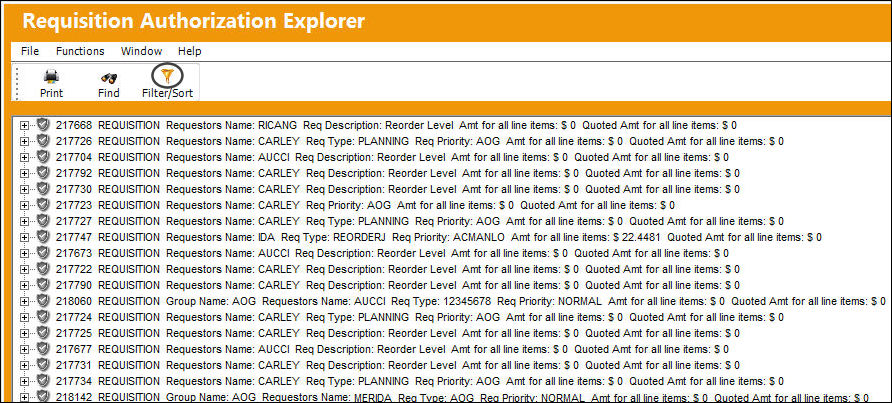
In the Requisition Authorization Explorer window, the Filter/Sort button is available.
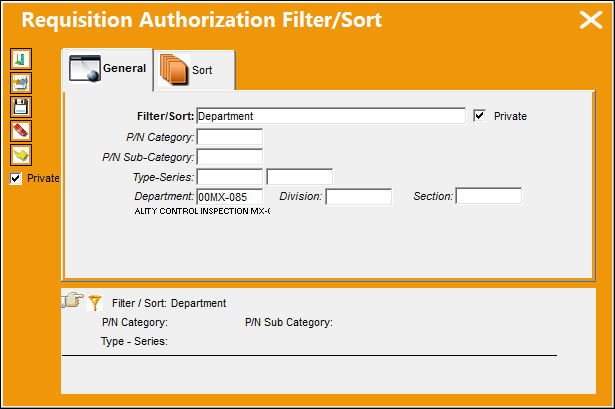
The Requisition Authorization Filter/Sort window appears. Here the user can specify what filters to use in assorting the available list of Requisitions displayed.
The Department, Division, and Section fields are security-controlled.
After saving the filter setting, the following list of Requisitions will display in order designated by the filter specified.
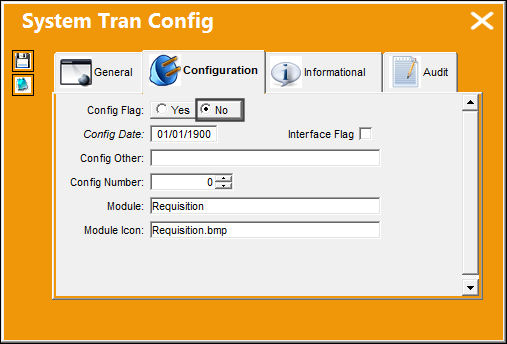
Switch Set to No:
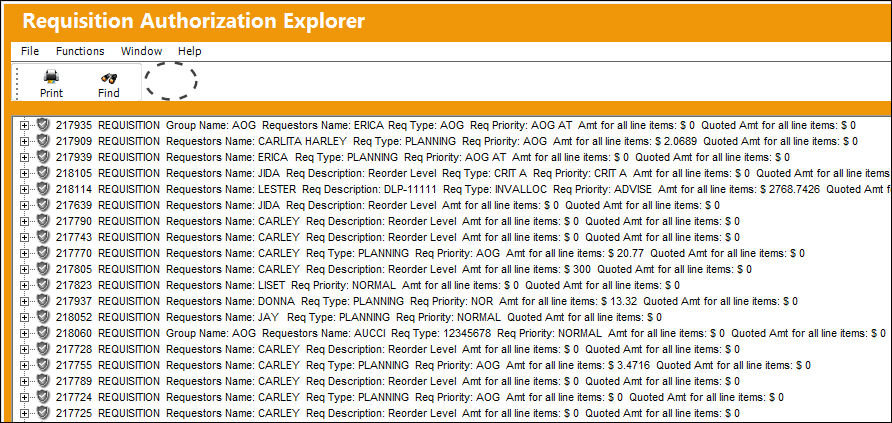
When set to No, the Filter/Sort button will not be available in the Requisition Authorization Explorer window.
In the Requisition Authorization Explorer window, the Filter/Sortbutton is not available.
Share
Print
|
©1997-2026 Trax USA Corp. All rights reserved. This manual may not be copied, photocopied, reproduced, translated, or converted to any electronic or machine-readable form, in whole or in part, without prior written approval from Trax USA Corp. |
 |