
 Share
Share
 Print
Print
|
|
|
|
|


REQSEQ - Next Sequential Number for a Requisition and Requisition Authorization
Next Sequential Number for a Requisition and Requisition Authorization
Affected windows: w_customer_orders_reservation_eu, w_pn_planning_requisition, w_pn_planning_requisition_multi, w_wo_reservation_eu, w_wo_reservation_eu_sub_wo_loop, w_requisition_detail_eu, w_requisition_header_eu, w_requisition_management_eu
When Switch  REQSEQ is set to Yes, Switch REQNOTIF becomes accessible/viewable.
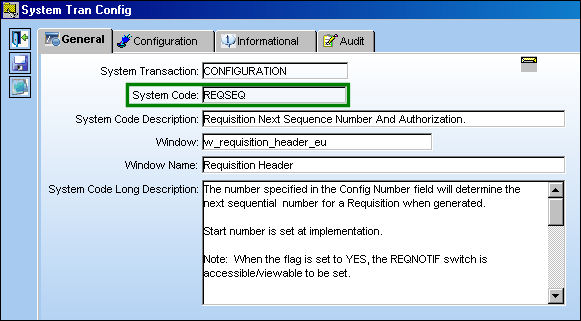
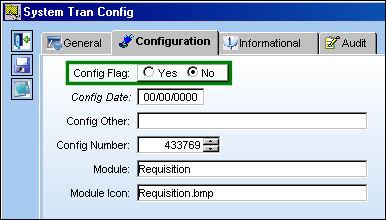
The number specified in the Config Number field will determine the next sequential number for a Requisition when generated.
Start number is set at implementation.
The Config Number is currently set to 433286.
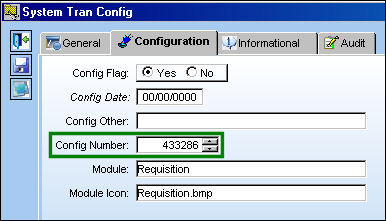
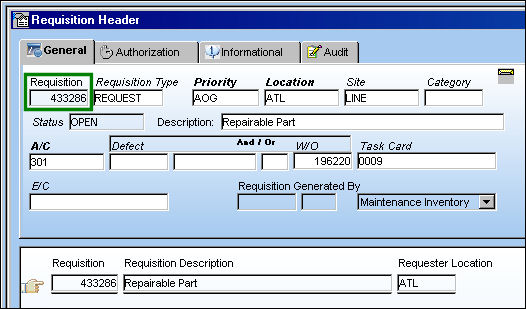
The next Requisition is sequentially generated as Requisition 433286.
Additional Functionality: Authorization
Switch Set to Yes:
When set to Yes, and Switch REQATHREL is set to Yes, regardless of whether the user is configured for authorization, the Requisition will not be authorized.
When Switch REQSEQ is set to Yes and Switch REQATHREL is set to No, the user must be configured with sufficient authorization, before the Requisition is authorized.
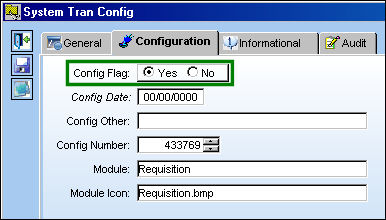
Example 1: Switch REQATHREL is set to Yes.
User DONNA is configured with authorization.
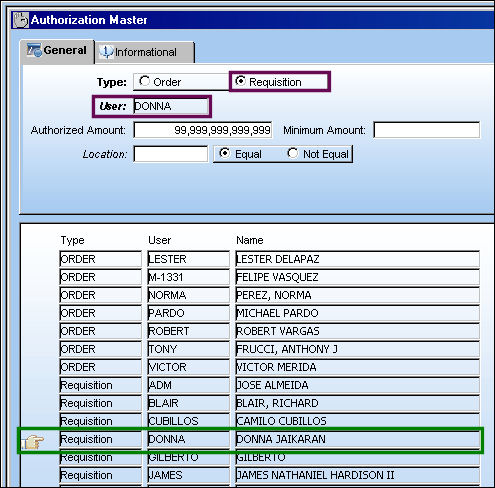
The following Requisition Header is created.
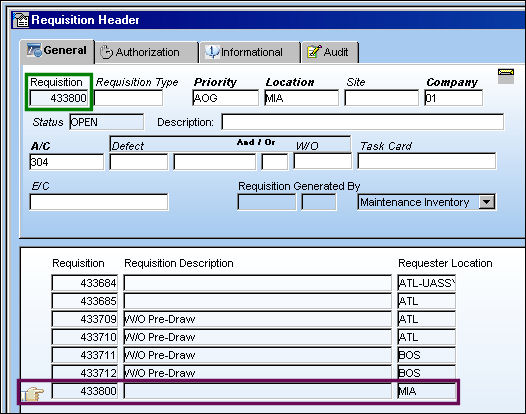
The Requisition Detail is created and saved. Select the Exit  button. The Requisition Release For Authorization pop-up window appears. Select 'Yes' to release the Requisition for Authorization.
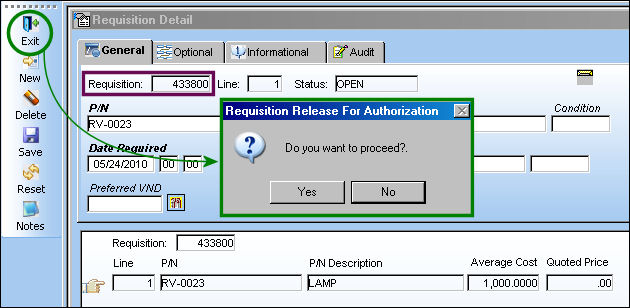
The Requisition was not authorized.
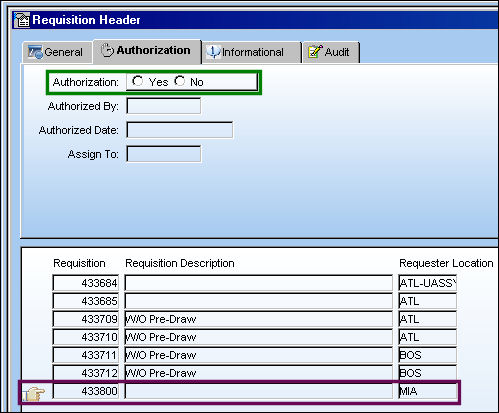
Example 2: Switch REQATHREL is set to No.
User DONNA is not configured for authorization.
The Requisition Detail is created and saved. Select the Exit button. The following error appears informing the user that a higher level of authorization is required to release the Requisition.
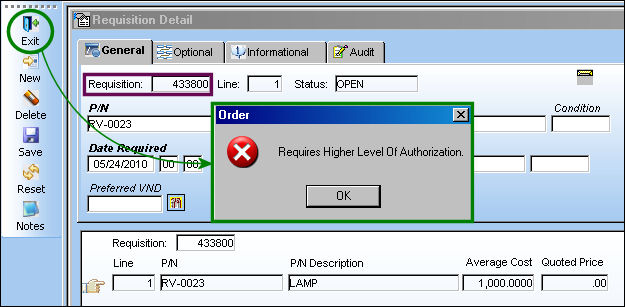
The Requisition is not authorized.
Example 3:
User DONNA is configured for authorization.
The following Requisition is created.
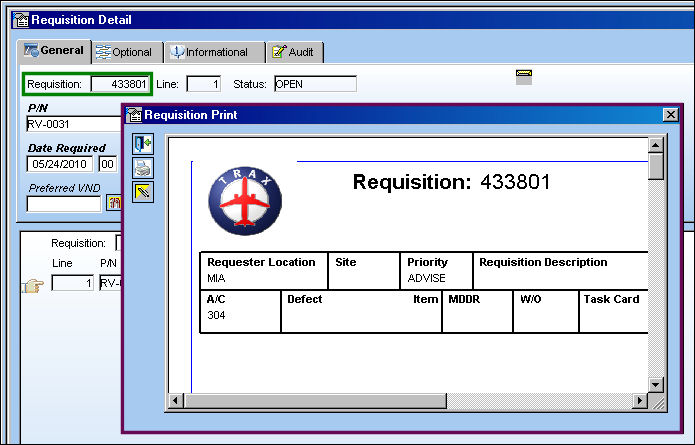
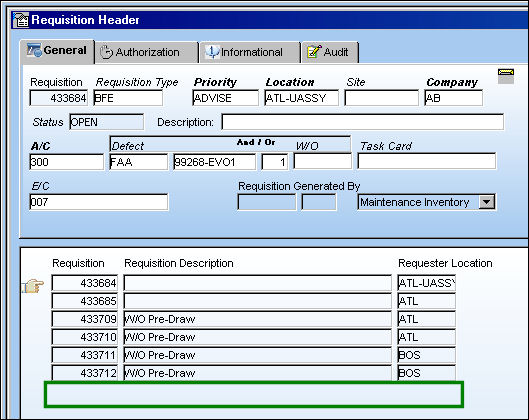
The Requisition has been removed from the header because it has been authorized.
Switch Set to No:
When set to No, and Switch REQATHREL is set to Yes, regardless of whether the user is configured for authorization, the Requisition will not be authorized.
When Switch REQSEQ and REQATHREL are both set to No, regardless of whether the user is configured for authorization, the Requisition will be automatically authorized when the user exits the Requisition Detail.
Example 1: Switch REQATHREL is set to Yes.
User DONNA is configured for authorization.
The following Requisition Header is created.
The Requisition Detail is created and saved. Select the Exit button. The Requisition Release For Authorization pop-up window appears. Select 'Yes' to release the Requisition for Authorization.
The Requisition was not authorized.
Example 2: Switch REQATHREL is set to No.
User DONNA is not configured for Requisition Authorization.
The following Requisition Header is created.
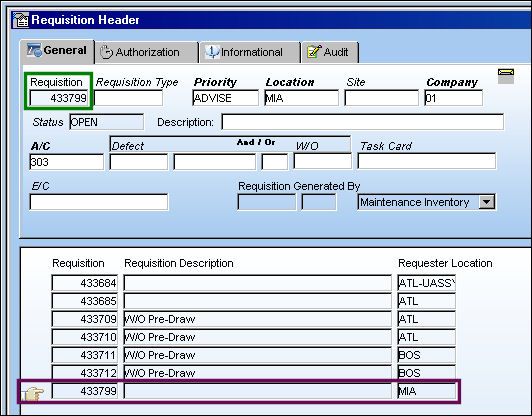
The Requisition Detail is created and saved. Select the Exit button.
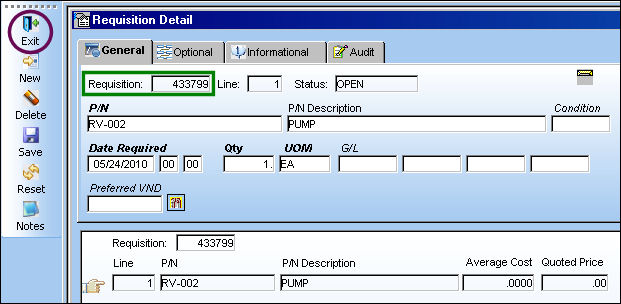
The Requisition has been removed from the header because it has been authorized.
Share
Print
|
©1997-2026 Trax USA Corp. All rights reserved. This manual may not be copied, photocopied, reproduced, translated, or converted to any electronic or machine-readable form, in whole or in part, without prior written approval from Trax USA Corp. |
 |