
 Share
Share
 Print
Print
|
|
|
|
|


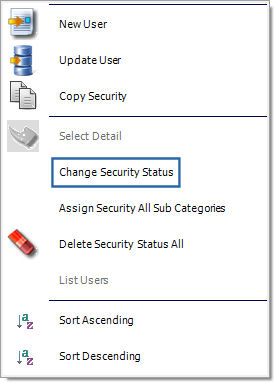
The Change Security Status option in the Security Explorer allows administrators to give or deny access to users for windows, tabs, buttons, fields, checkboxes, etc. To access this option, right-click over a security-controlled item for a user then select Change Security Status.
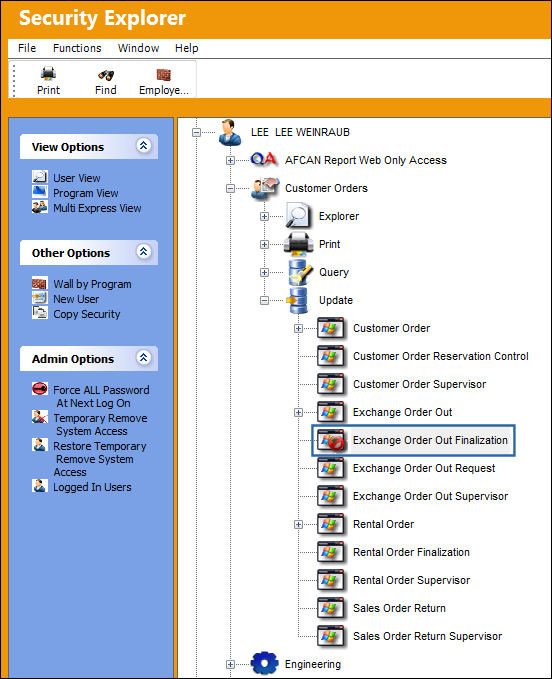
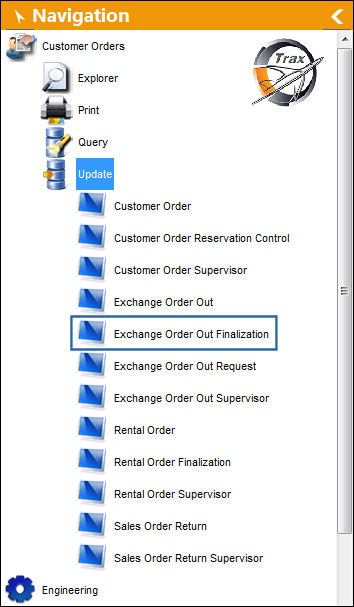
For example, notice the following user does not have access to a certain window, as signified by the Access Denied  icon.
icon.
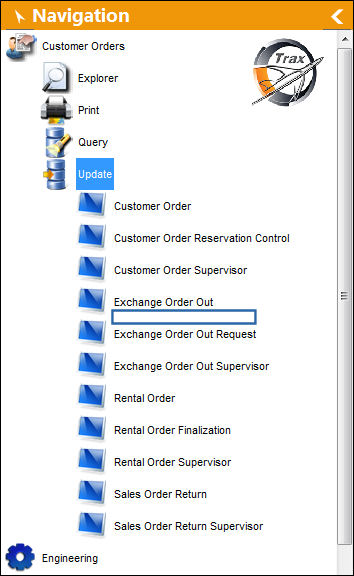
Because there's no access, the window does not appear in the user's Control Panel.
To give access to the window, right-click over the security option and select the Change Security Status option.
Once changed, the window contains the Access Granted  icon.
icon.
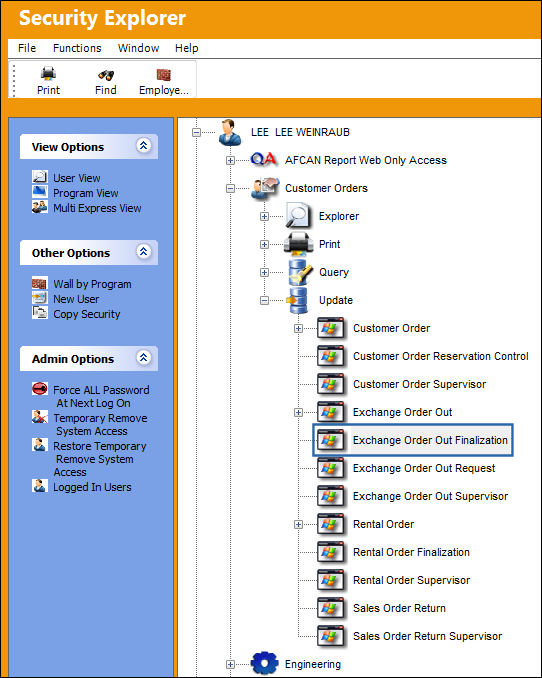
From the Control Panel, notice that the user now has access to the window.
To remove access to a window, tab, button, field, etc., follow the same steps: right-click over the option then select the Change Security Status option.
Share
Print
|
©1997-2026 Trax USA Corp. All rights reserved. This manual may not be copied, photocopied, reproduced, translated, or converted to any electronic or machine-readable form, in whole or in part, without prior written approval from Trax USA Corp. |
 |