
 Share
Share
 Print
Print
|
|
|
|
|


TRAX Printer Defaulting
The TRAX Printer Defaulting option allows the user to perform a manual setup of each machine's 'default sign-on printers'. The name of the machine and printer can be entered manually and the record can be saved.
There is only one record per machine name.
The machine IP is just for reference purposes, and not used at this time.
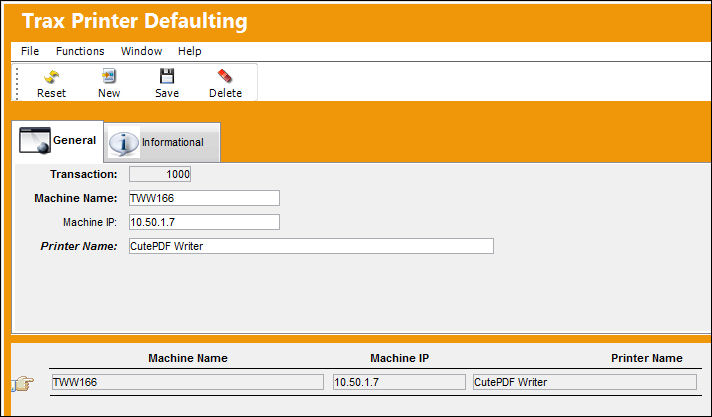
For additional information regarding the above fields, please refer to the TRAX Printer Defaulting, General Tab section of this manual.
Share
Print
|
©1997-2026 Trax USA Corp. All rights reserved. This manual may not be copied, photocopied, reproduced, translated, or converted to any electronic or machine-readable form, in whole or in part, without prior written approval from Trax USA Corp. |
 |