
 Share
Share
 Print
Print
|
|
|
|
|


Notes Message Cleanup
The Notes Message cleanup option allows users to delete all messages stored in Message Central for all users in that database.
For individual users, the 'Mark ALL Read' option is advised to mark all messages in the Inbox as read. The Delete All option is also available to delete all messages from a user's Inbox Read folder. For more information refer to Message, via Navigation Panel in the System Standards Training Manual.
When selected, the following information box appears with a soft warning. Select 'OK' to continue.
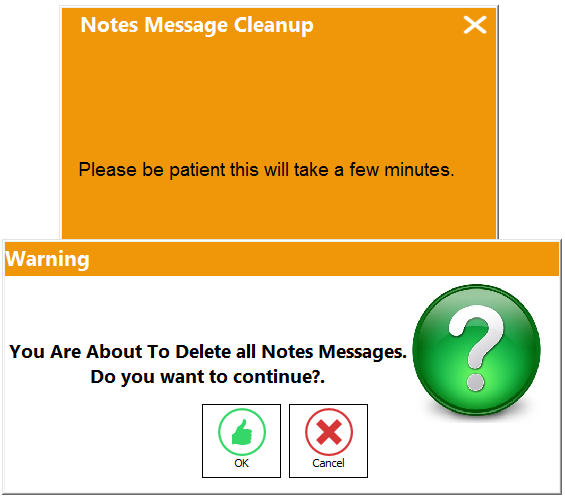
The next time users log on, all of their messages will be deleted.
Share
Print
|
©1997-2026 Trax USA Corp. All rights reserved. This manual may not be copied, photocopied, reproduced, translated, or converted to any electronic or machine-readable form, in whole or in part, without prior written approval from Trax USA Corp. |
 |