
 Share
Share
 Print
Print
|
|
|
|
|


TRAX Order Service Queue Inspection
The TRAX Order Service Queue Inspection window is available through the System Administration module for interface users to monitor the flow of messages being sent. From the main page, different interfaces are listed. Select one to view the messages for that particular queue.
 This window and the options available within this window are only applicable for users utilizing the particular interfaces.
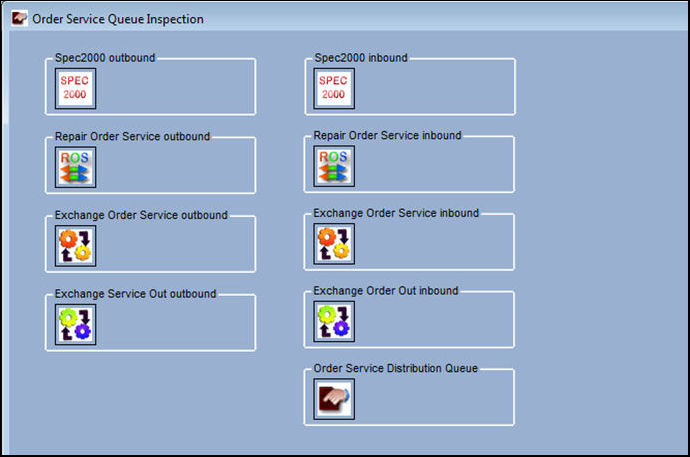
Select one interface message queue to inspect the messages for that interfaces.
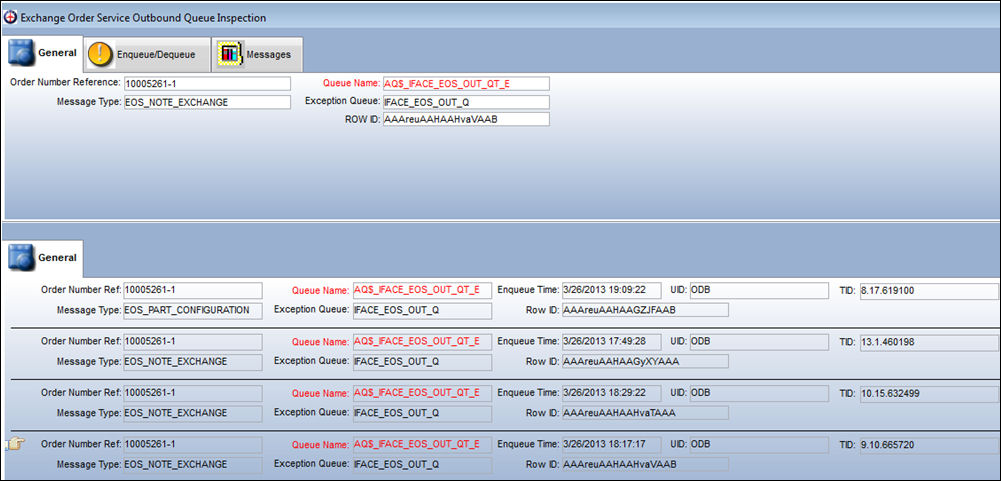
Delete/Resend a single message or all messages that have been stuck in the Exception queue, as required.
Share
Print
|
©1997-2026 Trax USA Corp. All rights reserved. This manual may not be copied, photocopied, reproduced, translated, or converted to any electronic or machine-readable form, in whole or in part, without prior written approval from Trax USA Corp. |
 |