|
TRAX MANUALS > Planning > Planning Module > Planning, Query Menu > A/C Planning Query > A/C Planning (Interactive Planner View), General Tab > A/C Planning (Interactive Planner View) Results > Planning Element Detail Area, via (A/C Planning) Interactive Planner > (A/C Planning) Interactive Planner, Planning Element Detail Area Buttons > Find Button, via (A/C Planning) Interactive Planner, Planning Element Detail Area
Find Button, via (A/C Planning) Interactive Planner, Planning Element Detail Area
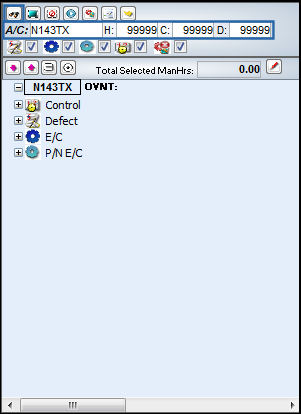
From the Planning Element Detail Area, the user may search for specific maintenance events by querying using the following search criteria.
Note: When filtering by Hours, Cycles or Days, the user must select Hours, or Cycles or Days, not a combination of the three.
Select the Find  button. button.
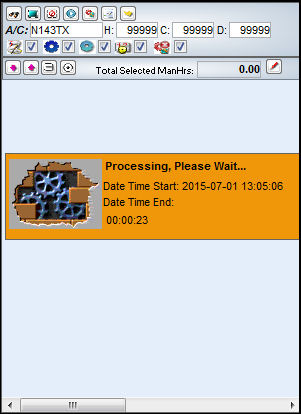
The following processing window will appear:
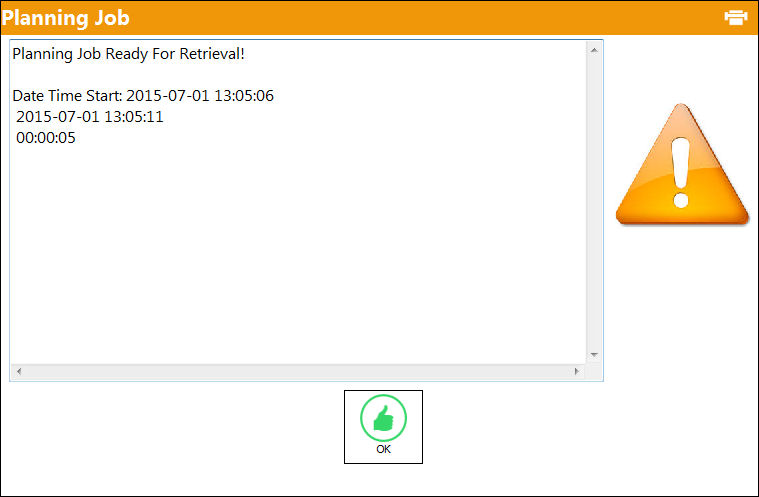
The following information box will appear once the query has been completed. Select 'OK.'
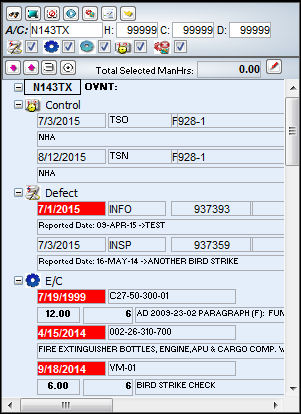
The search result appears as follows:
|
See Also (A/C Planning) Interactive Planner, Planning Element Detail Area Buttons Select All/De-select All Button, via (A/C Planning) Interactive Planner, Planning Element Detail Area Add Tasks Button, via (A/C Planning) Interactive Planner, Planning Element Detail Area Create Work Order Button, via (A/C Planning) Interactive Planner, Planning Element Detail Area Planning Query Button, via (A/C Planning) Interactive Planner, Planning Element Detail Area Expand All/Collapse All Button, via (A/C Planning) Interactive Planner, Planning Element Detail Area Remove Task Grouping Button, via (A/C Planning) Interactive Planner, Planning Element Detail Area Turn On Detail View Button, via (A/C Planning) Interactive Planner, Planning Element Detail Area |
|

 Share
Share
 Print
Print


