
 Share
Share
 Print
Print
|
|
|
|
|


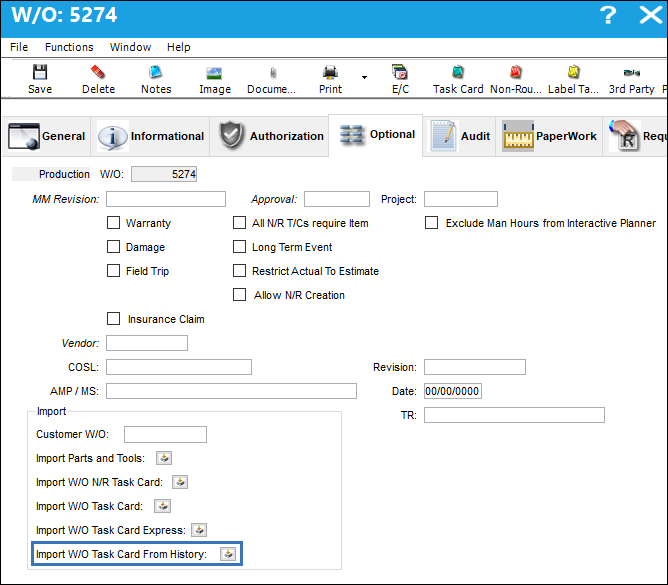
The Import Work Order Task Card From History  button allows the user to import E/Cs, Task Cards, and Non-Routine Task Cards from previous Work Orders onto the selected Work Order.
The TPW (Third Party Work) checkbox must be selected, via the W/O General tab for this option to be available.
 The Import Work Order Task Card From History button is security controlled via Security Explorer/ Production/ Update/ W/O/ W/O Task Card From History Import. For more information refer to the Security Explorer via the System Administration Training Manual.
From the Work Order Detail, Optional tab, select the Import Work Order Task Card From History button.
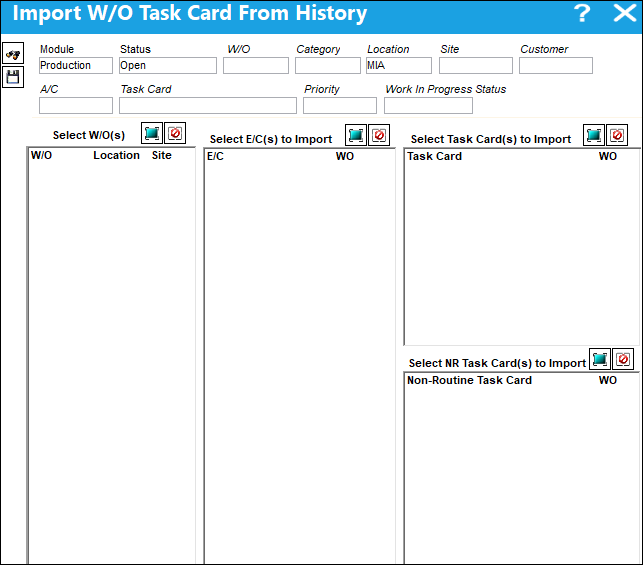
The Import W/O Task Card From History window appears. Use the search fields to query for desired Work Orders and select the Find  button. For more information regarding the search fields, refer to the Work Order, General Tab via the Work Order section of the Production Training Manual.
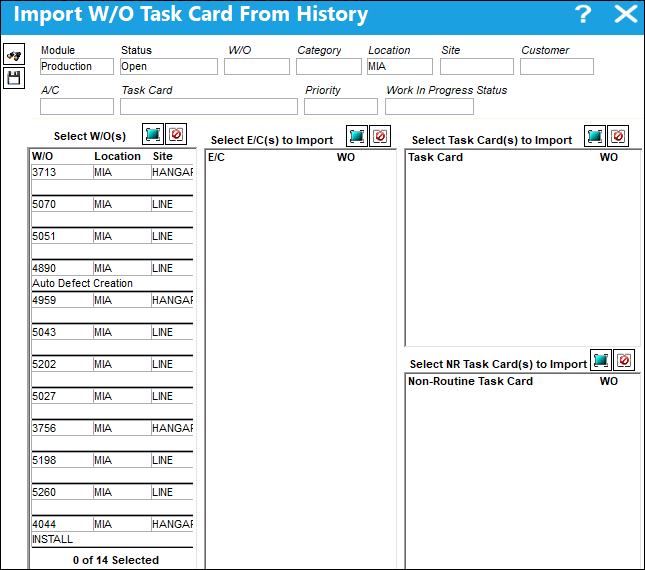
In the following example, the user queries by Location MIA.
The following Work Orders for MIA appear.
In each section of the window the user can select individual lines or utilize the Select All  and/or the Deselect All
  buttons to select the desired Work Order E/Cs, Task Cards, and N/R Task Cards to import.
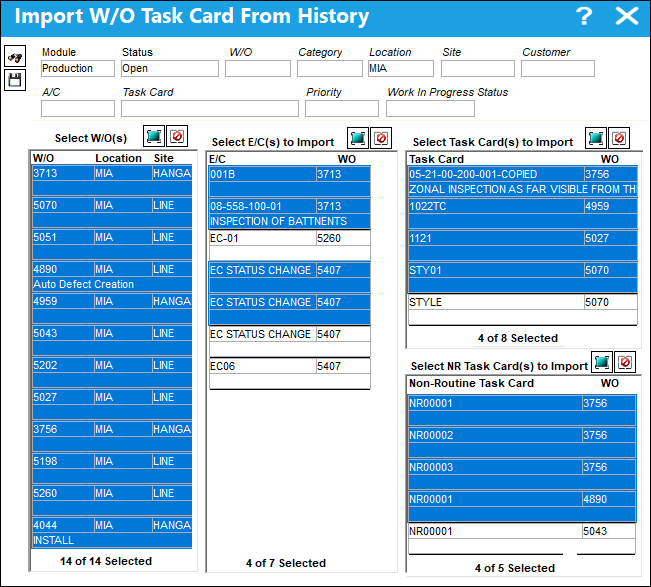
Select the Save  button and OK to confirm the save.
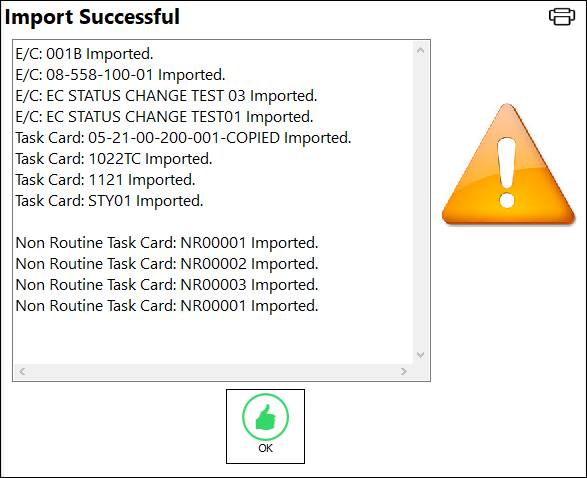
The system generates the following Import Successful window. If any E/Cs, Task Cards, or Non-Routine Task Cards already exist then that information will also appear in the the window.
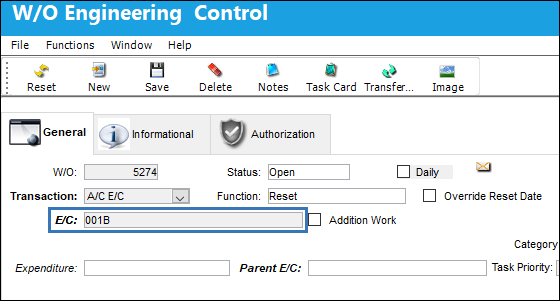
The E/C has been successfully imported onto the Work Order.
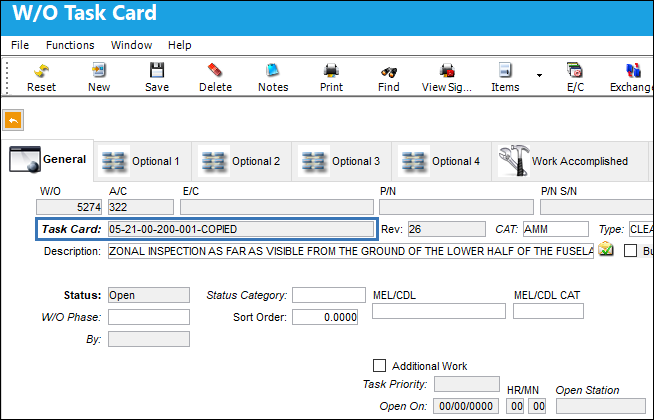
The Task Card has been successfully imported onto the Work Order.
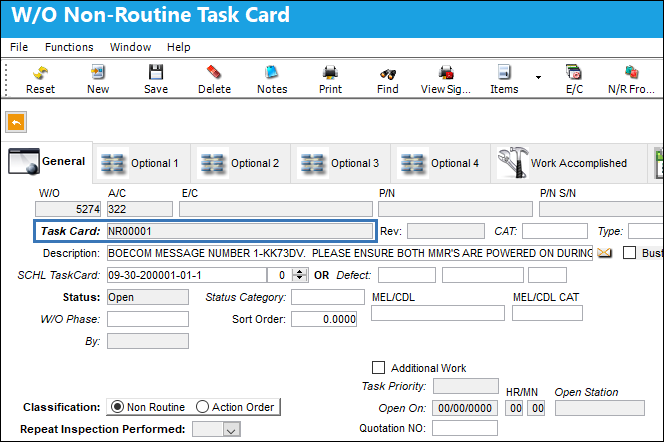
The Non-Routine Task Card has been successfully imported onto the Work Order.
Share
Print
|
©1997-2026 Trax USA Corp. All rights reserved. This manual may not be copied, photocopied, reproduced, translated, or converted to any electronic or machine-readable form, in whole or in part, without prior written approval from Trax USA Corp. |
 |