
 Share
Share
 Print
Print
|
|
|
|
|


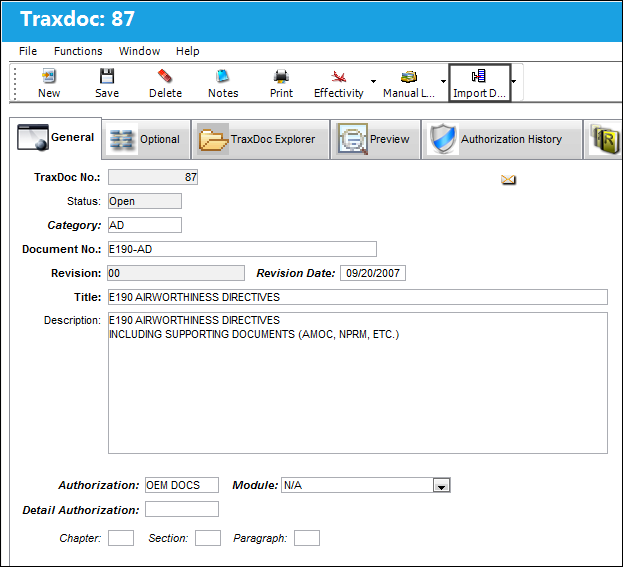
The Import Detail  button allows the user to view the details of the status of a manual.
From the TraxDoc Document window, select the Import Detail button.
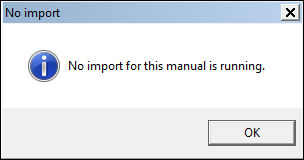
The following information box appears if there is no import currently running:
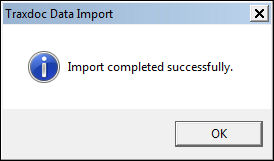
The following information box appears notifying the user that the manual has been imported successfully:
Beginning another import:
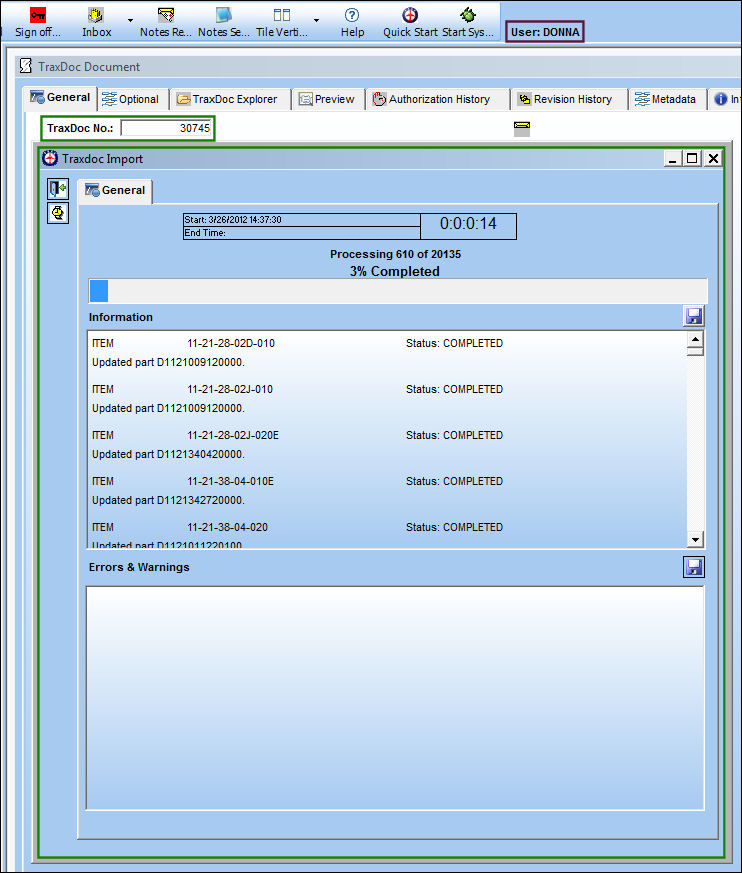
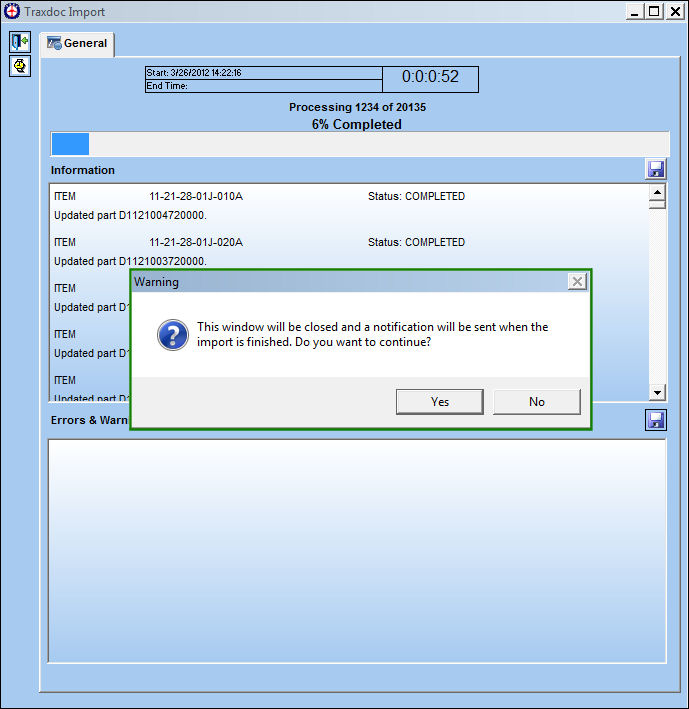
The following pop up message appears, informing the user that the window will be closed and a notification will appear once the import is finished. Select 'Yes.'
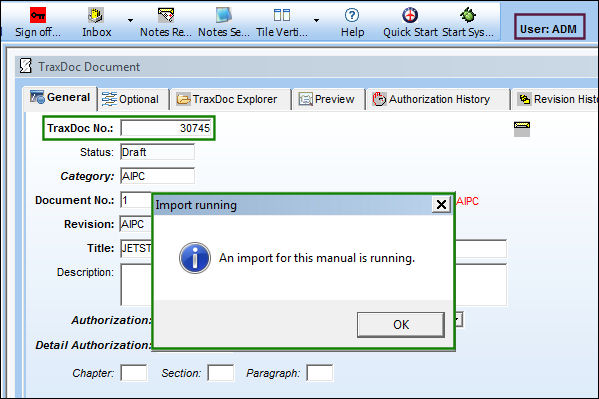
If another user attempts to begin an import for the same same manual or selects the Import Detail button, the following information box appears, informing the user that an import is currently running for this manual:
Share
Print
|
©1997-2026 Trax USA Corp. All rights reserved. This manual may not be copied, photocopied, reproduced, translated, or converted to any electronic or machine-readable form, in whole or in part, without prior written approval from Trax USA Corp. |
 |