 Download Online Help
 Print
|
|
|
|
|


ADEFFATCLDI - Avoid Removal of TC Effectivity When an Item is Deleted
Avoid Removal of TC Effectivity When an Item is Deleted
Affected Window: w_traxdoc_task_card_item_eu
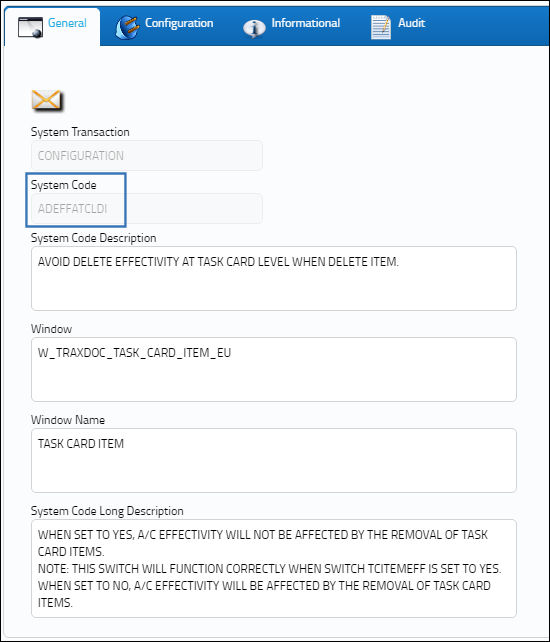
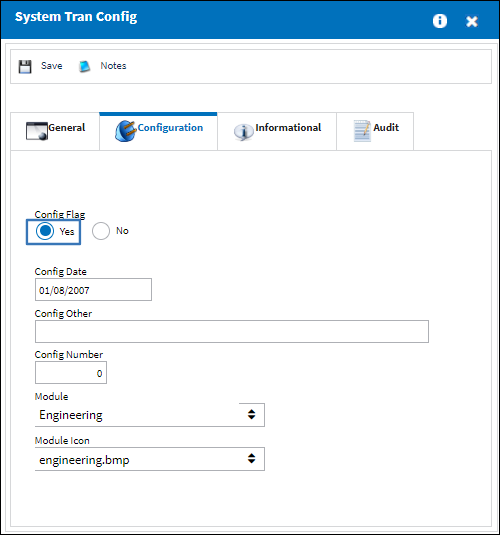
Switch Set to Yes:
When set to Yes, A/C Effectivity will not be affected by the removal of Task Card Items.
Note: This switch will function correctly when Switch  TCITMEFF is set to Yes.
In the Task Card Authorization window, set the ranges for A/C Effectivity.
In the Task Card Item Authorization window, set the A/C Effectivity ranges for the Task Card Item.
Proceed to delete the Task Card Item.
When returning to the Task Card Authorization window, the A/C Effectivity remains the same.
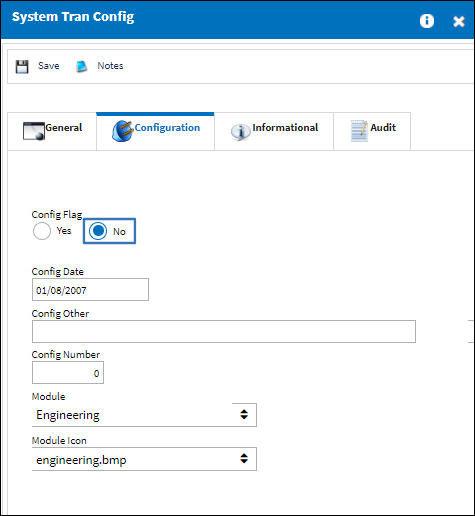
Switch Set to No:
When set to No, A/C Effectivity will be affected by the removal of Task Card Items.
In the Task Card Authorization window, set the ranges for A/C Effectivity.
In the Task Card Item Authorization window, set the A/C Effectivity ranges for the Task Card Item.
Proceed to delete the Task Card Item.
When returning to the Task Card Authorization window, the A/C Effectivity changes to 'None' if the Task Card had one Item. If the Task Card had more then one item, then the the A/C Effectivity at the Task Card level will change to 'Partial.'
Download Online Help
Print
|
©1997-2018 Trax USA Corp. All rights reserved. This manual may not be copied, photocopied, reproduced, translated, or converted to any electronic or machine-readable form, in whole or in part, without prior written approval from Trax USA Corp. |
 |