 Download Online Help
 Print
|
|
|
|
|


RANGEHELPER - Display the Individual A/C Selection Button
Display the Individual A/C Selection Button
Affected Window: w_engineering_control_range_eu
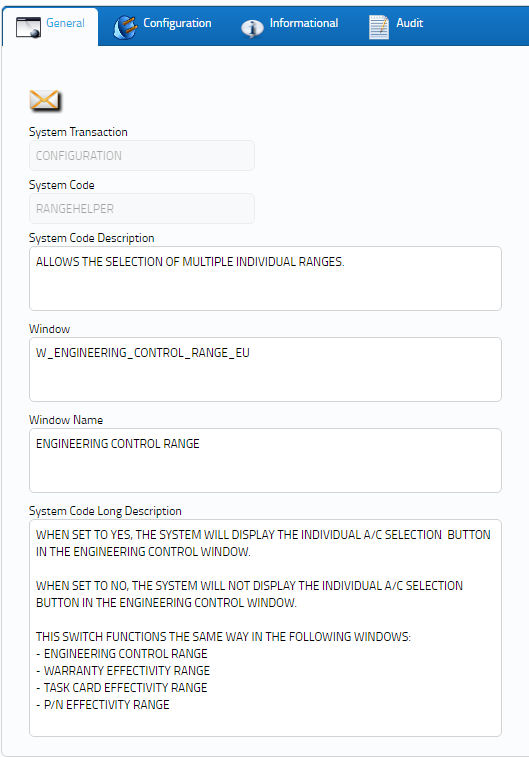
This switch functions the same way in the following windows:
- Engineering Control Range
- Warranty Effectivity Range
- Task Card Effectivity Range
- P/N Effectivity Range
Switch Set to Yes:
When set to Yes, the system will display the Individual A/C Selection  button in the Engineering Control window.
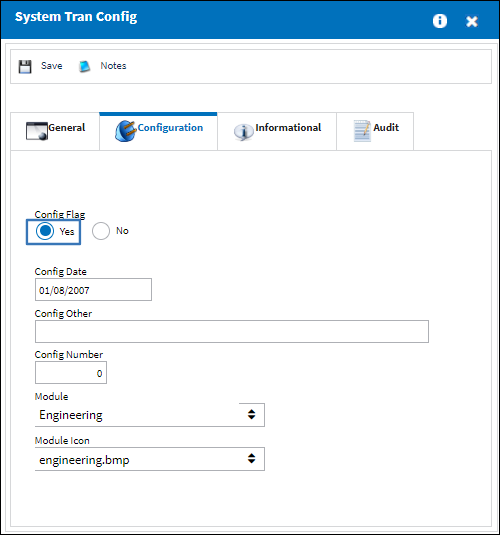
From the Engineering Control window, select the Assign EC Effectivity by Range  button:
The system displays the Engineering Control Range window with the Individual A/C Selection button:
For information regarding the functionality of this button, refer to the Individual A/C Selection Button, via Assign E/C Effectivity By Range Button of the Engineering - E/C Training Manual.
Switch Set to No:
When set to No, the system will not display the Individual A/C Selection button in the Engineering Control Range window.
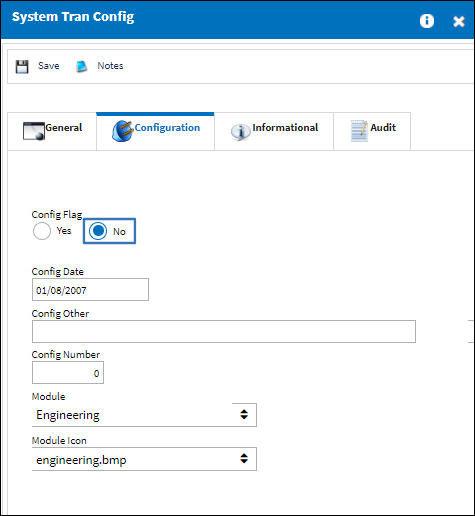
From the Engineering Control window, select the Assign EC Effectivity by Range button.
The Individual A/C Selection button does not appear in the Engineering Control Range window.
Additional Functionality:
Switch Set to Yes:
When set to Yes, the system will not allow the user to enter or Copy/Paste a range that includes alpha characters, special characters, or a numeric value with spaces or a range that does not contain the same number of numeric values in the From-To fields. The system will allow the user to enter or Copy/Paste a numeric range. This pertains to the A/C, S/N, Line, Variable No, SGML Designator and IPC types. The user will be permitted to enter or Copy/Paste alpha characters for P/N S/N types.
The system will not allow the user to enter or Copy/Paste a range that includes alpha and/or special characters:
When attempting to save the record, the system displays the following hard warning:
The system will not allow the user to enter or Copy/Paste a range that includes numeric values with a space or spaces. When attempting to save the record, the system displays the following hard warning:
The system will not allow the user to enter or Copy/Paste a range that does not contain the same number of numeric values in the From-To fields. When attempting to save the record, the system displays the following hard warning:
The system will allow user to enter or Copy/Paste a numeric range:
The effectivity is established. Select 'OK.'
The effectivity is applied correctly:
Switch set to No:
When set to No, the system does not use the same logic as illustrated under the Yes setting.
The system will allow the user to enter or Copy/Paste a range that contains alpha characters, special characters and spaces.
Download Online Help
Print
|
©1997-2018 Trax USA Corp. All rights reserved. This manual may not be copied, photocopied, reproduced, translated, or converted to any electronic or machine-readable form, in whole or in part, without prior written approval from Trax USA Corp. |
 |