 Download Online Help
 Print
|
|
|
|
|


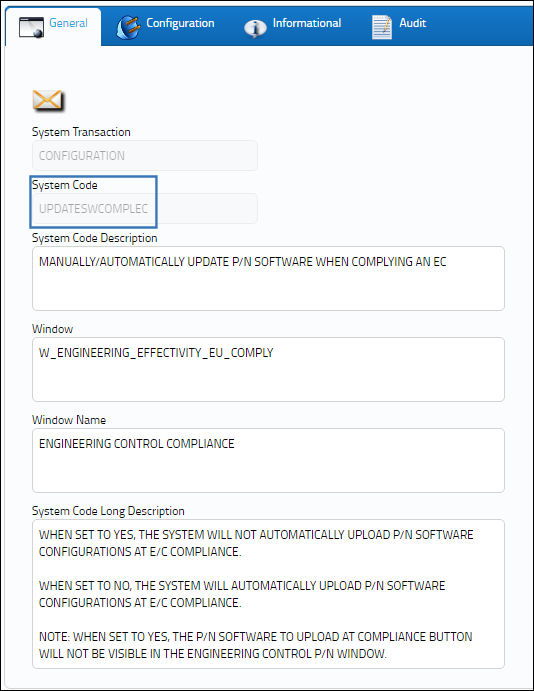
UPDATESWCOMPLEC - Disable Auto Upload of P/N Software Configuration at E/C Compliance
Disable Auto Upload of P/N Software Configuration at E/C Compliance
Affected Window: w_engineering_effectivity_eu_comply
Switch Set to Yes:
When set to Yes, the system will not automatically upload P/N Software Configurations at E/C Compliance.
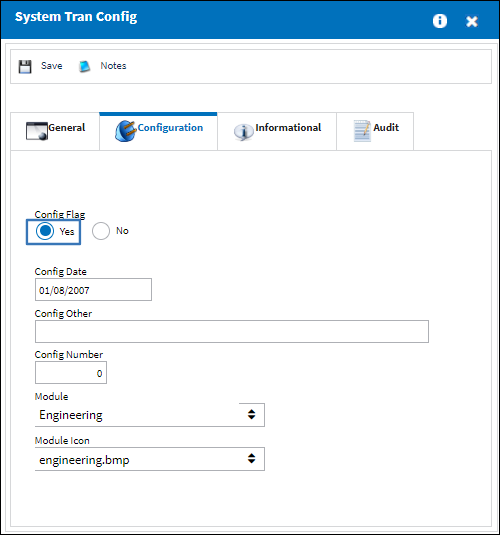
Note: When set to Yes, the P/N Software to Upload at Compliance  button is not visible in the Engineering Control P/N window. For additional information, refer to the P/N Software to Upload at Compliance Button, via Engineering Control Buttons of the Engineering - E/C Training Manual.
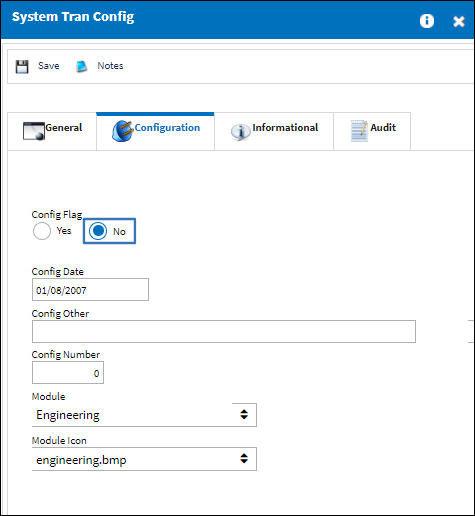
Switch Set to No:
When set to No, the system will automatically upload P/N Software Configurations at E/C Compliance.
Go to Engineering/ Update/ Engineering Control/ P/N CTL Button
From the Engineering Control P/N window, select the P/N Software to Upload at Compliance button.
The following pop up window appears displaying the Software parts from the P/N Software Configuration that are associated with the part number. Select the checkbox to enable the Software part to be uploaded once the E/C has been complied with.
The ROTABLE GRB part is installed on an A/C.
The SOFTWARE part is not installed on an A/C.
The E/C is associated to the following Work Order:
Close the Work Order:
A compliance record has been created for an E/C.
The SOFTWARE part is now installed on the A/C via the E/C Compliance.
Download Online Help
Print
|
©1997-2018 Trax USA Corp. All rights reserved. This manual may not be copied, photocopied, reproduced, translated, or converted to any electronic or machine-readable form, in whole or in part, without prior written approval from Trax USA Corp. |
 |