 Download Online Help
 Print
|
|
|
|
|


TCITMEFF - Task Card Item Effectivity
Task Card Item Effectivity
Affected window: w_task_card_item_eu
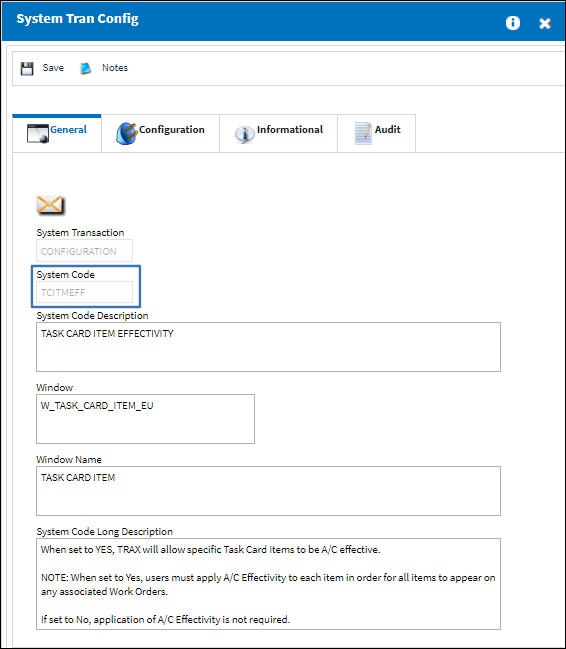
Switch Set to Yes:
When set to Yes, the system will allow specific Task Card Items to be effective to the aircraft.
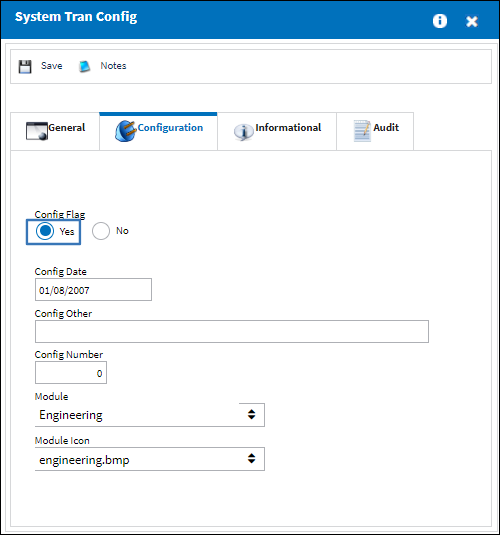
Note: When set to Yes, users must apply A/C Effectivity to each item in order for all items to appear on any associated Work Orders.
Note: When this switch is activated, effectivity does not automatically cascade down from the Task Card level to the Task Card Item level. Effectivty at the Task Card Item level must be configured manually for each Task Card Item. A conversion program would be required to have the Task Card Effectivity cascade down to the Task Card Item Effectivity level.
For example, choose a Task Card and select the Item  button.
Users can assign effectivity by selecting the Effectivity  button in the Task Card Item window.
Select the Effectivity button.
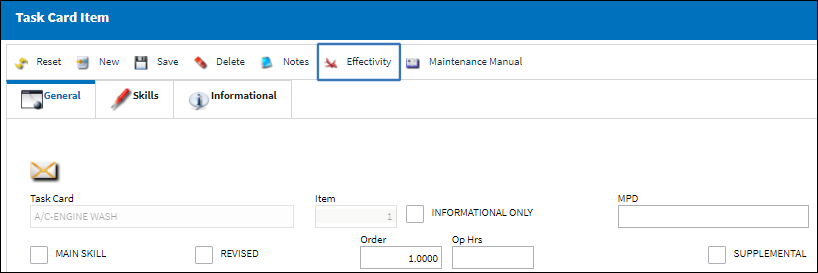
From the Task Card Effectivity window, select the aircraft you would like the Task Card to be effective to. The user may select one or multiple aircraft from this window. Select the Save  button.
Once the effectivity has been applied and saved, the A/C Effectivity reads: PARTIALLY in the Task Card Item window, as shown below:
Switch Set to No:
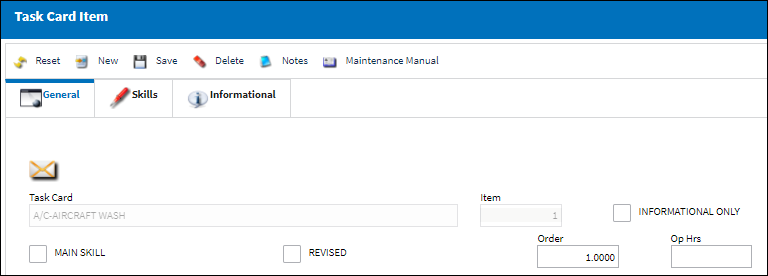
When set to No, application of A/C Effectivity is not required and the Effectivity button will not appear in the Task Card Item window.
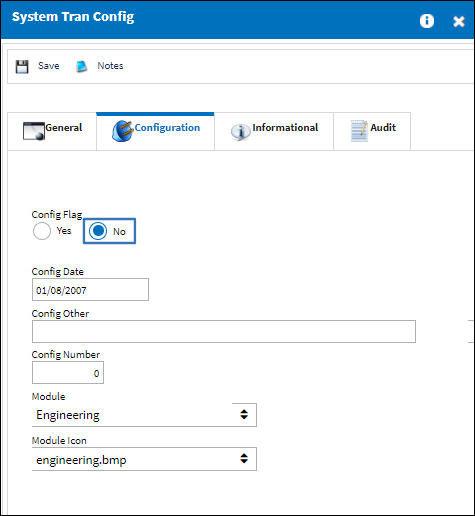
Notice that the Effectivity icon does not appear in the Task Card Item window.
Download Online Help
Print
|
©1997-2018 Trax USA Corp. All rights reserved. This manual may not be copied, photocopied, reproduced, translated, or converted to any electronic or machine-readable form, in whole or in part, without prior written approval from Trax USA Corp. |
 |