
 Share
 Print
|
|
|
|
|


Tool Status Indicator Button, via Due List
Select the Tool Status Indicator button to display tools available in inventory, on order, or reserved.
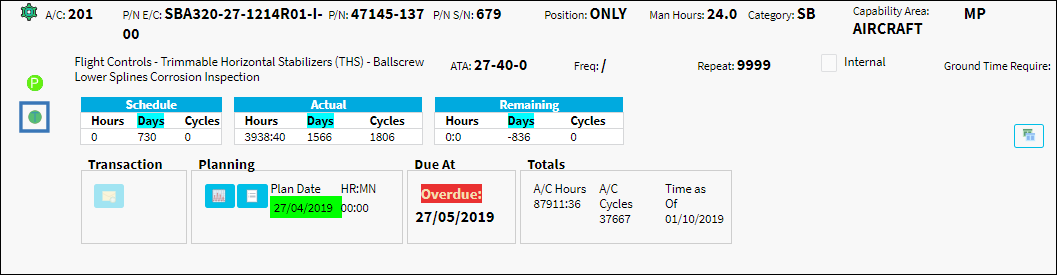
All available tools and related information are displayed below:
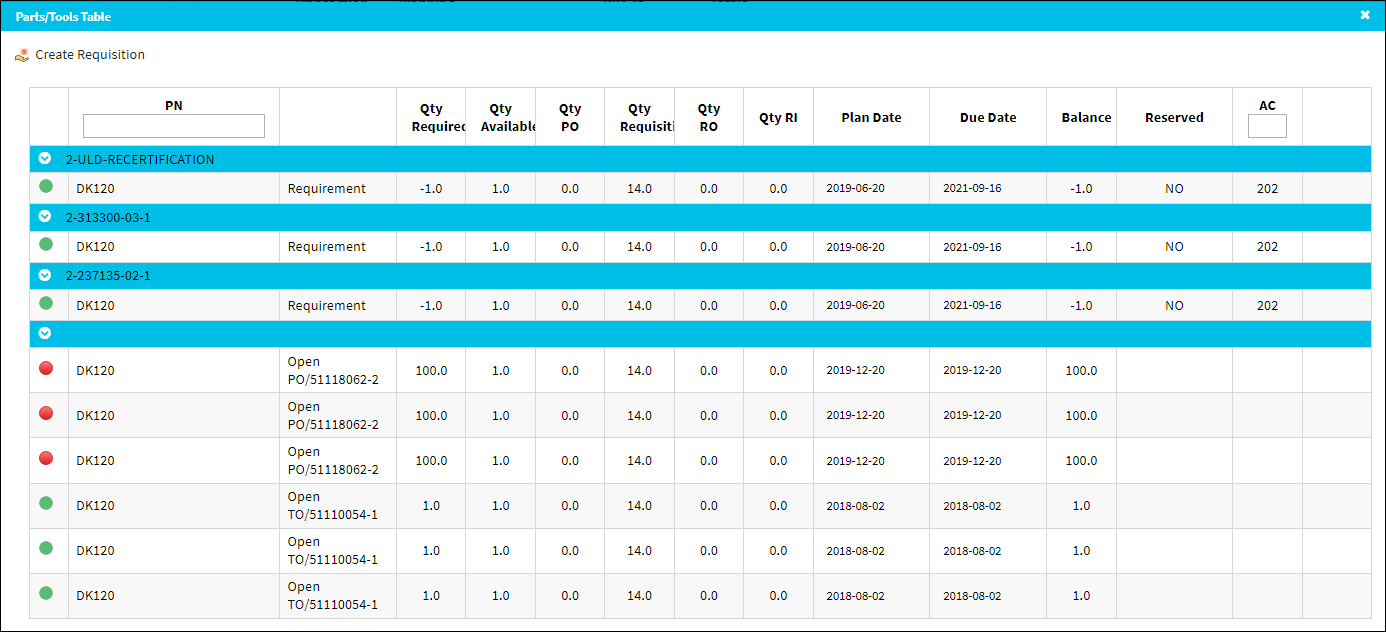
The following information/options are available in this window:
_____________________________________________________________________________________
Tool Status  Indicator
The green status indicates that all tools required are available in inventory.
Tool Status  Indicator
The yellow status indicates that some, but not all tools are available in inventory.
Tool Status  Indicator
The red status indicates that no tools are available in inventory.
_____________________________________________________________________________________
Tool Requirement Setup:
When selecting the Tool Status Indicator button, the system reflects all Tool requirements setup in the E/C or P/N Control Task Card or Defect Report.
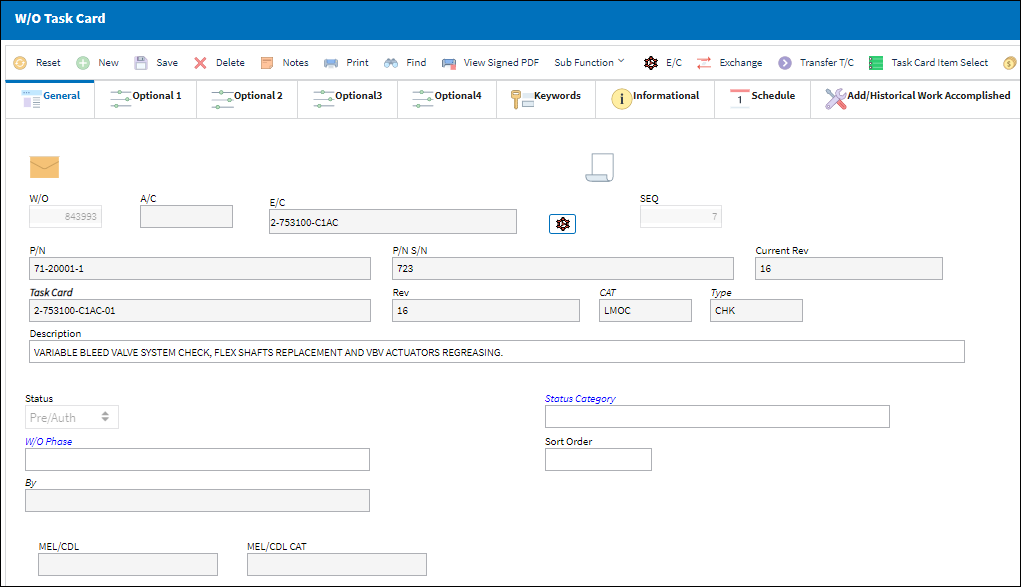
The following W/O has Task Cards associated to it:
The following Tool requirement exist on the Task Card.
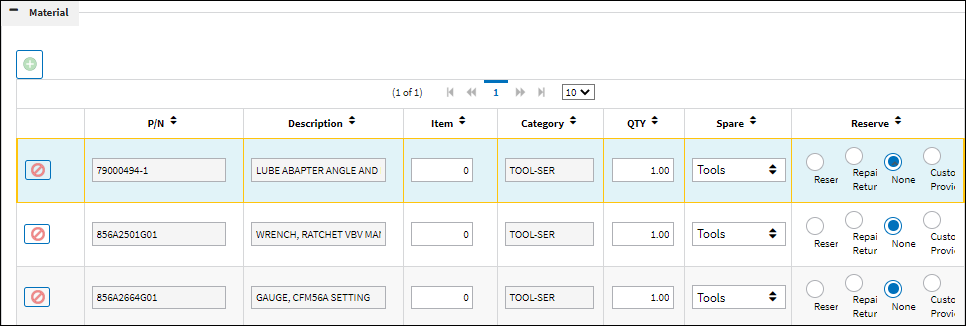
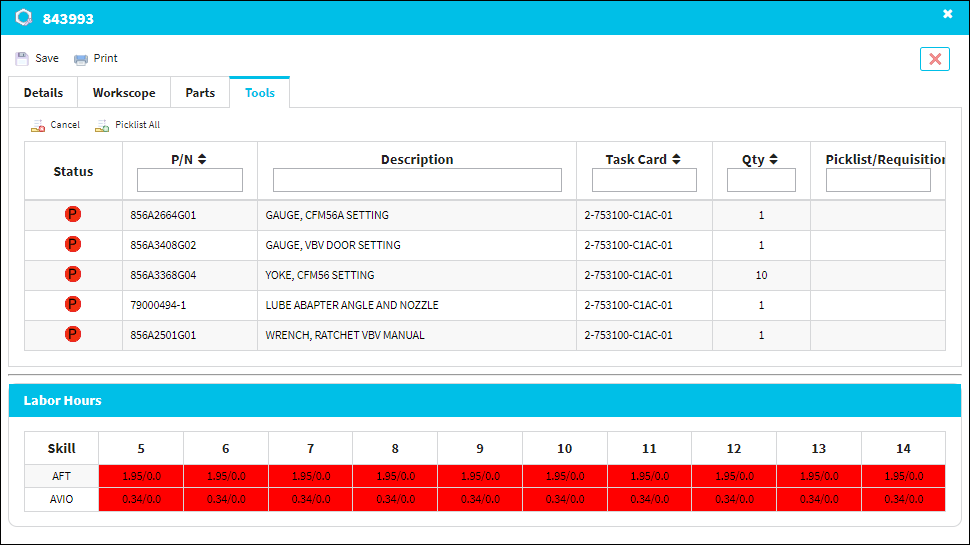
From the Tools tab in the W/O button the material requirement is displayed.
Share
Print
|
©1997-2026 Trax USA Corp. All rights reserved. This manual may not be copied, photocopied, reproduced, translated, or converted to any electronic or machine-readable form, in whole or in part, without prior written approval from Trax USA Corp. |
 |