
 Share
 Print
|
|
|
|
|


Load Level Date, via Due List

The Load Level checkbox available in the Engineering Control, Schedule tab allows users to spread out the work dates of an E/C on multiple aircraft easily through an automated process.
Select this checkbox to facilitate load-leveling with planned accomplishment based on volume and resource constraints. For example, E/Cs effective to 100 aircraft all due in 100 days will be assumed to be scheduled at a rate of 1 aircraft per day.
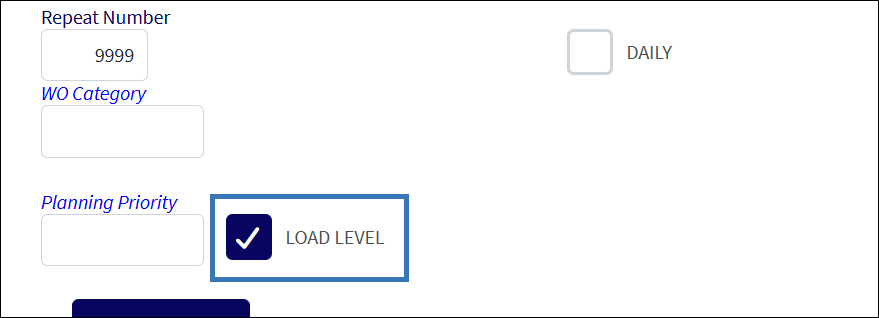
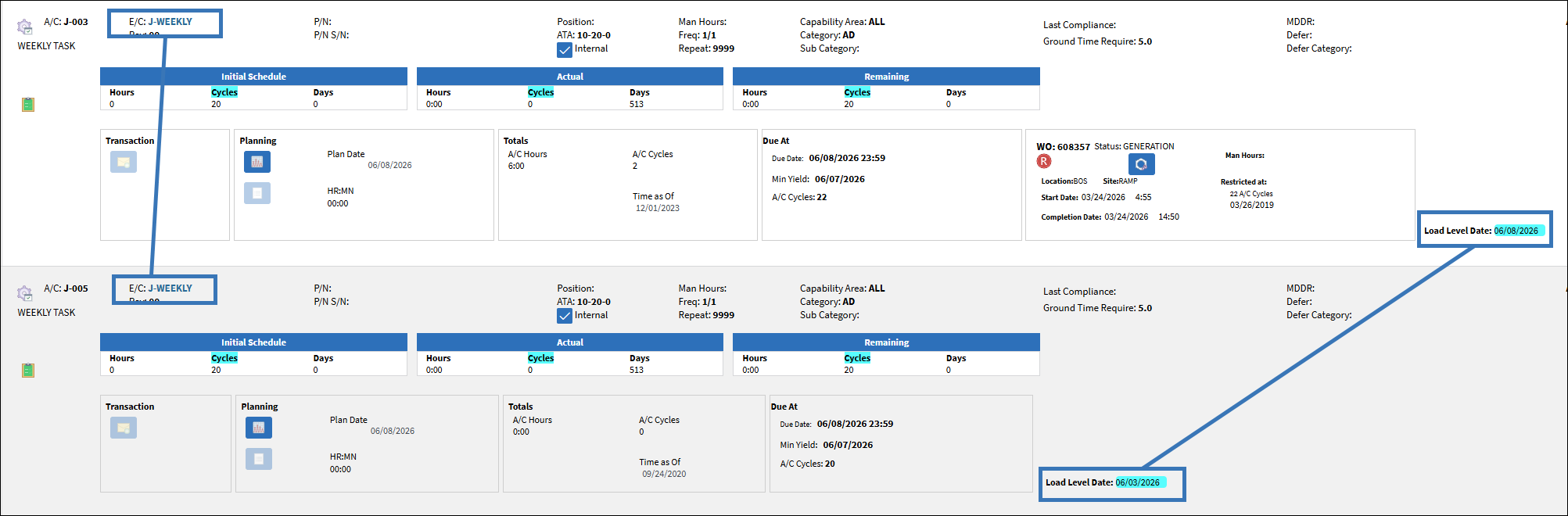
For example, two aircraft are scheduled with the same E/C named J-WEEKLY and the same due date of 06/08/2026. By checking the Load Level checkbox, different Load Level dates of 06/08/2026 and 06/03/2026 will appear in the Due List for those two aircraft.
Share
Print
|
©1997-2026 Trax USA Corp. All rights reserved. This manual may not be copied, photocopied, reproduced, translated, or converted to any electronic or machine-readable form, in whole or in part, without prior written approval from Trax USA Corp. |
 |